Free, in your browser, no watermark, no login
Sharpen Photos Online for Photographers
Add output sharpening to portraits, landscapes, and event shots without opening Lightroom. Dial in edge crispness on eyes, hair, and texture, then download the full-resolution result — free, in your browser, no watermark, no login.
Open Sharpen ToolSee the difference
Drag the slider to compare. This is an illustrative sample — run the tool on your own image for a real result.
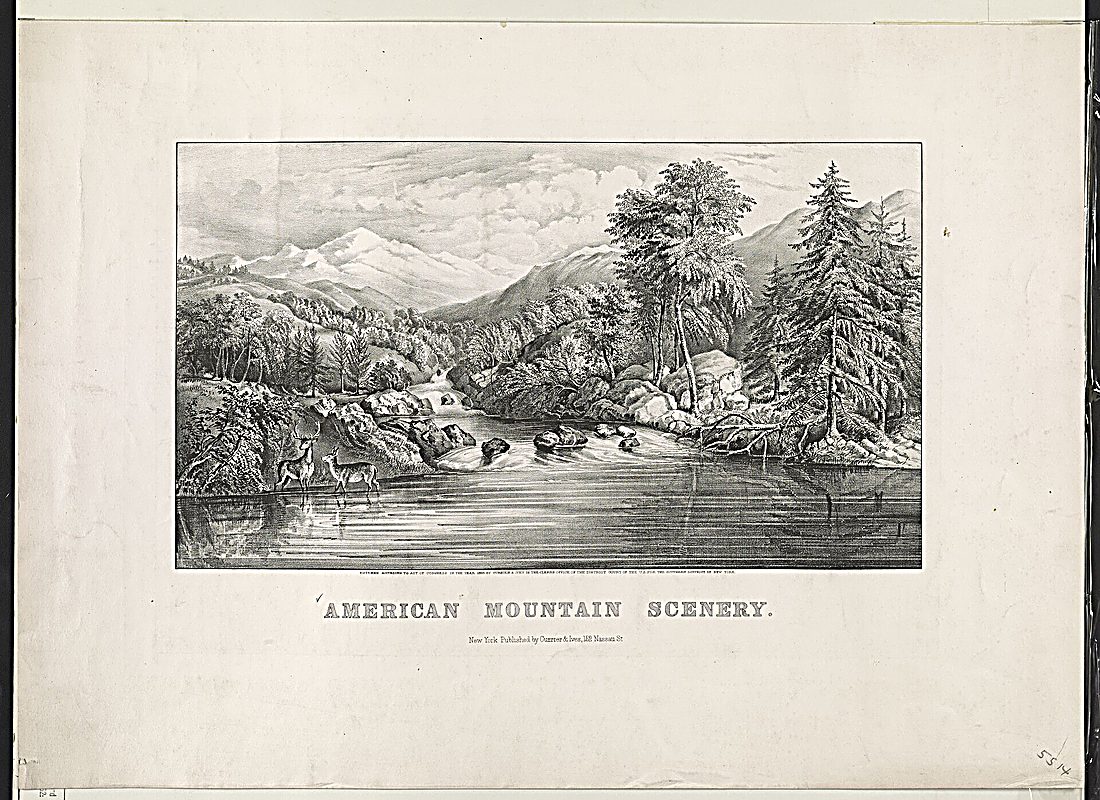
Pre-baked example — this page makes no AI call on load.
Why sharpen photographers photos
Add a quick output-sharpening pass before sending proofs to clients
Crisp up slightly soft focus on eyes, hair, and fabric texture
Sharpen straight in the browser when you are away from your editing desk
Keep full resolution on download — no watermark and no re-export from raw
Tips for the cleanest result
Sharpen last, after cropping and any resize, so the edge pass matches the final pixels
Use a light amount on portraits to avoid making skin texture look harsh
Zoom to 100% while adjusting so you can see when edges start to look over-sharpened
For prints, sharpen a little more than you would for screen — paper softens fine detail
Ready to sharpen your photographers photos?
Upload your photo, adjust the amount with a slider, and download the full-resolution result. Free, private, no signup.
Open Sharpen ToolFrequently Asked Questions
Will this fix an out-of-focus photo?
Does sharpening here use AI?
Is the photo sharpener free for professional use?
Related guides
Photo Editing Workflow for Beginners: From Upload to Final Output
A step-by-step workflow for editing, enhancing, and exporting photos using free online tools — no software installation required.
Read articleColor Theory for Photographers: Editing with Purpose
Discover how classic color theory drives practical edits, using complementary, analogous and split-complementary schemes, temperature tweaks, and selective.
Read articleBatch Photo Editing: Speed Up Your Workflow Without Sacrificing Quality
Edit dozens of photos consistently and efficiently using presets, sync tools, and smart export settings — a practical workflow guide for photographers and content creators.
Read articleMore sharpen use cases
Need more than sharpening? Smooth out grain with the photo denoiser, auto-balance the whole photo in one click with the photo enhancer, or enlarge a small image with the image upscaler.
Sharpen Photos Online for Photographers — free
No signup, no credits, no watermark. Adjust the amount and download the full-resolution result.
Open Sharpen Tool