Image Upscaler
2x & 4x Resolution
Free AI upscaling — enlarge any image 2x or 4x with crisp, natural detail. No signup, no credits, no watermark.
Got a photo that looks great until you make it bigger, then turns into a blurry mess? This tool uses AI to enlarge small or low-resolution images while keeping edges sharp and detail intact. Reach for it when an old picture is too tiny to print, a product shot needs to fill a larger space, or a logo pixelates the moment you scale it up. The result stays clean instead of smeared.
Want to clean and sharpen before upscaling? Our free Photo Enhancer is the ideal first step. It auto-contrasts, denoises, and sharpens so the AI upscaler has a cleaner signal to work with.
Drop your image here or click to upload
or click to browse
or press Ctrl+V to paste an image
See the upscaler in action
Drag each slider to compare the low-res original with the upscaled result.
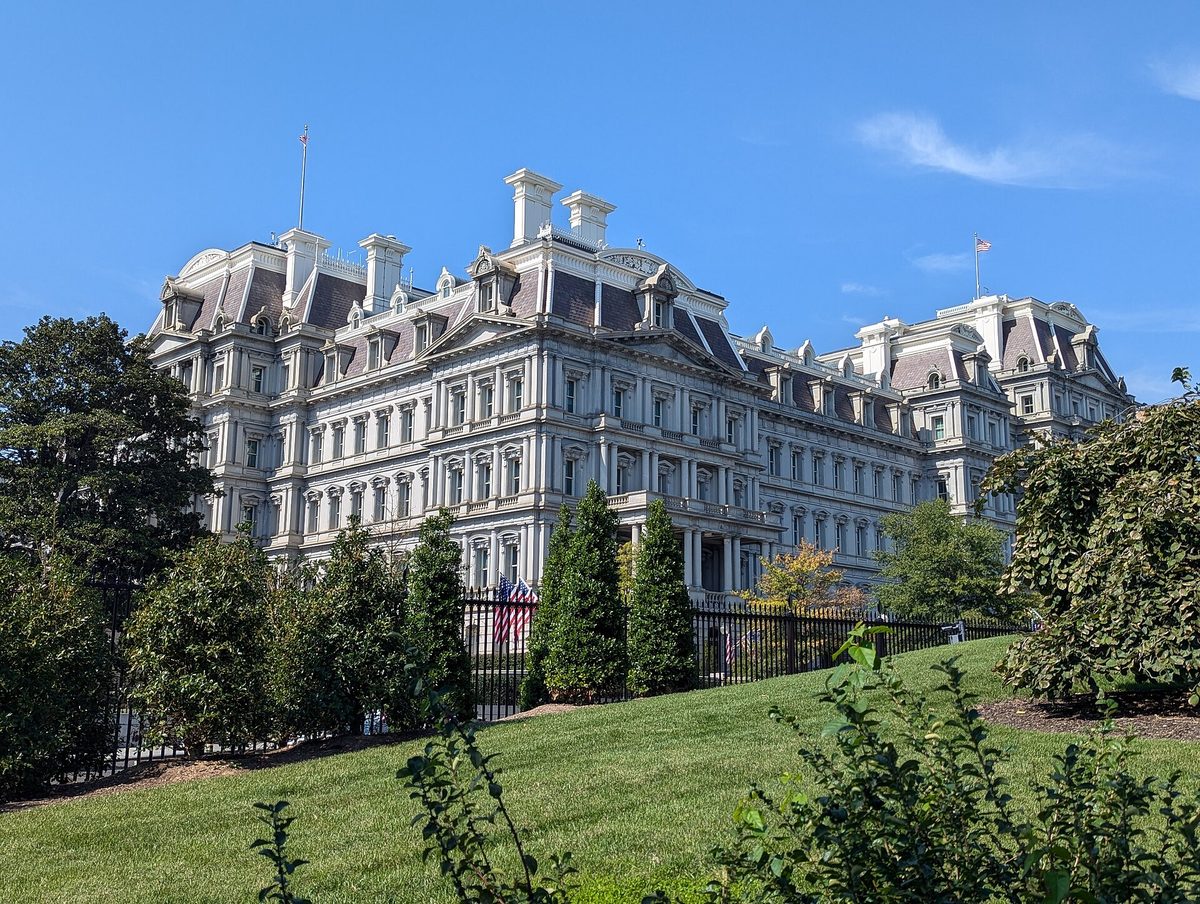
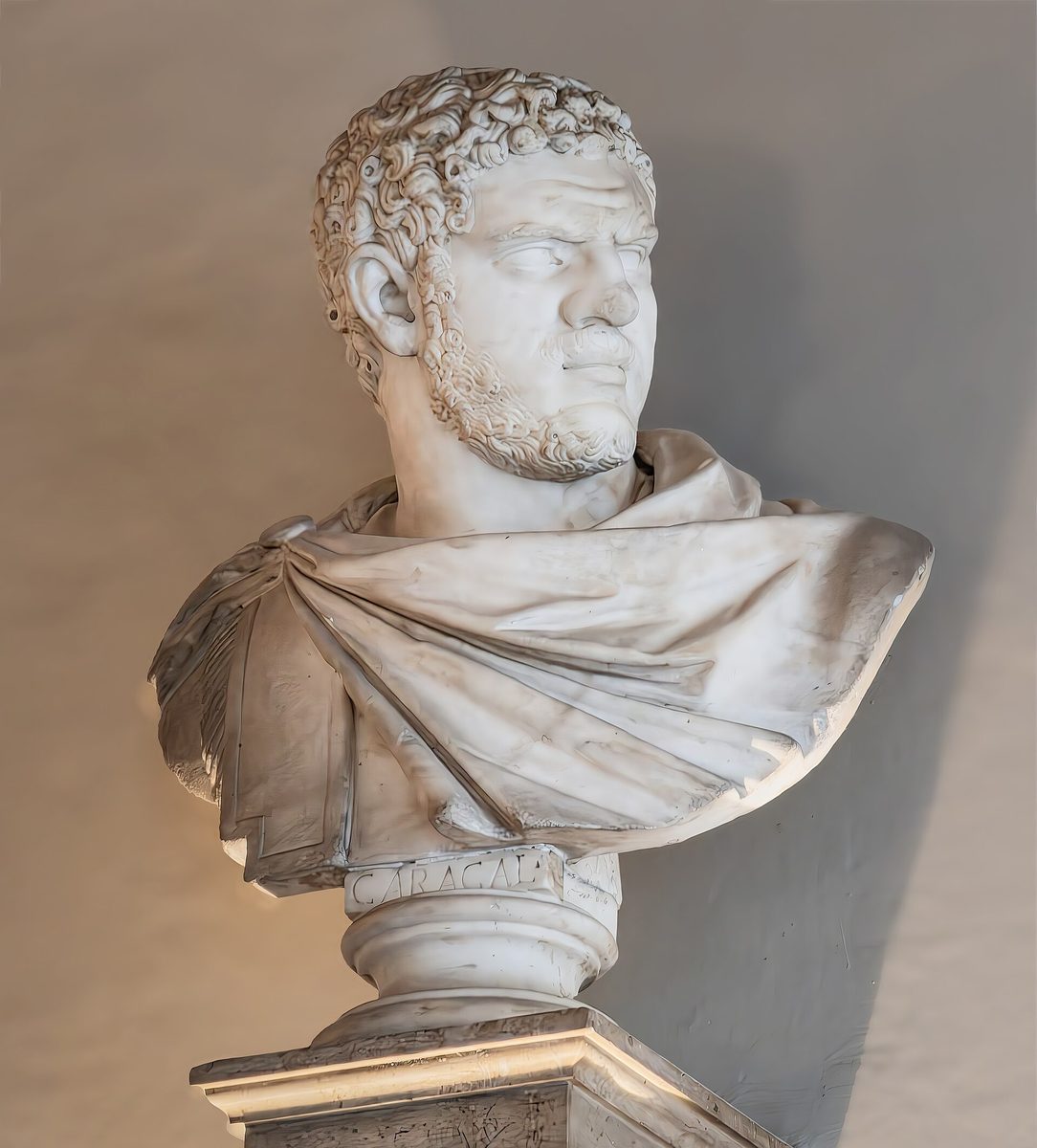
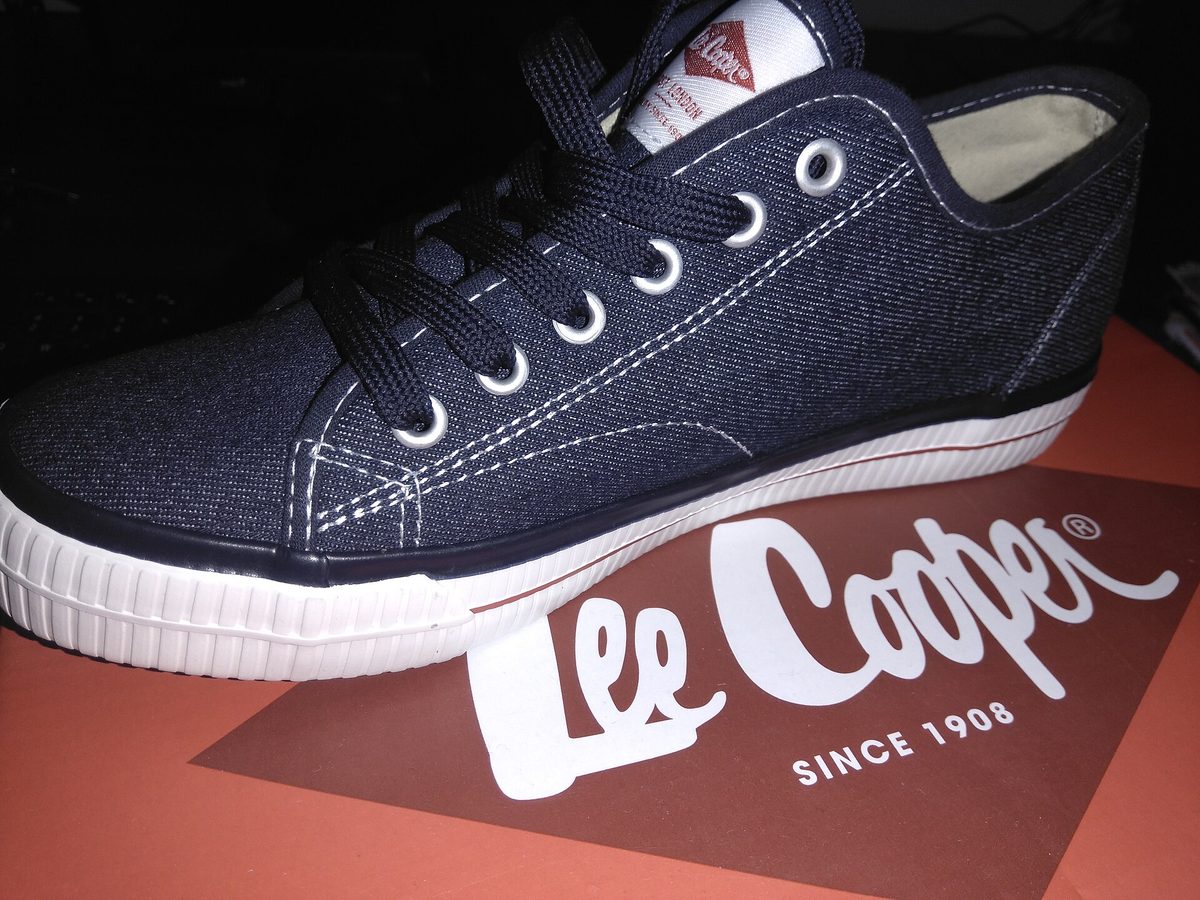
Real AI Super-Resolution
AI reconstructs genuine detail — not just a blurry stretch. Crisp results at 2x or 4x.
Free & Unlimited
Always free — no signup, no credits, no watermark.
Fast Results
Standard upscales finish in about 10–30 seconds. HD (4x) runs a heavier model and takes about a minute.
How to Upscale an Image
Upload your image (JPEG, PNG, WebP, or GIF).
Pick 2x or 4x scale factor.
Let the AI enhance and reconstruct detail.
Hit Upscale and download — free, no watermark.
Who Uses Image Upscaling?
Designers
Prepare images for print & web
Social Media
Sharper photos for posts
Printing
High-res for large prints
E-Commerce
Better product images
Free AI Image Upscaler & Enhancer — Enlarge Photos 2x & 4x
This free AI image upscaler and image enhancer enlarges any photo 2x or 4x with genuine detail recovery. No signup, no credits, no watermark, unlimited. Use it on its own for resolution increases, or pair it with the Photo Enhancer tool to clean and sharpen first, then add pixels.
How AI Upscaling Works
An AI super-resolution model is trained on millions of image pairs to learn how high-resolution detail corresponds to low-resolution input. When you upscale an image, the neural network analyzes textures, edges, and patterns to reconstruct detail that a simple resize would lose. The result is much sharper than traditional bicubic interpolation: text becomes readable, faces gain definition, and textures look natural rather than blurry.
When to Use 2x vs 4x Upscaling
2x upscaling is ideal for most use cases: social media posts, web graphics, presentations, and light print work. It doubles your image dimensions while maintaining excellent sharpness. 4x upscaling is best when you need maximum size — large prints, banners, or when your source image is very small. Keep in mind that 4x scales the pixel count by 16x, so results depend heavily on the source quality.
Tips for Best Results
- Start with the highest quality source image available
- PNG images produce better upscaling results than heavily compressed JPEGs
- For photos, 2x usually provides the best quality-to-size ratio
- For illustrations, logos, and text, 4x works great due to clean edges
- Consider using our image merger to combine upscaled images into collages
- Before upscaling, sharpen and clean the source with our free Photo Enhancer for better AI results Photo Enhancer
Choose The Right Tool
Why this page exists
Use image upscaler when size and sharpness matter more than layout. It is the follow-up tool for exports that need to look cleaner at larger dimensions.
Best for
- Low-resolution photos that need to be sharper
- Merged or collaged images that need a higher-resolution export
- Print, ecommerce, and presentation assets that need more detail
Related tools people usually need next
Background Remover
Remove backgrounds with AI
Remove the background first when you need a cleaner source before upscaling.
Old Photo Restoration
Restore old photos with free tools
Upscaling an old photo? See the full free repair → clarity → upscale workflow.
Profile Picture Maker
Create perfect PFPs
Take the sharper result and turn it into a polished profile photo.
Image enhancement tools
Clean up, sharpen, and enlarge — all free
Chain these browser-based tools on the same photo. No upload, no signup, no watermark.
Image Upscaler FAQ
An image upscaler is a tool that increases the resolution and size of an image while maintaining or improving quality. Our free image upscaler uses AI super-resolution to reconstruct detail and enlarge your photos by 2x or 4x.
Upload your image to our upscaler, select your desired scale factor (2x or 4x), and click 'Upscale Image'. Basic upscaling is free and runs in your browser. AI upscaling uses a super-resolution model for better quality. It is completely free and unlimited, with no signup and a full-resolution download.
Our upscaler uses multi-step processing and automatic sharpening to minimize quality loss. For best results, start with the highest quality source image available. 2x upscaling generally produces excellent results.
2x doubles your image dimensions (e.g., 500x500 becomes 1000x1000). 4x quadruples them (500x500 becomes 2000x2000). 2x provides sharper results, while 4x is better when you need maximum size.
In AI mode, your image is sent over HTTPS to our server and to the AI provider that runs the model. We keep no copy once your result is back, and it is never sold or used to train models. In Basic mode, everything happens in your browser and your photos never leave your device. Choose the mode that fits your privacy needs.
Our upscaler supports JPEG, PNG, WebP, and GIF formats. The upscaled output is saved as a high-quality PNG file to preserve maximum detail and support transparency.
Processing time depends on the image size and your device. Most images are upscaled in 1-5 seconds. Larger images or 4x scaling may take slightly longer on mobile devices.
Currently, our tool processes one image at a time for optimal quality. Upload a new image after downloading your upscaled result to process the next one.
There's no strict file size limit. However, very large images (over 4000px in either dimension) may be slow to process at 4x scale due to browser memory constraints. We recommend starting with images under 2000px for 4x upscaling.
Our upscaler uses an AI super-resolution model of the same kind professional upscaling tools use. It recovers genuine detail rather than just stretching pixels. We also offer a Basic mode that processes entirely in your browser for maximum privacy.
Yes! Upscaling is perfect for preparing images for print. A 2x upscale of a 1000x1000 image produces a 2000x2000 result, suitable for high-quality prints up to 6.7x6.7 inches at 300 DPI.
Yes, the upscaler works in all modern mobile browsers. AI mode runs on our servers, so your phone only uploads the image and downloads the result. Basic mode runs on your device, so its speed depends on your phone or tablet.
AI upscaling can occasionally smooth fine texture on already-soft or heavily compressed sources. Try 2x instead of 4x, which is gentler and keeps more natural texture, and start from the sharpest original you have. For photos that look airbrushed, a single 2x pass usually preserves more authentic detail than going straight to 4x.
Yes. The upscaler handles illustrations, anime, and AI-generated art well, sharpening line work and enlarging without the blur you'd get from a plain stretch. It is a popular way to bring AI art to print or wallpaper resolution.
To a degree, yes. The AI model was trained to reconstruct clean detail, so it smooths over mild JPEG blocking and noise as it enlarges. It won't fully restore a badly degraded image, but a moderately compressed photo usually comes out noticeably cleaner as well as larger.