Photo Collage
Maker
Create beautiful photo collages with flexible grid layouts. Perfect for social media posts, memories, and creative projects.
Arrange your photos in clean grid layouts, adjust spacing and aspect ratio, then download your collage — free and right in your browser.
Choose a Layout
Add Your Photos(0/4)
Collage Settings
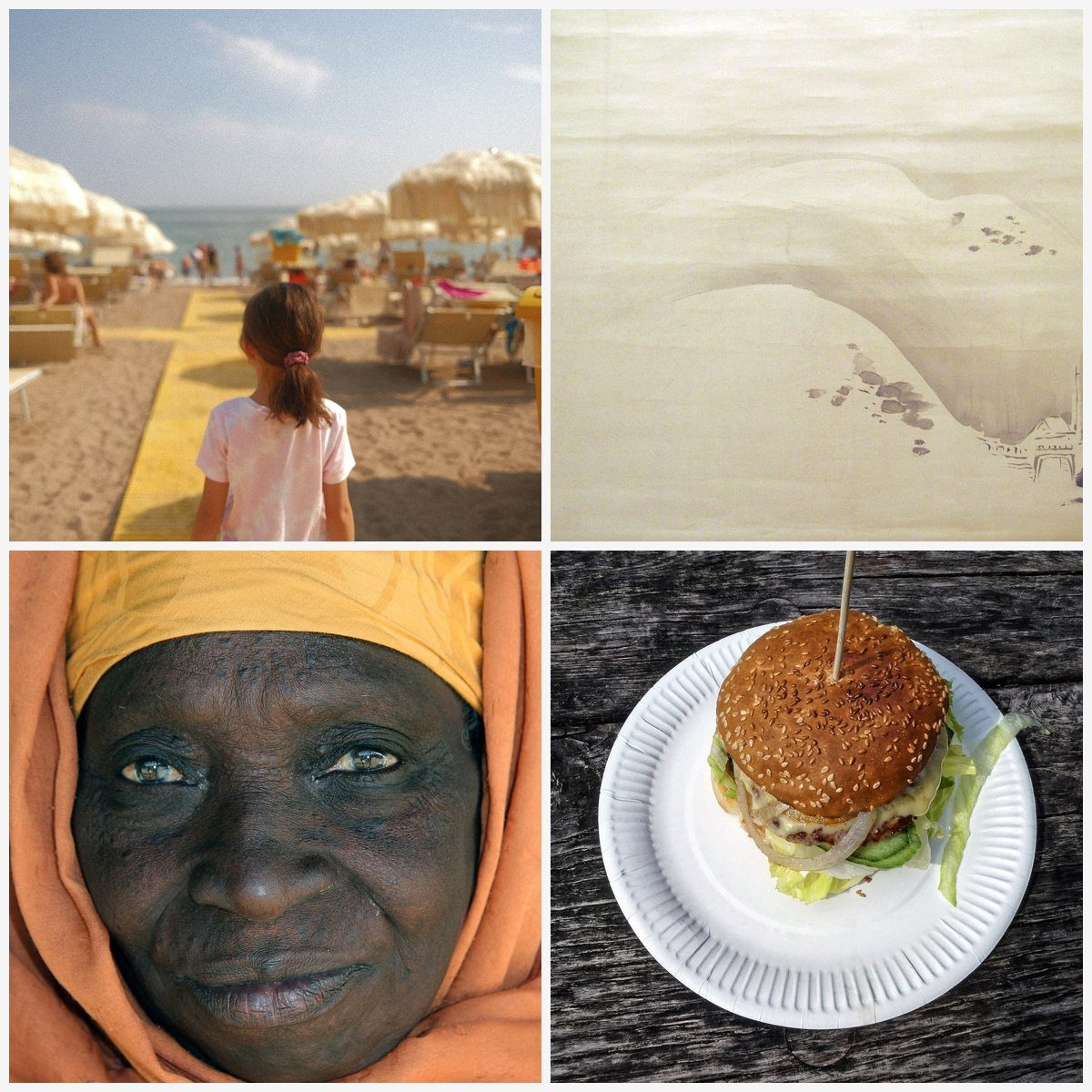
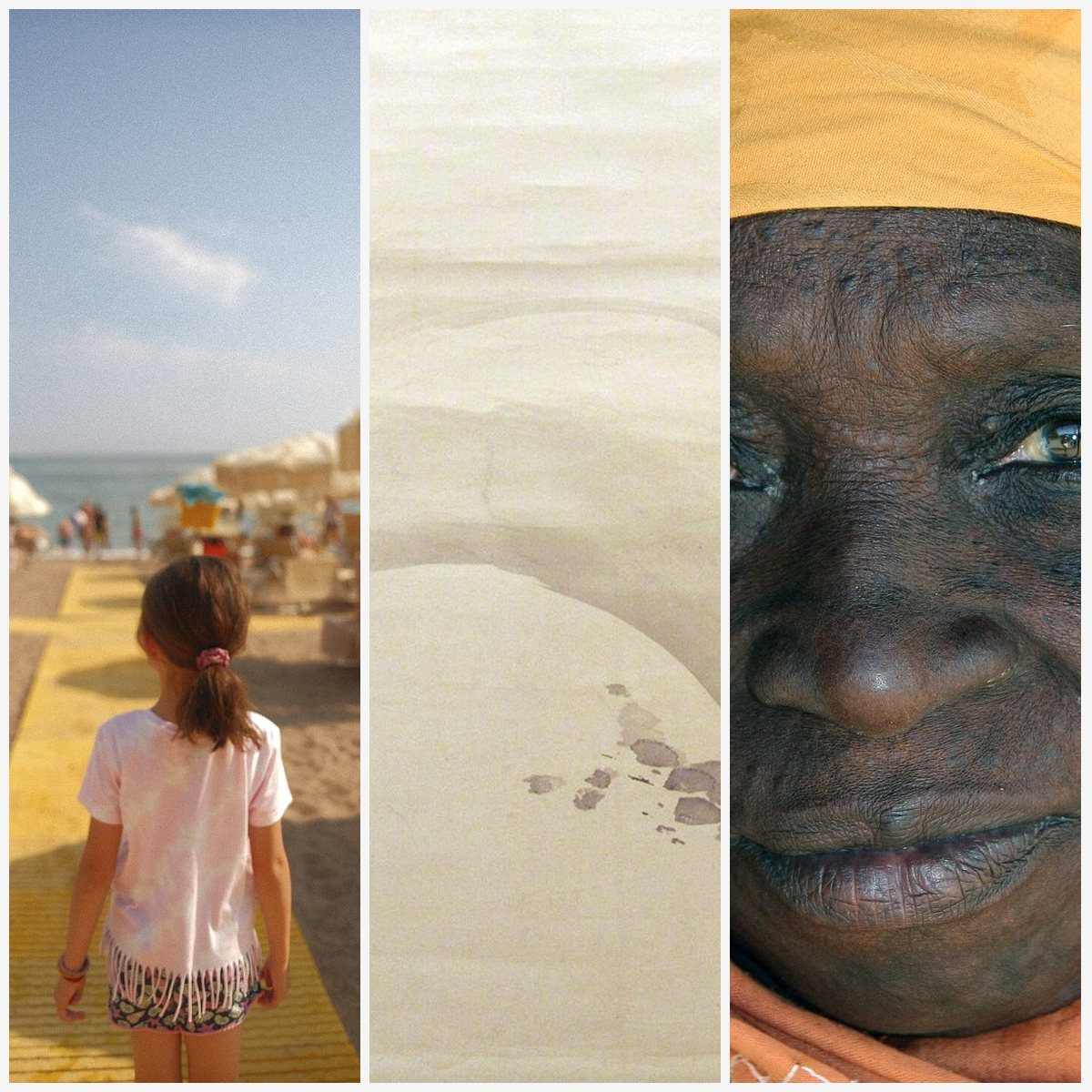
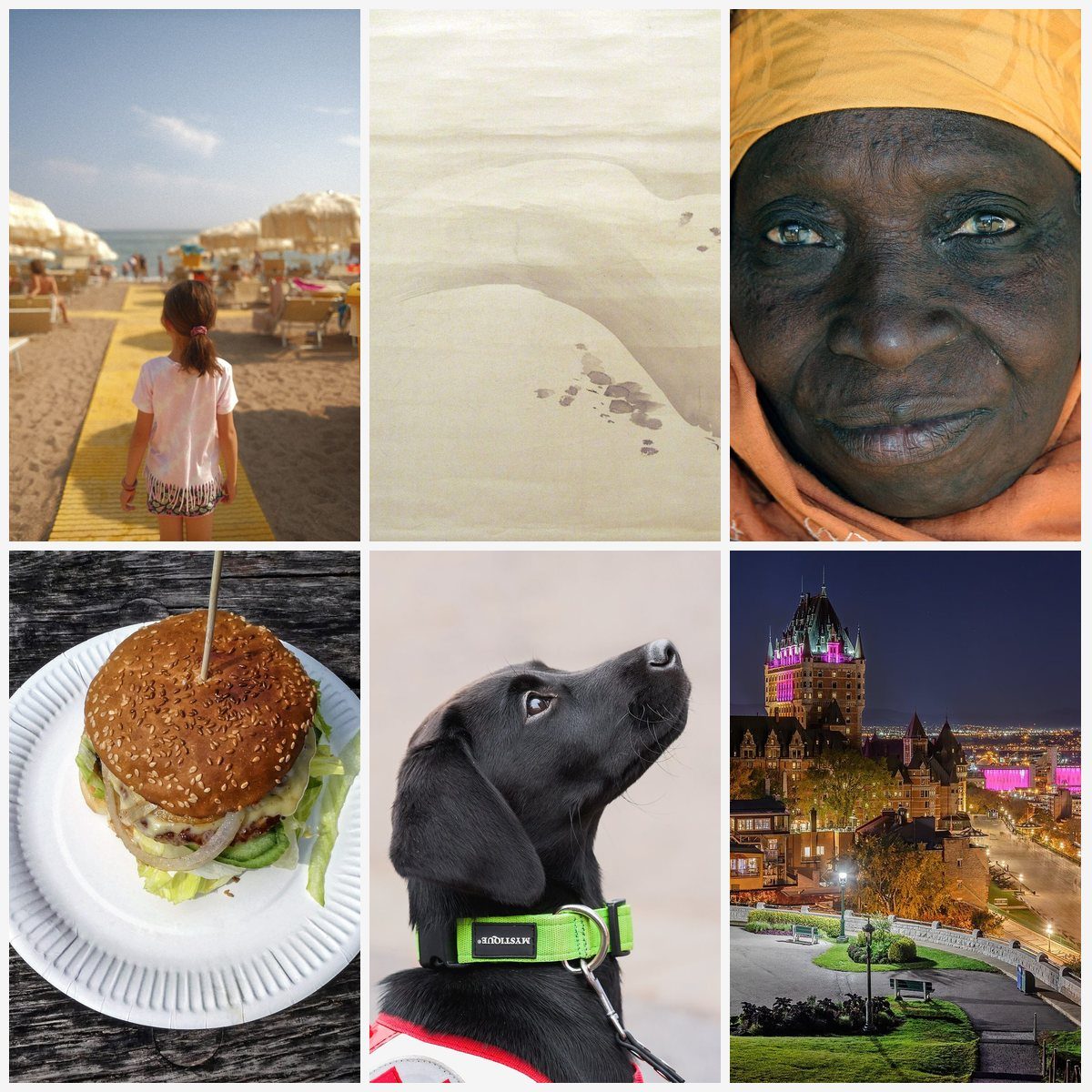
Collage examples
A few layouts to inspire your next collage.
80+ Templates
Professional layouts for 2-12 photos. Grids, mosaics, scattered overlaps, stacked cards, and more.
No Watermarks
Download clean, high-quality collages. 100% free, no signup, complete browser privacy.
Instant Download
Get your collage in seconds. PNG, JPEG, or WebP output up to 4000px wide.
How to Make a Photo Collage
Choose a Template
Browse 80+ templates organized by photo count. Pick the layout that fits your vision.
Upload Photos
Click on each cell to add your photos. Drag and drop or click to browse your files.
Customize Style
Adjust spacing, background color, border radius, and choose your output format.
Download Collage
Click 'Create Collage' to render and download your creation instantly.
Perfect For
Instagram Posts
Square & portrait collages
Memory Albums
Vacation & event photos
Creative Projects
Art & design layouts
Social Media
All platforms supported
Free Photo Collage Maker — Create Stunning Photo Grids Online
Looking for the easiest way to combine multiple photos into one beautiful image? Our free photo collage maker lets you create professional-quality photo grids, side-by-side comparisons, and creative photo arrangements — all directly in your browser with zero software to install.
110+ Professional Collage Templates
Choose from over 110 professionally designed templates covering every layout you need. From simple 2-photo side-by-side layouts to complex 12-photo grids, plus creative options like circles, hearts, hexagons, diamonds, scattered overlaps, stacked cards, magazine layouts, mosaics, and more. Each template uses intelligent cover-fit cropping to ensure your photos look great regardless of their original dimensions.
Why Choose Our Photo Collage Maker?
Unlike other collage tools that require signups, add watermarks, or limit your exports, MergeImages.net is 100% free with no restrictions. Your photos never leave your device — all processing happens locally in your browser using the HTML5 Canvas API. This means faster results and complete privacy.
Photo Collage Ideas for Every Occasion
- Travel memories: Combine your best vacation shots into a single panoramic collage
- Before & after: Show transformations with side-by-side photo comparisons
- Event recaps: Create photo grids from weddings, birthdays, or family gatherings
- Product showcases: Display multiple product angles in one professional image
- Social media content: Build eye-catching Instagram carousels and Facebook posts
- Real estate listings: Combine multiple room photos into a single property overview
Tips for Social Media Collages
For Instagram feed posts, use the Classic Grid (2x2) or Big Top templates for a clean, square-friendly layout. For Facebook covers, the Film Strip template creates a perfect wide panoramic collage. For Pinterest pins, go with the 2x3 Grid or Magazine templates to maximize vertical engagement. Adjust canvas width to 1080px for social media or 3000px+ for print-quality output.
Need another layout? Try the photo joiner or photo collage maker, or open the main merge images tool.
Choose The Right Tool
Why this page exists
Use the collage maker when you want a grid or template layout, not just a simple strip of images.
Best for
- Instagram grids, Pinterest-style layouts, and memory boards
- More than one composition option for the same set of photos
- A designed layout that feels more like a poster than a merge
Related tools people usually need next
Combine Photos
Merge multiple images into one
Choose this instead when you only need one quick combined image without templates.
Horizontal Merge
Side-by-side image joining
Skip the grid and place your photos side by side in one wide row.
Vertical Merge
Stack images top to bottom
Stack the same photos top to bottom for a long, scrollable image.
Photo Joiner
Join photos seamlessly
Prefer a plain joined result over a designed grid? Join the photos directly.
Profile Picture Maker
Create perfect PFPs
Turn a single portrait from your collage set into a polished avatar.
Image Upscaler
Upscale images 2x & 4x
Upscale the finished collage for sharper sharing or printing.
Photo Collage Maker FAQ
A photo collage maker is a tool that combines multiple photos into a single image arranged in creative layouts like grids, mosaics, or custom arrangements. It's perfect for creating memories, social media posts, or artistic compositions.
Choose a template or use simple merge mode, upload your photos, customize spacing and colors, then download your finished collage. No software installation needed!
For Instagram feed posts, use a 1:1 square (1080x1080px) or 4:5 portrait (1080x1350px) collage. For Stories, use 9:16 vertical (1080x1920px). Our templates are optimized for social media.
Yes! Our collage maker automatically handles photos of different sizes and aspect ratios. Photos are cropped to fill their template cells while maintaining the best composition.
Our 110+ templates support 2 to 12 photos. In simple merge mode, you can add unlimited photos. For best visual results, we recommend 2-12 photos per collage.
Yes, completely free! No watermarks, no signup required, no hidden fees. All image processing happens in your browser for complete privacy.
We offer 110+ professionally designed templates across all photo counts — from simple 2-photo layouts to complex 12-photo grids, plus creative layouts like circles, hearts, hexagons, diamonds, scatter, and more.
We support all major image formats including JPEG, PNG, WebP, and GIF. You can choose PNG, JPEG, or WebP as your output format with adjustable quality settings.
Use a wide template like Film Strip (4:1) or Side by Side, then download your collage. Facebook cover dimensions are 851x315 pixels. Our horizontal templates work great for covers.
Templates let you choose a pre-designed layout where photos are placed in specific cells with cover-fit cropping. Simple merge places photos side by side (horizontal) or stacked (vertical) at their original sizes.
A grid arranges photos in equal-sized cells (like 2x2 or 3x3), while a collage can have varied sizes and creative arrangements. Our tool supports both with dedicated templates for each style.
For print, use high-resolution source photos (at least 300 DPI). Our tool preserves image quality in the output. Set canvas width to 3000px+ for large prints.
Ready to Create Your Collage?
Choose a template and start creating — completely free, no signup needed.
More image-merge tools
Free, in-browser, no signup. Pick the layout that fits your photos.
Merge Images
The main merge images tool. Combine photos side by side or stacked, free.
Photo Joiner
Join 2+ photos side by side, stacked, or in a collage layout.
Horizontal Image Merge
Merge photos in a single horizontal row for wide-format output.
Vertical Image Merge
Stack photos top-to-bottom for long-format Instagram Stories etc.
Combine Photos Online
Drag, drop, and combine multiple photos with custom spacing.