Free · No signup
AI Upscaler for Old & Scanned Photos
Bring small, soft, scanned family photos back to a usable size. Enlarge old prints 2x or 4x and recover edge detail so faces and backgrounds read clearly — free, private, no watermark.
Open the upscalerSee the difference
Drag the slider to compare the low-res original with the upscaled result.
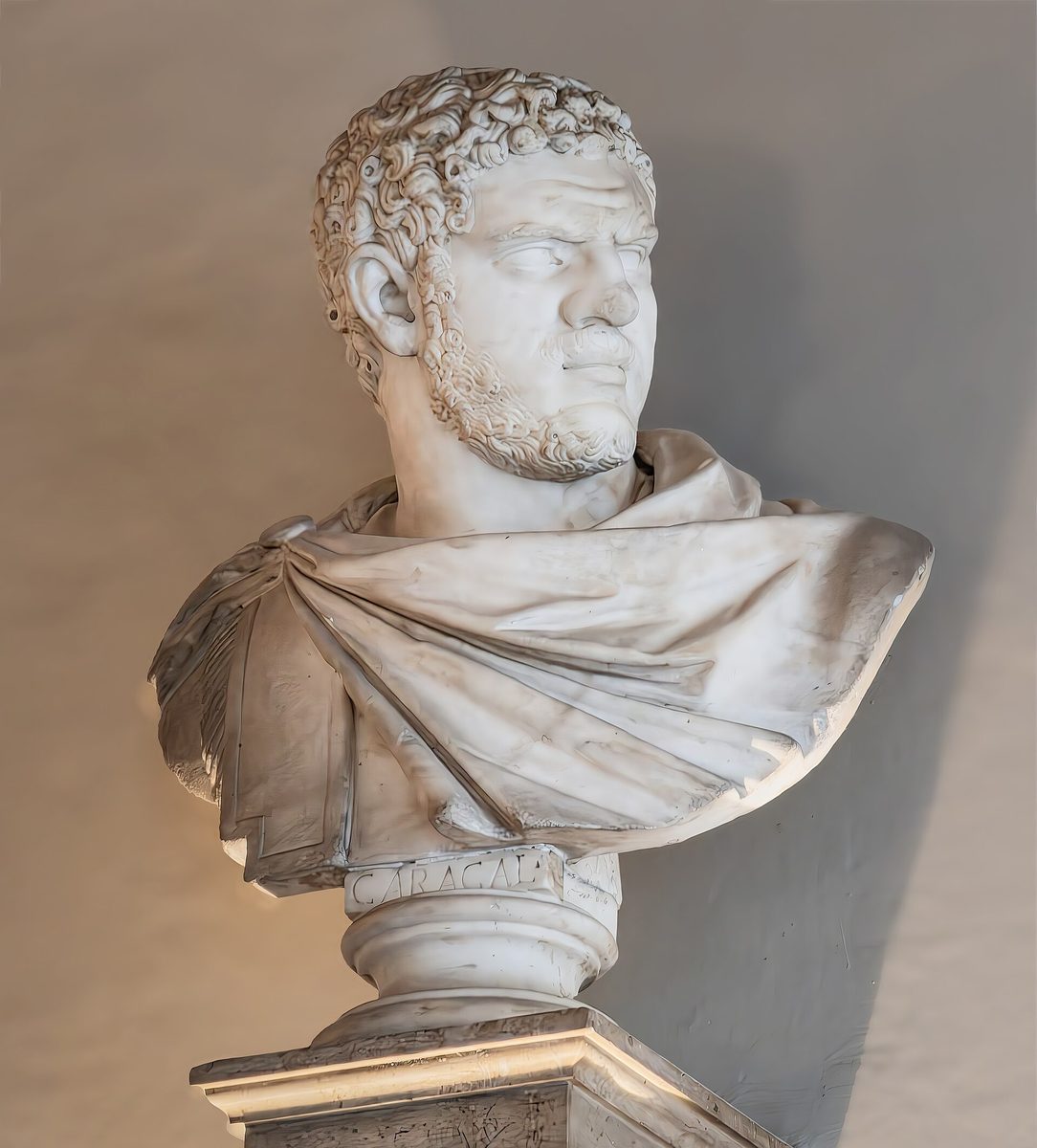
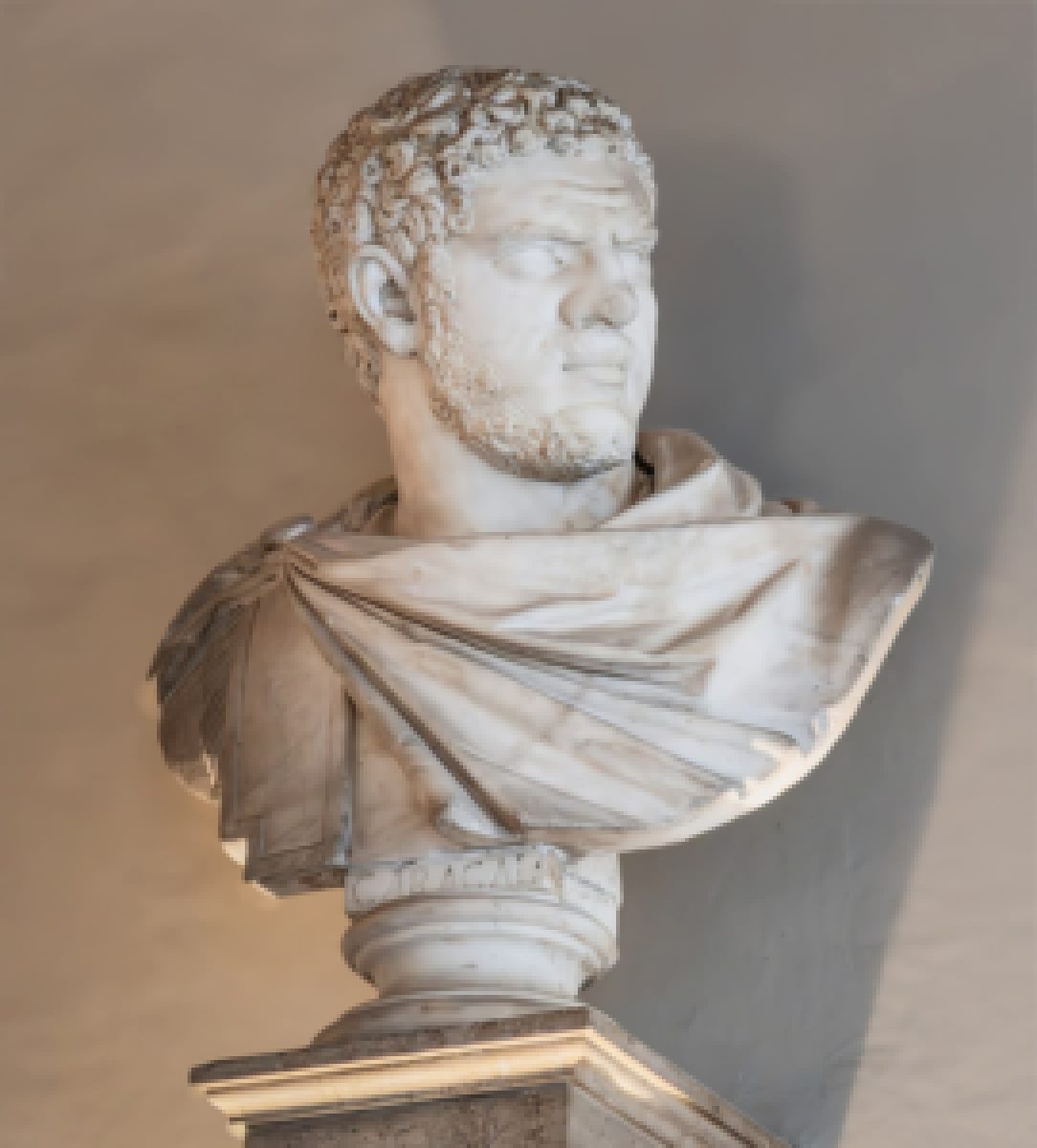
Illustrative example — run the upscaler on your own image for a real result.
Why upscale old photos
Enlarge tiny scanned prints to a size you can frame or reprint
Recover edge detail in faces softened by age or a low-resolution scanner
Prepare heirloom photos for sharing on social media without them looking blocky
Keep originals private — processing is fast and the download is full resolution
Tips for the best results
Scan at the highest DPI your scanner offers first, then upscale the result
Use 4x for very small wallet-sized prints; 2x is plenty for postcard sizes
Upscale before any color or contrast edits so the tool has the most detail to work with
For black-and-white prints, try the colorize tool afterwards to add a tint
Ready to upscale old photos?
Upload your photo, choose 2x or 4x, and download the full-resolution result. Free, private, no signup.
Open the image upscalerFrequently Asked Questions
Can the upscaler fix a blurry old photo?
Do you store my family photos?
What size should I upscale an old print to?
Related guides
How to Restore Old Photos with AI: Upscale, Sharpen, and Repair Vintage Images
Breathe new life into old family photos. Learn how AI upscaling recovers lost detail from faded, low-resolution vintage images.
Read articleHow to Colorize Old Black and White Photos Online for Free
Bring family history to life by colorizing black and white photos online. Learn which AI colorization tools work best, how to improve quality before colorizing, and tips for realistic results.
Read articleOther use cases
Working on a full edit? Pair the upscaler with our background remover, sharpen tool, image compressor, and image resizer.
Upscale Old Photos now
Free, private, and right in your browser — no signup required.
Open Image Upscaler