Free · No signup
AI Upscaler for Logos & Graphics
Enlarge small raster logos and graphics so they stay clean on banners, print, and large displays. Upscale 2x or 4x to recover crisp edges — free, no signup, no watermark.
Open the upscalerSee the difference
Drag the slider to compare the low-res original with the upscaled result.
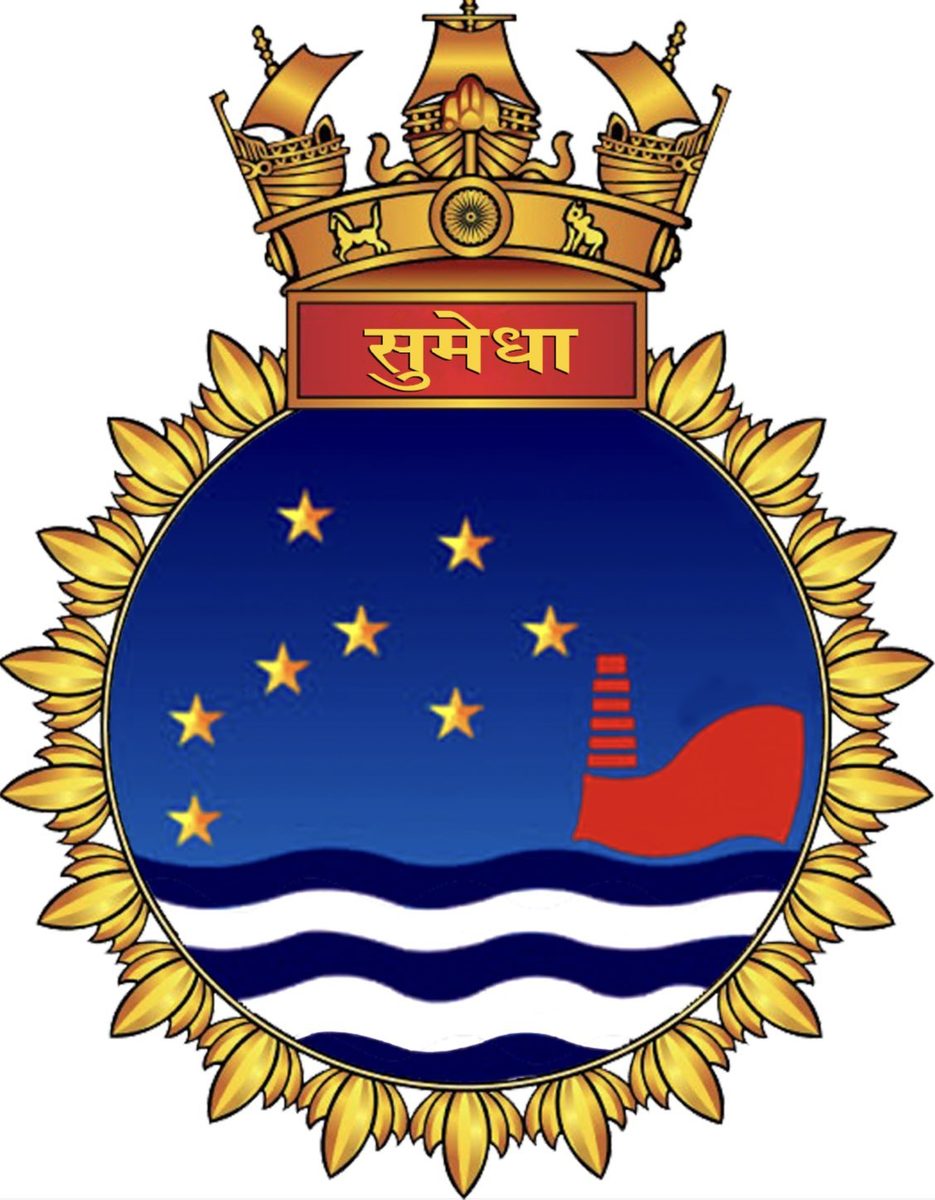
Illustrative example — run the upscaler on your own image for a real result.
Why upscale logos
Recover clean edges on a small PNG or JPG logo you no longer have the source file for
Enlarge graphics for banners, signage and large-format print
Make icons and badges crisp on Retina and 4K screens
Avoid blocky, pixelated edges when scaling a logo up for a new use
Tips for the best results
If you have a vector (SVG) source, scale that instead — vectors are infinitely sharp
For raster-only logos, upscale 4x to give yourself the most clean detail
Upscale before placing the logo on a colored background or banner layout
A logo on a flat background upscales cleanest — busy backgrounds add noise
Ready to upscale logos?
Upload your photo, choose 2x or 4x, and download the full-resolution result. Free, private, no signup.
Open the image upscalerFrequently Asked Questions
Can I turn a small logo into a high-resolution one?
Should I upscale a logo or convert it to SVG?
Is the logo upscaler watermark-free?
Related guides
Other use cases
Working on a full edit? Pair the upscaler with our background remover, sharpen tool, image compressor, and image resizer.
Upscale Logos now
Free, private, and right in your browser — no signup required.
Open Image Upscaler