Free, in your browser, no watermark, no login
Sharpen Product Photos for Ecommerce
Make product details read clearly on Amazon, Shopify, and Etsy. A light sharpening pass brings out stitching, texture, and edges so buyers see exactly what they are getting — free, browser-based, no watermark.
Open Sharpen ToolSee the difference
Drag the slider to compare. This is an illustrative sample — run the tool on your own image for a real result.
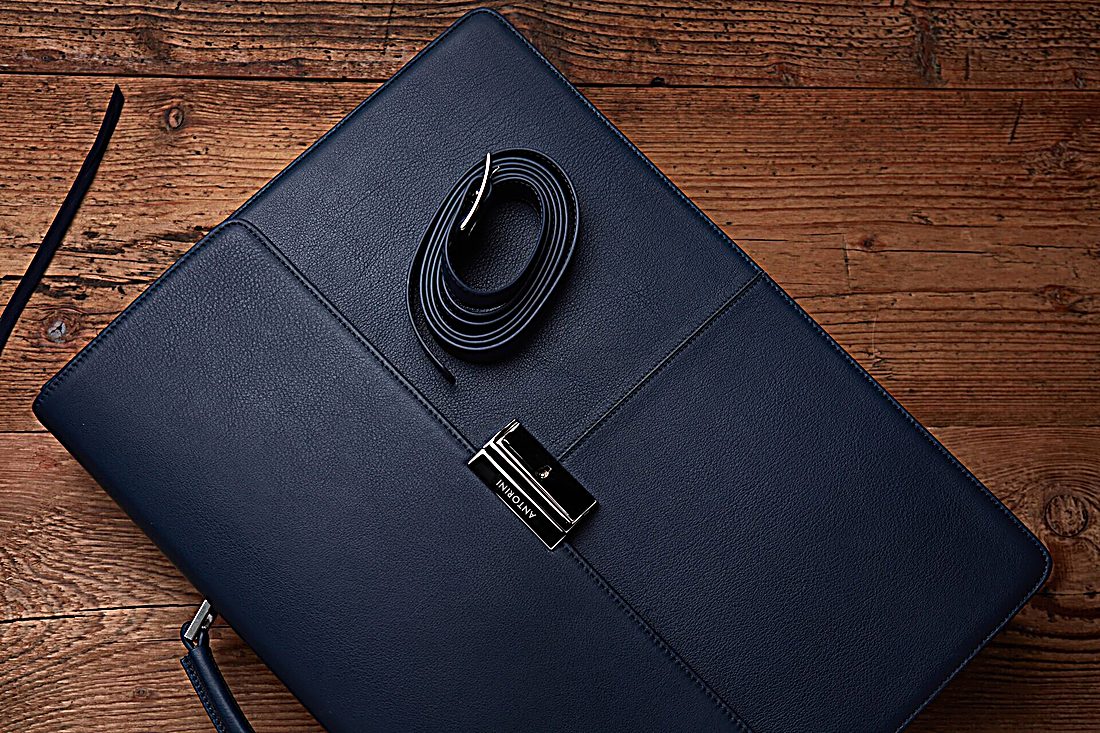
Pre-baked example — this page makes no AI call on load.
Why sharpen ecommerce products photos
Make material texture and stitching read clearly in the main listing image
Crisp up phone-shot product photos so detail shots look intentional
Help the zoom view on Amazon and Shopify show sharp, trustworthy detail
Sharpen a whole catalog one image at a time, free and with no watermark
Tips for the cleanest result
Sharpen after resizing to the platform’s required dimensions, not before
Keep the amount modest on glossy or reflective products to avoid harsh edges
Sharpen first, then run a compress pass to stay under each platform’s file-size cap
Shoot in even light — clean, well-lit edges sharpen better than noisy ones
Ready to sharpen your ecommerce products photos?
Upload your photo, adjust the amount with a slider, and download the full-resolution result. Free, private, no signup.
Open Sharpen ToolFrequently Asked Questions
Will sharpening make my product look different from the real item?
Can I sharpen photos for Amazon and Shopify zoom?
Is the product photo sharpener free?
Related guides
Merge Product Photos for E-commerce: Boost Sales with Better Images
Learn how to combine multiple product photos into compelling images that increase conversions on Amazon, Etsy, Shopify, and more.
Read articleProduct Photography Background Ideas for Better E-commerce Sales
Explore 10 product photography background ideas — white seamless, lifestyle scenes, textured surfaces, and more — plus how to digitally swap backgrounds for any platform.
Read articleDIY Product Photography: Build a Home Studio on Any Budget
Learn how to set up a professional-grade product photo studio at home using foam-core lightboxes, a simple backdrop stand, natural or LED lighting, and free.
Read articleMore sharpen use cases
Need more than sharpening? Smooth out grain with the photo denoiser, auto-balance the whole photo in one click with the photo enhancer, or enlarge a small image with the image upscaler.
Sharpen Product Photos for Ecommerce — free
No signup, no credits, no watermark. Adjust the amount and download the full-resolution result.
Open Sharpen Tool