Free, in your browser, no watermark, no login
Enhance Photos for Printing
Balance exposure and crispness so photos look their best on paper, canvas, and photo gifts. One click auto-corrects dull contrast before you send a file to print — free, in your browser, no watermark.
Open Photo EnhancerSee the difference
Drag the slider to compare. This is an illustrative sample — run the tool on your own image for a real result.
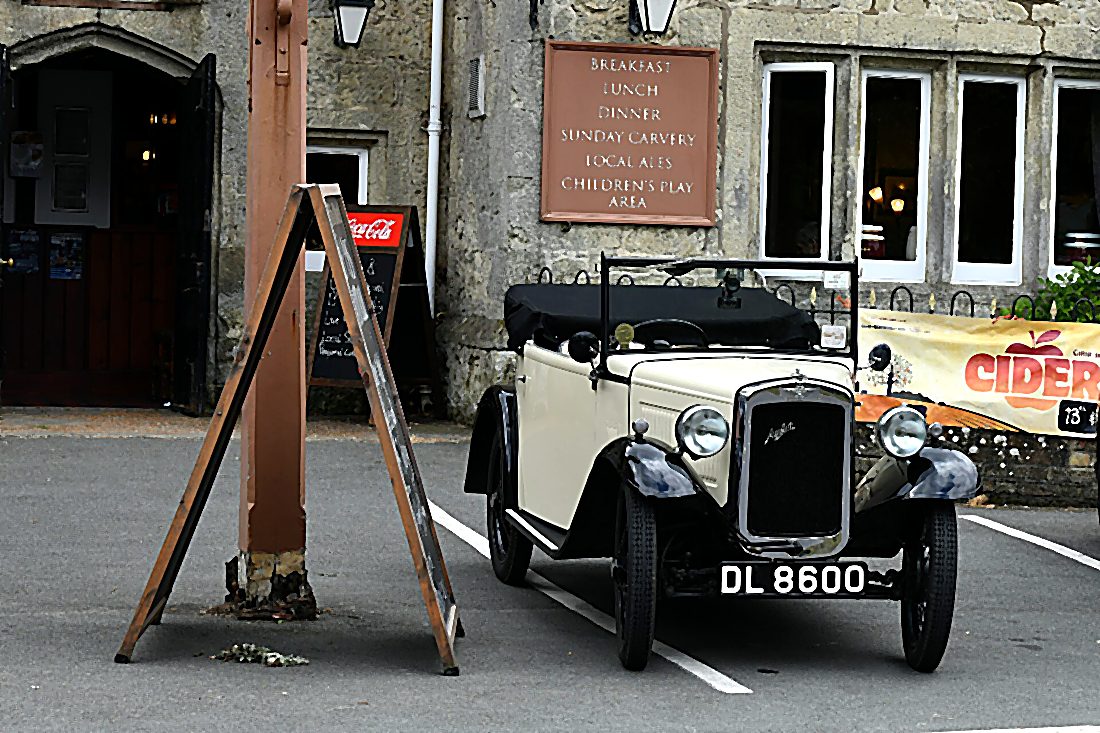

Pre-baked example — this page makes no AI call on load.
Why enhance prints photos
Auto-balance dull contrast so prints do not come out flat or muddy
Add a touch of crispness, which paper tends to soften
Get a consistent look across a set of photos for an album or photo book
Enhance in the browser with no install, no watermark, and full resolution
Tips for the best result
Enhance after resizing to your final print dimensions, not before
Print labs darken slightly — a small brightness lift often prints closer to the screen
Export at full resolution and the highest quality so the lab has clean pixels
Pair with the image upscaler first if the photo is below your print’s DPI target
Ready to enhance your prints photos?
Upload your photo, click Enhance, and download the full-resolution result. Free, private, no signup.
Open Photo EnhancerFrequently Asked Questions
Why do my photos look worse when printed?
Does enhancing change the resolution for printing?
Is the print photo enhancer free?
Related guides
Print Quality Merged Images: Resolution and Format Guide
Merged collages print sharp at 300 PPI, or 150 for large posters. Size, colour space, bleed and file format, checked against real print vendors.
Read articlePrepare Images for Printing: DPI and File Format Guide
Get sharp prints every time: learn the 300 DPI pixel formula, sRGB vs CMYK color space truth, bleed setup, and JPEG quality settings for photo labs.
Read articlePhoto Gift Ideas: Print Specs for Every Format (2026)
Turn your best photos into lasting personalized gifts. Verified print specs and DPI requirements for canvas, photo books, mugs, and more, July 2026.
Read articleMore enhance use cases
Want finer control? Crisp up edges with the photo sharpener, smooth out grain with the photo denoiser, or enlarge a small image with the image upscaler.
Enhance Photos for Printing — free
No signup, no credits, no watermark. Click Enhance and download the full-resolution result.
Open Photo Enhancer