Free, full-resolution, no watermark, no login, unlimited
Add a Gold Background to Any Photo
Remove the background and drop in a clean, solid gold field -- rich and warm for luxury brands, jewelry photography, awards graphics, and premium packaging. The AI cuts out your subject, then you set the background to any gold shade using the hex picker. Deep antique gold (#B8860B), classic gold (#D4AF37), and bright yellow-gold (#FFD700) all render as a flat solid fill -- free, full-resolution, no watermark, no login.
The tool fills a flat, solid gold colour. It does not produce a metallic sheen, foil texture, or reflective surface -- those effects require a gradient or texture file. For a metallic gold backdrop, remove your subject with this tool first, then upload your own gold-foil or gradient image as the new background. The solid flat fill is what the colour picker delivers.
See the difference
Drag the slider to compare. This is an illustrative sample — run the tool on your own image for a real result.
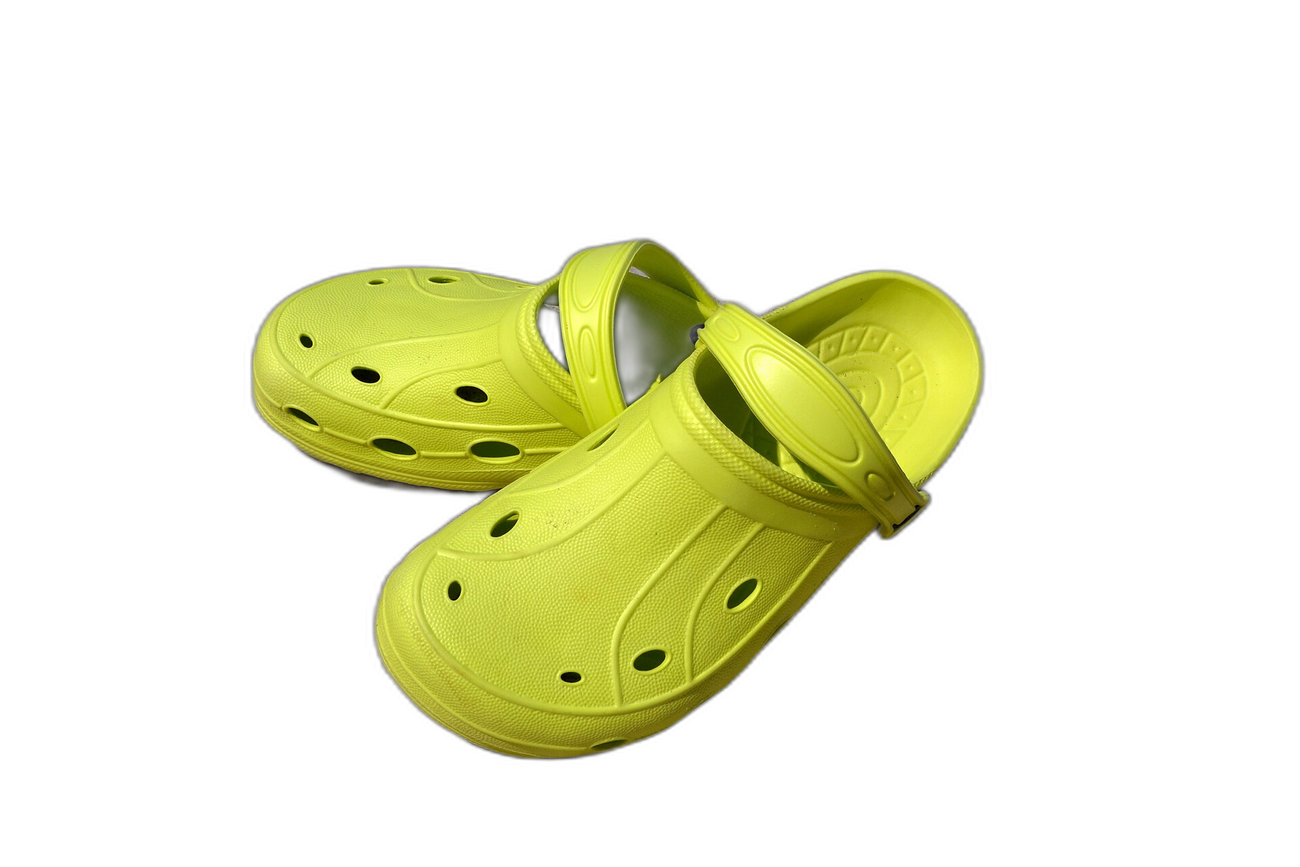
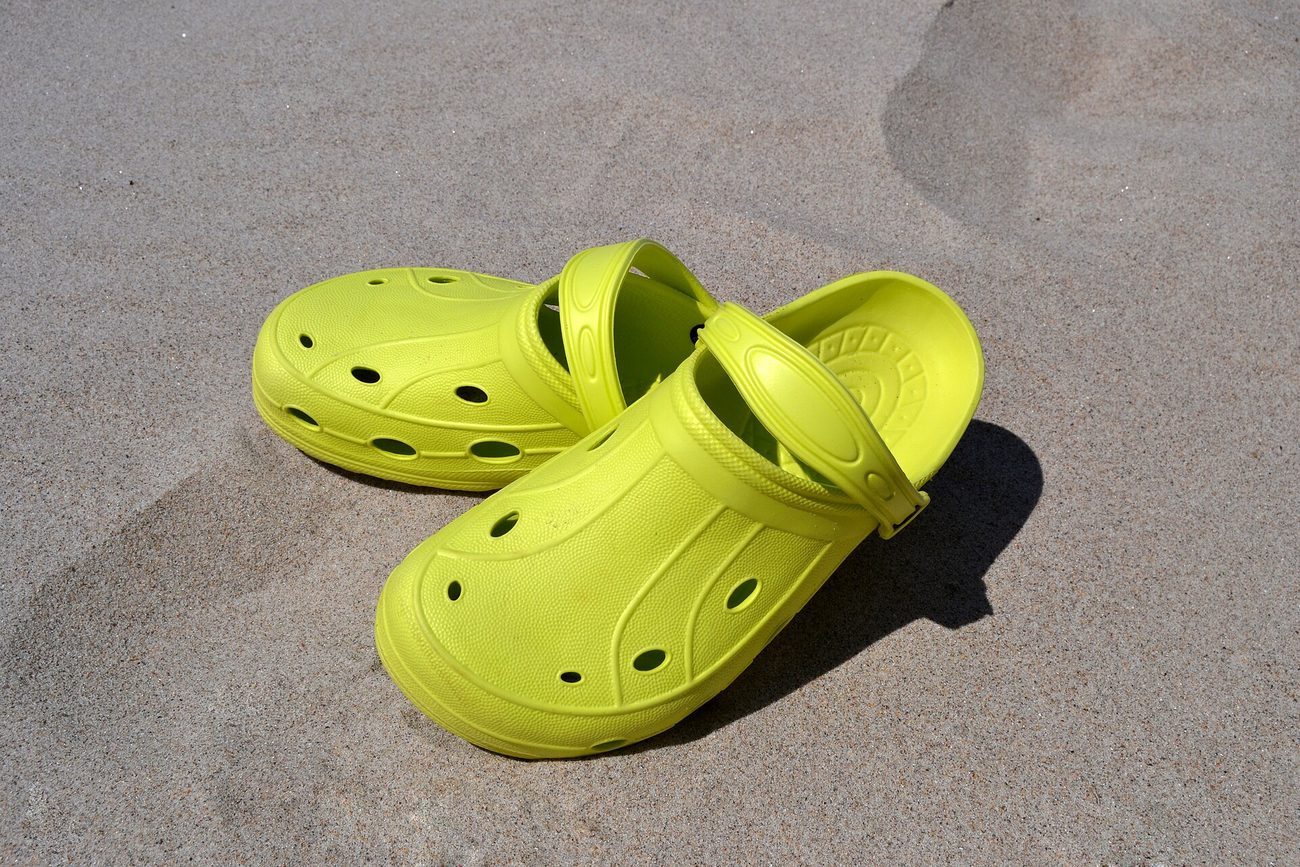
Pre-baked example — this page makes no AI call on load.
Why use it
Give jewelry, watches, and luxury product shots a warm, premium gold field that reads as high-end
Create awards, certificate, and recognition graphics on a bold gold backdrop
Build cohesive premium packaging mockups and brand visuals with a consistent gold tone
Download a full-resolution result with no watermark, no account, and no credits
Tips for the cleanest result
After the cutout, type a gold hex such as #D4AF37 for a classic muted gold or #FFD700 for a brighter, more saturated tone
Deep antique gold (#B8860B) pairs well with black or dark navy for a formal awards look; lighter #D4AF37 suits jewelry against a white card
Gold can create glare on reflective subjects like polished metal -- a matte or textured product reads better against a flat gold field than a mirrored one
Skin tones of all depths can look washed out against a warm gold background; use gold for product and object shots rather than portraits unless you test the result first
Ready to swap the background?
Upload your image, let the AI cut out the subject, then pick your background and download the full-resolution result. Free, unlimited, no signup, no watermark.
Open Background RemoverFrequently Asked Questions
How do I add a gold background to a photo for free?
Can I get a metallic or foil-effect gold background?
When does a gold background hurt rather than help?
What types of products look best on a gold background?
Related guides
Product Photography Background Ideas for Better E-commerce Sales
Explore 10 product photography background ideas — white seamless, lifestyle scenes, textured surfaces, and more — plus how to digitally swap backgrounds for any platform.
Read articleHow to Photograph Jewelry at Home: Lighting, Backgrounds & Editing
Photograph rings, necklaces, and bracelets at home with professional results. Lighting setup, backgrounds, camera settings, and editing tips for jewelry photography.
Read articleColor Theory for Photographers: Editing with Purpose
Discover how classic color theory drives practical edits, using complementary, analogous and split-complementary schemes, temperature tweaks, and selective.
Read articleExplore background remover
Every background type, marketplace, and use case. All free, full-resolution, no login.
Marketplace presets (spec applied)
Background colors & types
By marketplace
For your work
Want a different edit? The full background remover cuts out any subject and lets you pick any background. To erase just one object instead of the whole background, use the object remover, and to enlarge the cleaned image try the image upscaler.
Add a Gold Background to Any Photo — free
No signup, no credits, no watermark. Cut out the subject, pick your background, and download the full-resolution result.
Open Background Remover