Free, full-resolution, no watermark, no login, unlimited
Background Remover for Instagram
Remove the background from photos for Instagram posts, Reels covers, shop tags, and profile pictures — free, full-resolution, no login. Cut the subject out and drop it on a clean colour, your own backdrop, or keep it transparent for a sticker-style overlay. Where remove.bg gates the full file behind credits, MergeImages exports the full-size cutout with no watermark and no account.
Instagram has no background requirement — the win is flexibility: a clean cutout drops straight into feed posts (1080×1080 or 1080×1350), Reels covers, and Stories as a sticker-style overlay. MergeImages cuts the subject out; you then set a solid colour or upload your own background. It works on still photos (posts, Reels covers, profile pics), not video, and has no built-in themed scenes.
See the difference
Drag the slider to compare. This is an illustrative sample — run the tool on your own image for a real result.
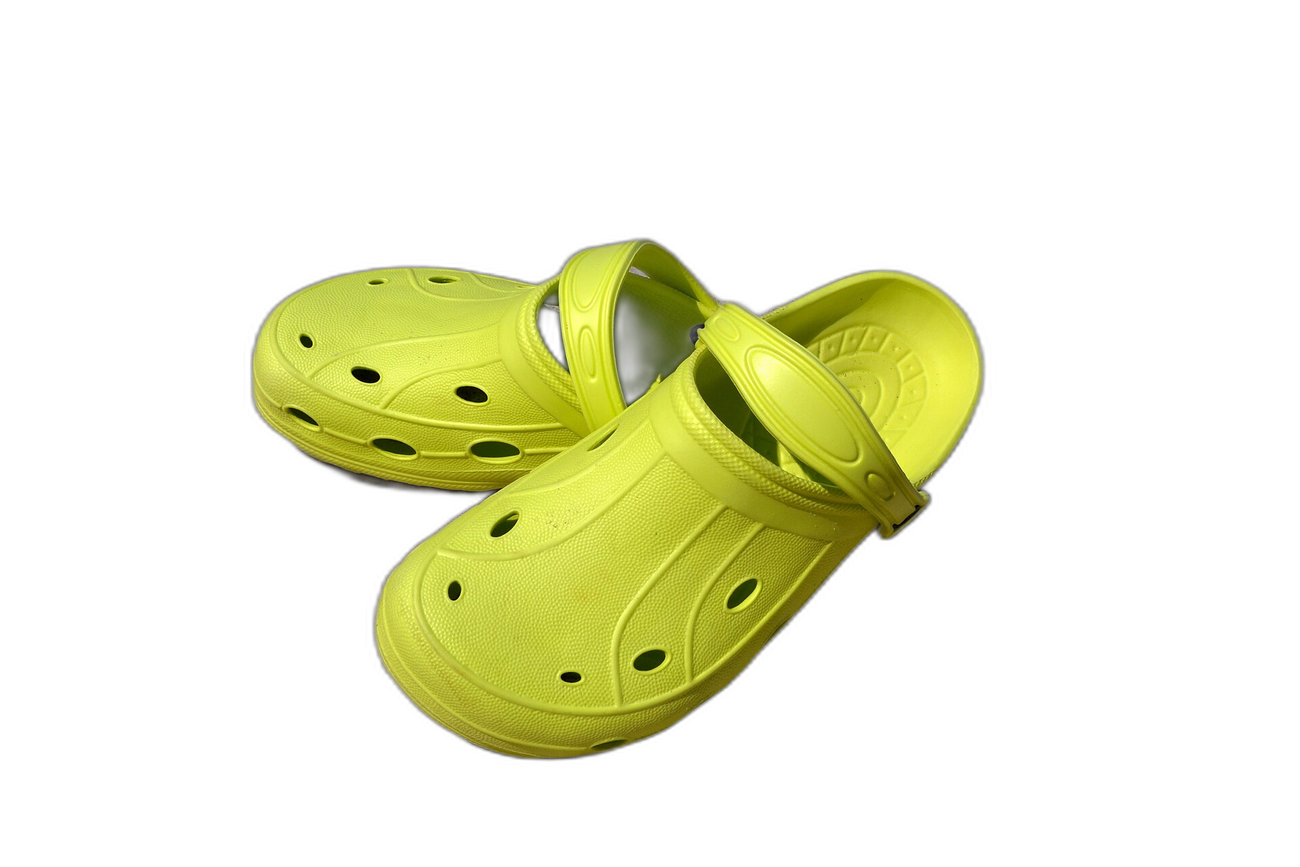
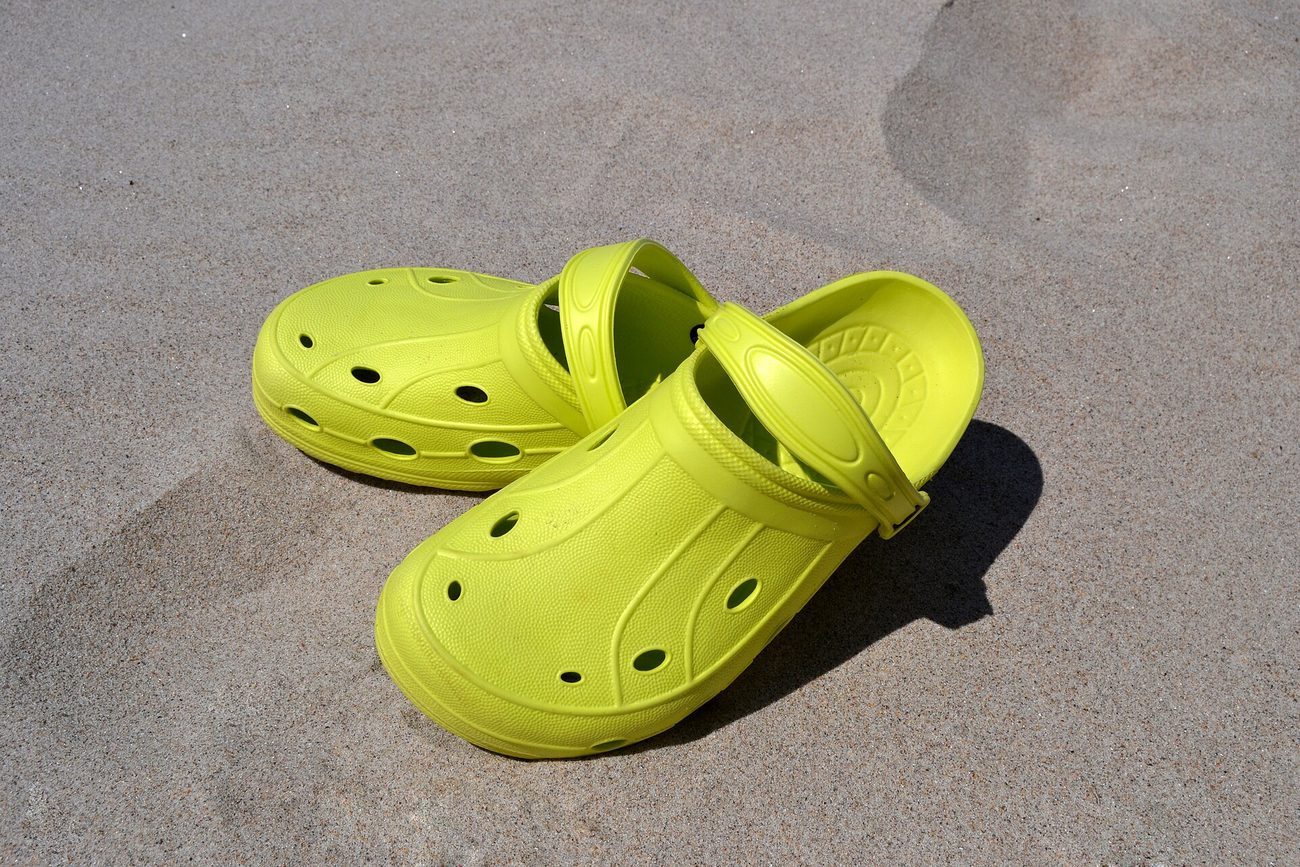
Pre-baked example — this page makes no AI call on load.
Why use it
Drop a clean cutout into feed posts, Reels covers, and shop tags — no distracting background competing with the subject
Make a crisp profile picture or carousel slide where the subject stands out
Keep transparent PNGs for sticker-style overlays and Stories
Download full-resolution free — no per-image credits like remove.bg
Tips for the cleanest result
Shoot the subject against a contrasting background so the AI cuts it out cleanly
For shop tags and product posts, set a clean white or brand colour so the item reads clearly in the feed
Export transparent PNGs to reuse subjects as stickers in Stories and Reels
Crop to 1080×1080 (square) or 1080×1350 (portrait) for the sharpest feed display
Ready to swap the background?
Upload your image, let the AI cut out the subject, then pick your background and download the full-resolution result. Free, unlimited, no signup, no watermark.
Open Background RemoverFrequently Asked Questions
How do I remove a background for an Instagram post for free?
Does Instagram require a specific background?
Can I make sticker-style cutouts for Stories and Reels?
Is it free, or do I pay per image like remove.bg?
Related guides
How to Merge Photos for Instagram: Complete Guide 2026
Instagram caps feed uploads at 1080 pixels wide and crops anything outside 1.91:1 to 3:4. Merge photos for Instagram at the right ratio and keep your framing.
Read articleSocial Media Image Sizes 2025: Complete Guide for Merged Images
Stay updated with the latest image size requirements for all major social platforms when creating merged photos and collages.
Read articleExact Instagram Image Sizes for 2026: Feed, Stories, Reels & More
Master Instagram’s exact pixel dimensions for each 2026 post type. From square feed images to stories, learn how to size, crop and resize cleanly.
Read articleExplore background remover
Every background type, marketplace, and use case. All free, full-resolution, no login.
Marketplace presets (spec applied)
Background colors & types
By marketplace
Want a different edit? The full background remover cuts out any subject and lets you pick any background. To erase just one object instead of the whole background, use the object remover, and to enlarge the cleaned image try the image upscaler.
Background Remover for Instagram — free
No signup, no credits, no watermark. Cut out the subject, pick your background, and download the full-resolution result.
Open Background Remover