Free, full-resolution, no watermark, no login, unlimited
Add a Teal Background to Any Photo
Remove the background and drop in a clean, solid teal field. Teal sits at the intersection of blue and green on the colour wheel, making it a natural fit for dental practices, medical clinics, spas, and wellness brands that want to signal calm without feeling cold. The AI cuts out your subject, then you set the background to any teal shade you like using the hex picker -- free, full-resolution, no watermark, no login.
This tool fills a solid flat teal colour behind your subject. It does not generate textured spa-room scenes or add water effects -- it gives you a clean, even teal field to work from. The result is a flat single-colour background, not a composite.
See the difference
Drag the slider to compare. This is an illustrative sample — run the tool on your own image for a real result.

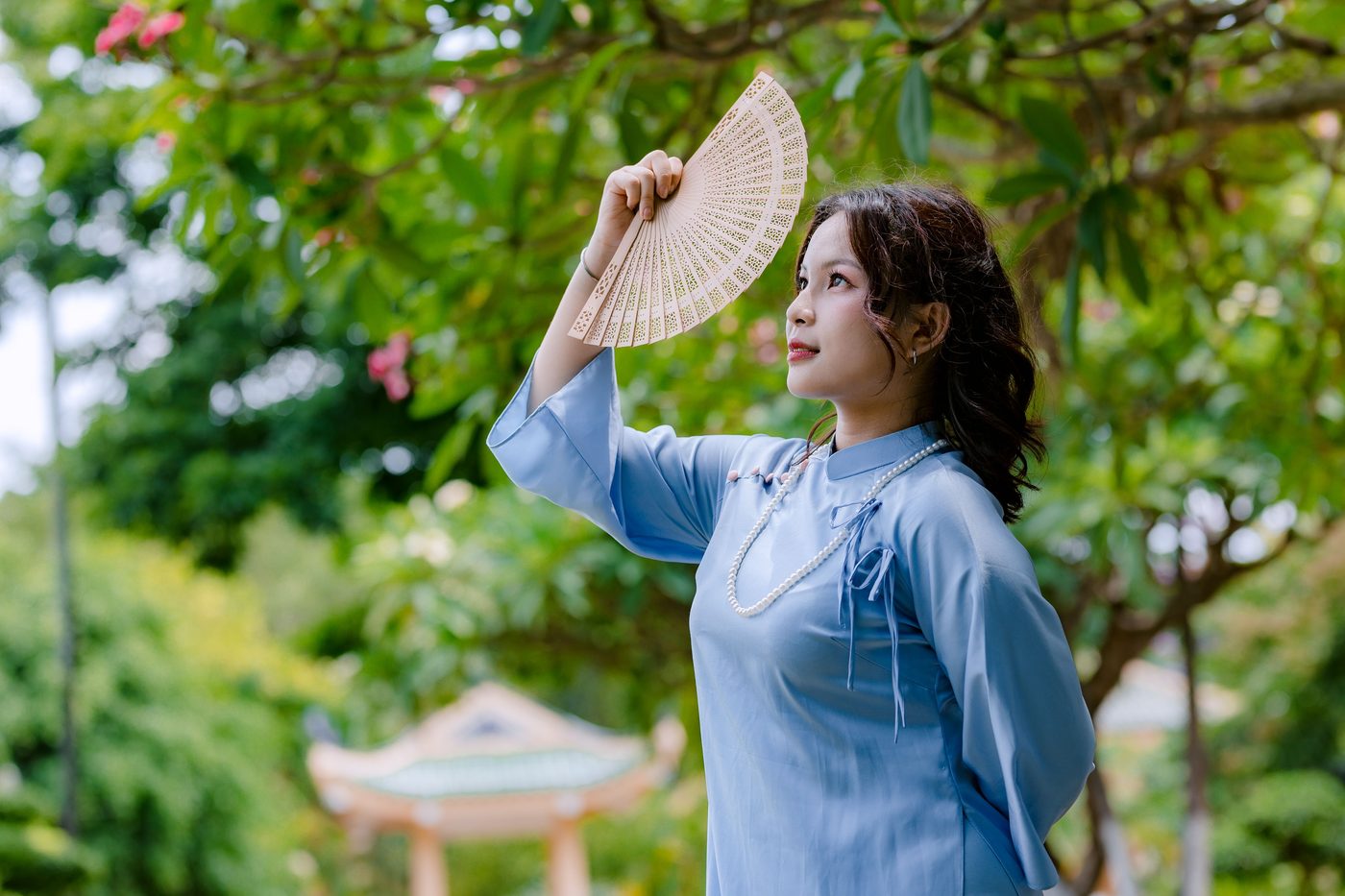
Pre-baked example — this page makes no AI call on load.
Why use it
Give dental, medical, spa, and wellness brand photos a calm, trustworthy teal field
Pair teal with coral or cream accents for a colour palette that reads modern and clean
Build cohesive social content and clinic team pages on a single consistent shade
Download a full-resolution result with no watermark, no account, and no credits
Tips for the cleanest result
After the cutout, type a teal hex such as #0d9488 for a rich teal or #14b8a6 for a lighter, airier tone
Classic teal (#008080) reads as professional and medical; the lighter #2dd4bf has a more contemporary spa feel
Teal contrasts well with coral, warm cream, and white subjects -- avoid subjects in similar blue-green tones
Use the erase/restore brush to refine fine hair or clothing edges before downloading
Ready to swap the background?
Upload your image, let the AI cut out the subject, then pick your background and download the full-resolution result. Free, unlimited, no signup, no watermark.
Open Background RemoverFrequently Asked Questions
How do I add a teal background to a photo for free?
Why is teal used so often by dental and wellness brands?
What hex codes give the best teal shades?
Does the teal background look good for headshots and team photos?
Related guides
Color Theory for Photographers: Editing with Purpose
Discover how classic color theory drives practical edits, using complementary, analogous and split-complementary schemes, temperature tweaks, and selective.
Read articleYoga and Wellness Instagram Aesthetic: The 9-Photo Grid That Builds Following
Yoga and wellness Instagram accounts succeed through aesthetic consistency. Here's the 9-photo grid framework and merging workflow that builds engaged followings.
Read articleDental Before/After Photo Workflow: Honest, High-Impact Results
Discover a repeatable dental photography setup, pose standards, and free online tools to create consistent, ethical before-after composites that attract new.
Read articleExplore background remover
Every background type, marketplace, and use case. All free, full-resolution, no login.
Marketplace presets (spec applied)
Background colors & types
By marketplace
For your work
Want a different edit? The full background remover cuts out any subject and lets you pick any background. To erase just one object instead of the whole background, use the object remover, and to enlarge the cleaned image try the image upscaler.
Add a Teal Background to Any Photo — free
No signup, no credits, no watermark. Cut out the subject, pick your background, and download the full-resolution result.
Open Background Remover