Free, full-resolution, no watermark, no login, unlimited
Background Remover for Shopify Stores
Build a clean, conversion-ready Shopify catalogue by cutting every product out of its background for a consistent look across your product grid — free, full-resolution, no login. Where remove.bg gives a low-res preview and charges credits for the full-resolution download, MergeImages exports the full-size cutout with no watermark and no account.
Shopify does not mandate a background, but a uniform backdrop across your product grid is one of the biggest visual trust signals for a store. Cut products out here, then keep them transparent to sit on your theme colour, or set white for a crisp, photography-studio look.
See the difference
Drag the slider to compare. This is an illustrative sample — run the tool on your own image for a real result.
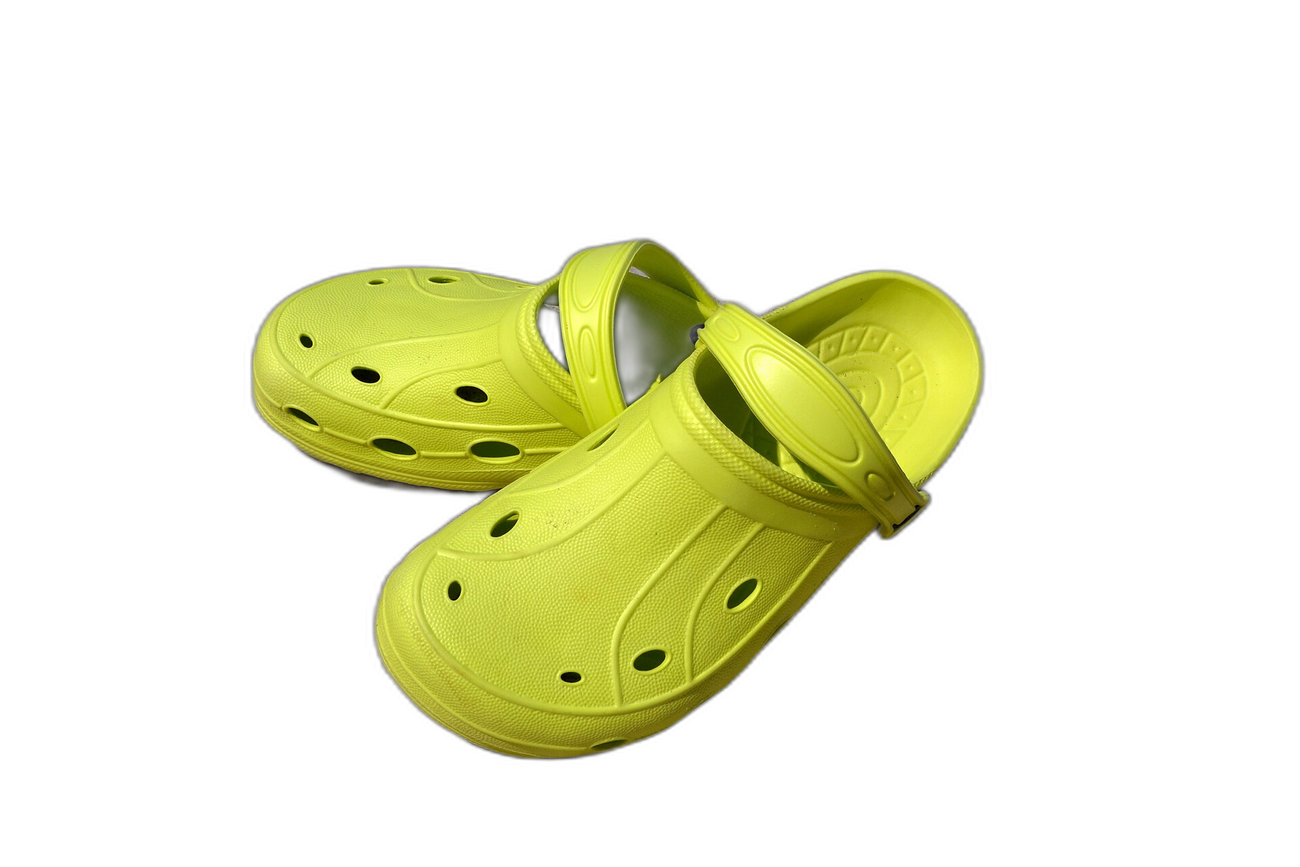
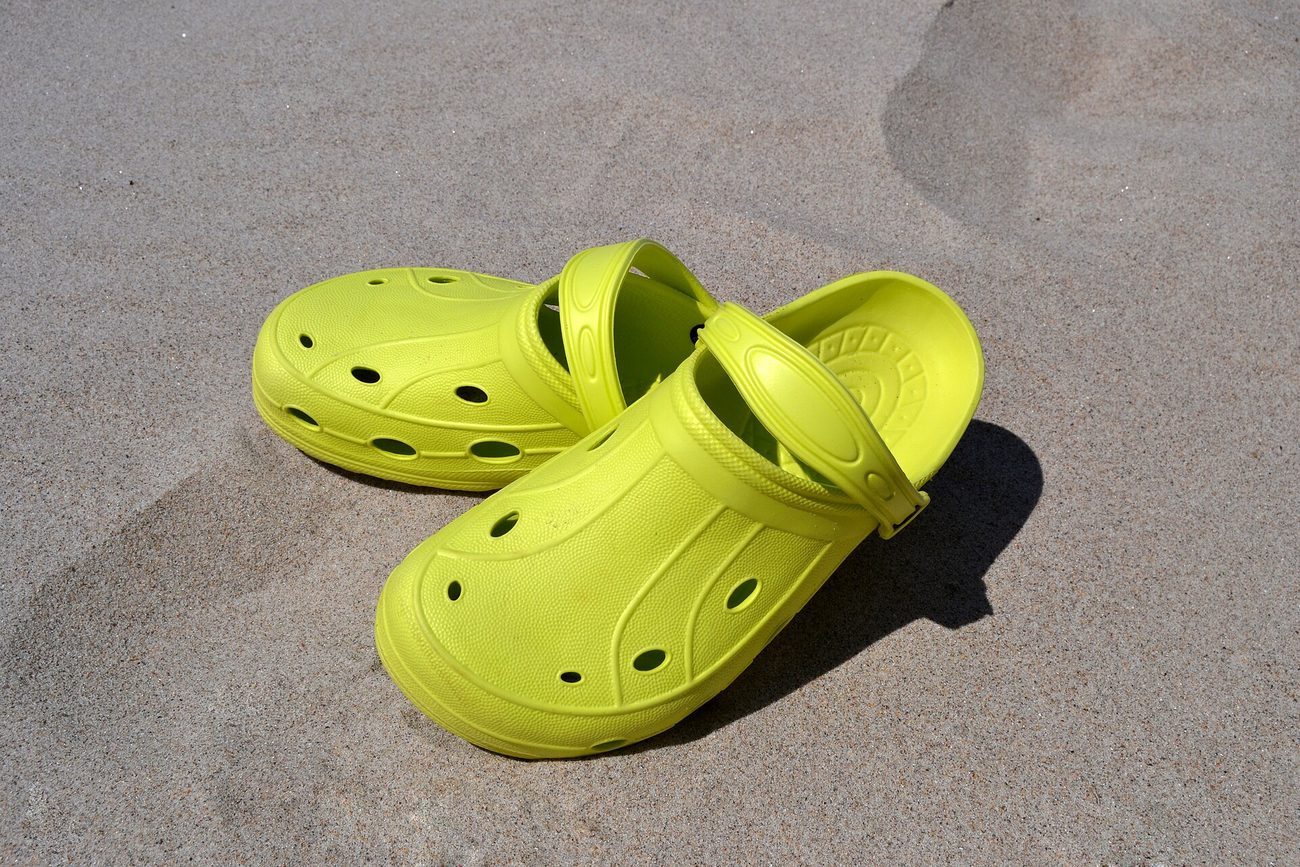
Pre-baked example — this page makes no AI call on load.
Why use it
Create a uniform product grid that reads as a trustworthy, polished store
Cut your full catalogue free — no per-image credits like remove.bg
Keep transparent PNGs to reuse in collections, banners, ads, and email
Download full-resolution cutouts so theme zoom and retina displays stay crisp
Tips for the cleanest result
Shoot each product on a contrasting surface so the AI separates it cleanly
Keep the background transparent (PNG) to match your theme colour, or set white for a studio look
Add a subtle drop shadow so products sit naturally rather than floating in the grid
Apply the same background to every product so the collection page looks consistent and on-brand
Ready to swap the background?
Upload your image, let the AI cut out the subject, then pick your background and download the full-resolution result. Free, unlimited, no signup, no watermark.
Open Background RemoverFrequently Asked Questions
Does Shopify need a white background for products?
Can I match the cutouts to my theme colour?
Is it free for a whole catalogue, or per image?
Will the cutouts look sharp on retina and zoom?
Related guides
Merge Product Photos for E-commerce: Boost Sales with Better Images
Learn how to combine multiple product photos into compelling images that increase conversions on Amazon, Etsy, Shopify, and more.
Read articleShopify Product Images: The 8-Photo Formula That Converts
Products with 8+ images convert 30% better on Shopify. Learn the exact specs, shot types, and compression settings that turn browsers into buyers.
Read articleShopify Product Photo Grid: The Conversion-Optimized Layout for 2026
Shopify stores with optimized product photo grids see 32% higher add-to-cart rates. Here's the photo grid design workflow that converts browsers into buyers.
Read articleExplore background remover
Every background type, marketplace, and use case. All free, full-resolution, no login.
Marketplace presets (spec applied)
Background colors & types
By marketplace
Want a different edit? The full background remover cuts out any subject and lets you pick any background. To erase just one object instead of the whole background, use the object remover, and to enlarge the cleaned image try the image upscaler.
Background Remover for Shopify Stores — free
No signup, no credits, no watermark. Cut out the subject, pick your background, and download the full-resolution result.
Open Background Remover