Free, full-resolution, no watermark, no login, unlimited
Add a Brown Background to Any Photo
Remove the background and drop in a clean, solid brown field -- earthy and warm for furniture photography, leather goods, coffee branding, and earthy fashion labels. Brown backgrounds ground a subject in natural, tactile warmth that beige and cream cannot quite reach. The AI cuts out your subject, then you set the background to any brown shade using the hex picker -- coffee brown (#6F4E37), sienna (#A0522D), or dark walnut (#5C3317) -- free, full-resolution, no watermark, no login.
Open Background RemoverSee the difference
Drag the slider to compare. This is an illustrative sample — run the tool on your own image for a real result.
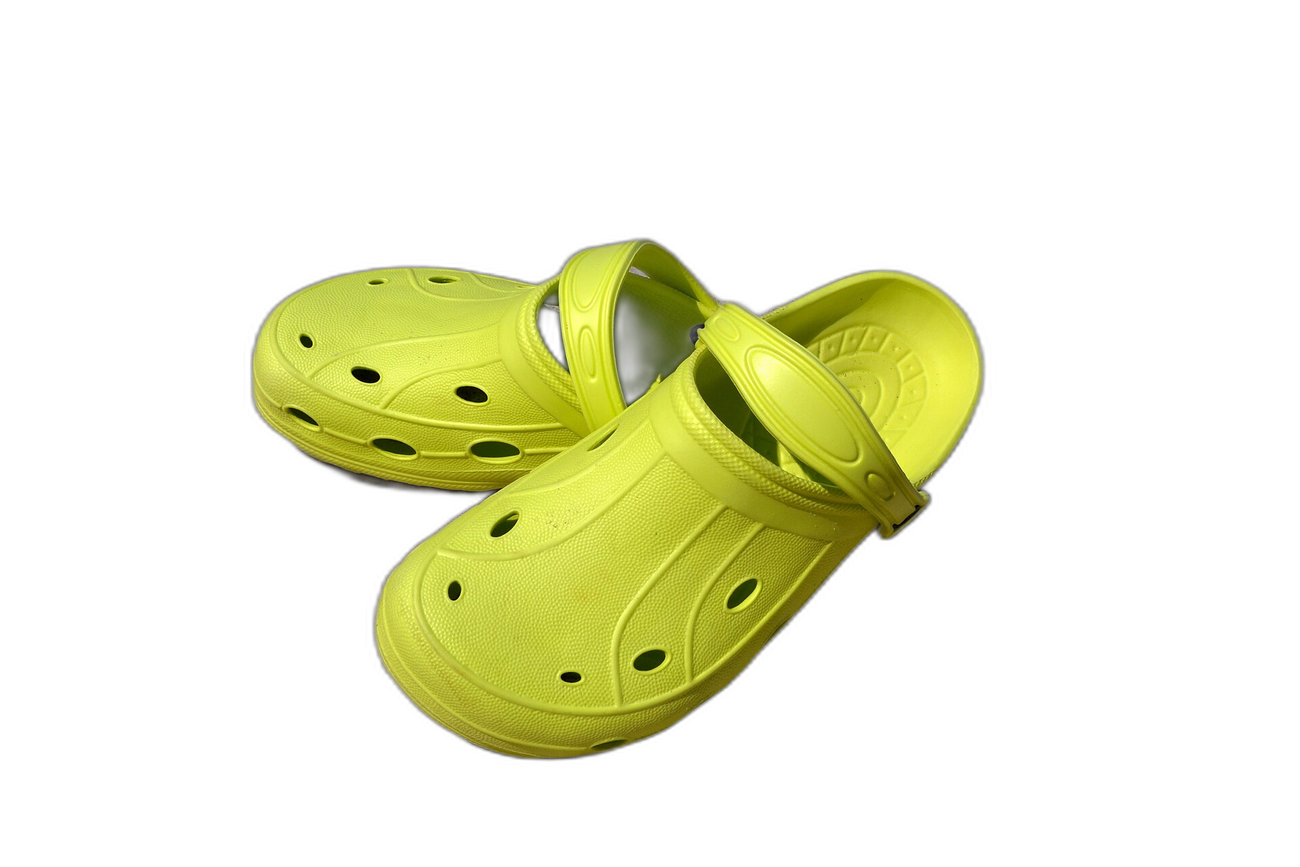
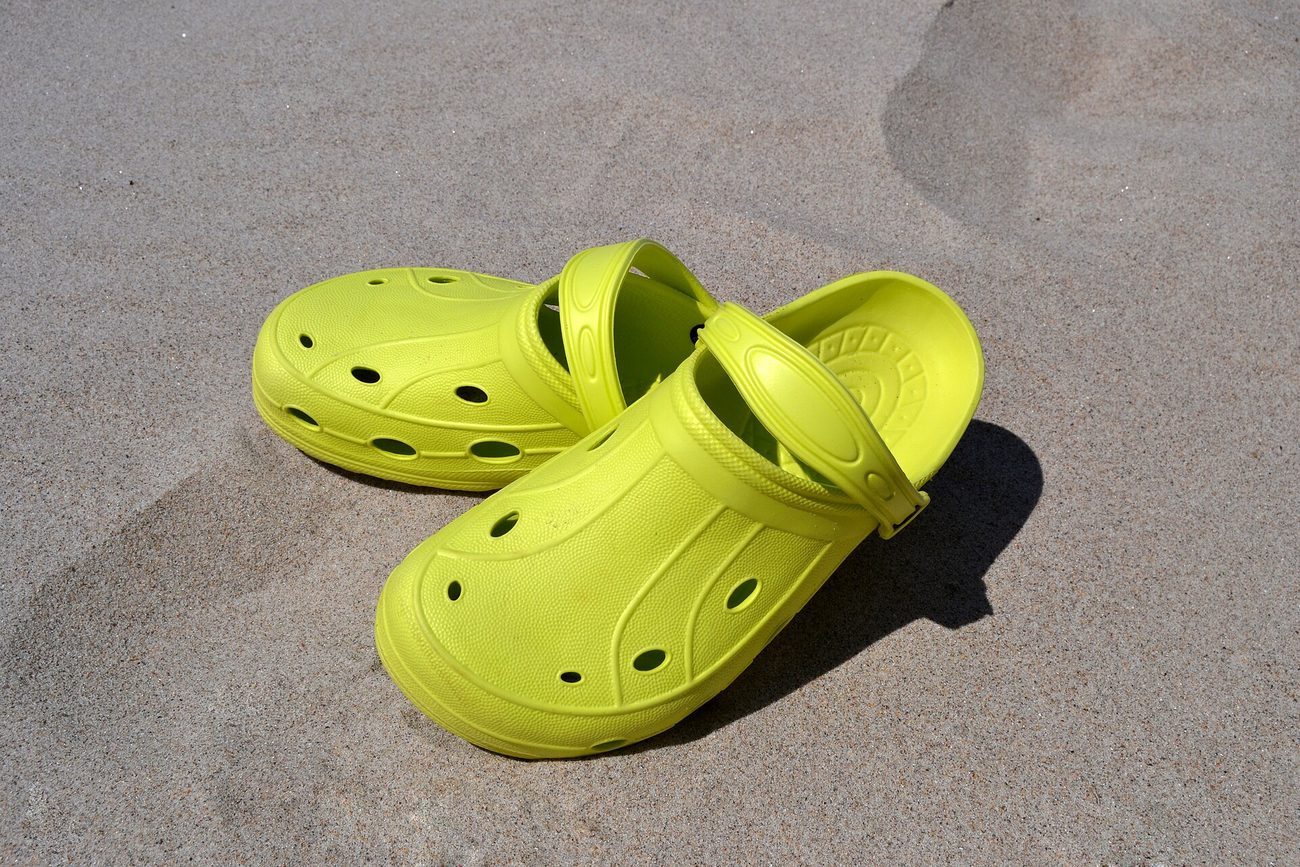
Pre-baked example — this page makes no AI call on load.
Why use it
Give furniture, leather goods, and wood-craft shots a warm brown field that echoes the material itself
Create coffee brand and cafe promotional photos with an on-theme earthy backdrop
Build cohesive earthy-fashion lookbooks and capsule-wardrobe posts on a rich brown tone
Download a full-resolution result with no watermark, no account, and no credits
Tips for the cleanest result
After the cutout, type a brown hex such as #6F4E37 for a coffee brown, #8B5A2B for a warm chestnut, or #A0522D for a richer sienna
Brown pairs naturally with cream (#FAF7F2), sage green (#87A878), and warm white -- all of these contrast well against a brown field without clashing
Dark walnut (#3D2B1F) and espresso brown (#3B2314) suit premium leather goods and high-end furniture; lighter tan-browns suit artisan coffee and casual fashion
Use the erase/restore brush to clean any soft edge where a brown subject (leather bag, wooden frame) blends into the brown background
Ready to swap the background?
Upload your image, let the AI cut out the subject, then pick your background and download the full-resolution result. Free, unlimited, no signup, no watermark.
Open Background RemoverFrequently Asked Questions
How do I add a brown background to a photo for free?
What is the difference between a brown background and a beige one?
Will a brown subject vanish against a brown background?
What industries use brown backgrounds most?
Related guides
Product Photography Background Ideas for Better E-commerce Sales
Explore 10 product photography background ideas — white seamless, lifestyle scenes, textured surfaces, and more — plus how to digitally swap backgrounds for any platform.
Read articleColor Theory for Photographers: Editing with Purpose
Discover how classic color theory drives practical edits, using complementary, analogous and split-complementary schemes, temperature tweaks, and selective.
Read articleCoffee Shop Branding: The Photo Package Every Local Cafe Needs
Local coffee shops compete on aesthetic and atmosphere. Here's the practical photo branding package every cafe needs to drive Instagram traffic and customer loyalty.
Read articleExplore background remover
Every background type, marketplace, and use case. All free, full-resolution, no login.
Marketplace presets (spec applied)
Background colors & types
By marketplace
For your work
Want a different edit? The full background remover cuts out any subject and lets you pick any background. To erase just one object instead of the whole background, use the object remover, and to enlarge the cleaned image try the image upscaler.
Add a Brown Background to Any Photo — free
No signup, no credits, no watermark. Cut out the subject, pick your background, and download the full-resolution result.
Open Background Remover