無料・登録不要
AI Upscaler for Old & Scanned Photos
Bring small, soft, scanned family photos back to a usable size. Enlarge old prints 2x or 4x and recover edge detail so faces and backgrounds read clearly — free, private, no watermark.
アップスケーラーを開く違いを確認
スライダーをドラッグして、低解像度の元画像とアップスケール後の結果を比較します。
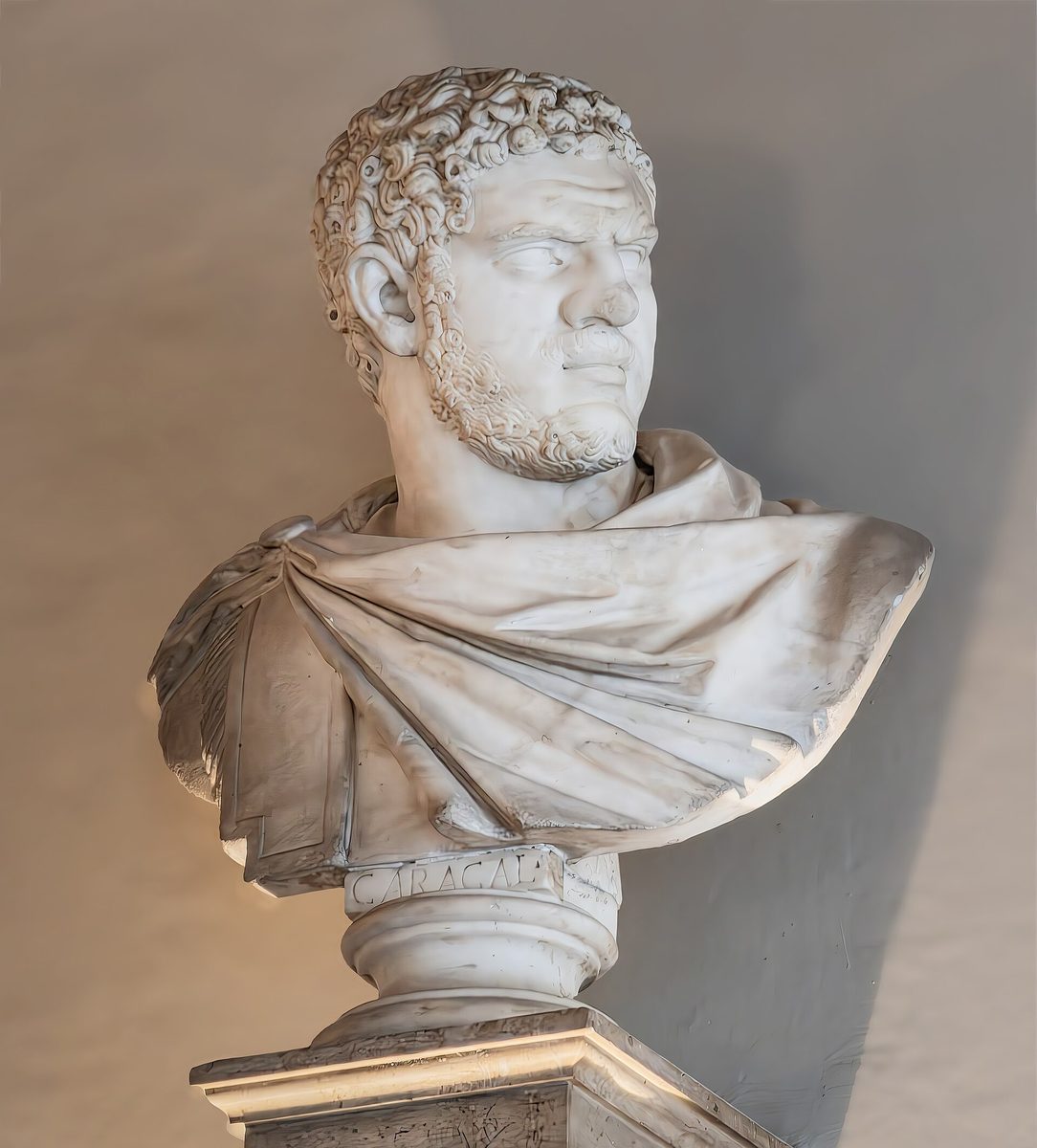
これは説明用の例です。実際の結果はご自身の画像でアップスケーラーをお試しください。
old photosをアップスケールする理由
Enlarge tiny scanned prints to a size you can frame or reprint
Recover edge detail in faces softened by age or a low-resolution scanner
Prepare heirloom photos for sharing on social media without them looking blocky
Keep originals private — processing is fast and the download is full resolution
最良の結果を得るためのヒント
Scan at the highest DPI your scanner offers first, then upscale the result
Use 4x for very small wallet-sized prints; 2x is plenty for postcard sizes
Upscale before any color or contrast edits so the tool has the most detail to work with
For black-and-white prints, try the colorize tool afterwards to add a tint
old photosをアップスケールする準備はできましたか?
Upload your photo, choose 2x or 4x, and download the full-resolution result. Free, private, no signup.
画像アップスケーラーを開くFrequently Asked Questions
Can the upscaler fix a blurry old photo?
Do you store my family photos?
What size should I upscale an old print to?
関連ガイド
How to Restore Old Photos with AI: Upscale, Sharpen, and Repair Vintage Images
Breathe new life into old family photos. Learn how AI upscaling recovers lost detail from faded, low-resolution vintage images.
Read articleHow to Colorize Old Black and White Photos Online for Free
Bring family history to life by colorizing black and white photos online. Learn which AI colorization tools work best, how to improve quality before colorizing, and tips for realistic results.
Read articleその他の用途
フル編集に取り組んでいますか?アップスケーラーを背景除去ツール、シャープ化ツール、画像圧縮ツール、画像リサイズツールと組み合わせましょう。
今すぐOld Photosをアップスケール
無料・プライベートで、ブラウザ上で完結。登録は不要です。
Open Image Upscaler