無料・登録不要
AI Image Upscaler for Ecommerce Product Photos
Upscale product shots to meet Amazon, Shopify, and Etsy resolution rules and enable hover-zoom. Enlarge phone photos 2x or 4x so listings look sharp on every device — free, no watermark.
アップスケーラーを開く違いを確認
スライダーをドラッグして、低解像度の元画像とアップスケール後の結果を比較します。
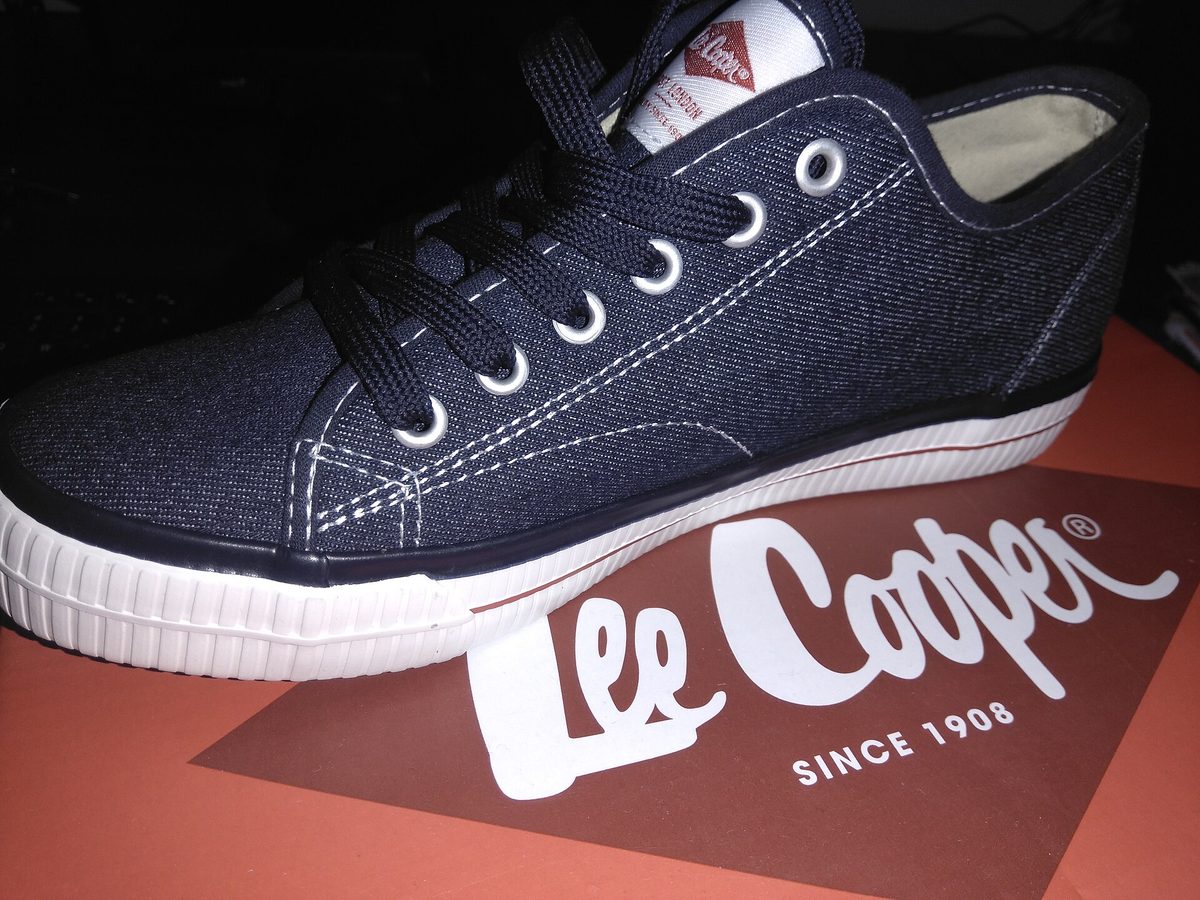
これは説明用の例です。実際の結果はご自身の画像でアップスケーラーをお試しください。
ecommerce productをアップスケールする理由
Hit Amazon’s 1600px minimum so the hover-to-zoom feature turns on
Make phone-shot product photos look sharp enough for the main listing image
Upscale flat-lay and detail shots for Shopify and Etsy galleries
Avoid re-shooting a whole catalog just because the originals were too small
最良の結果を得るためのヒント
Amazon enables zoom at 1600px on the longest side — upscale to clear that bar
Use a clean, evenly lit background so the upscaler has crisp edges to enhance
Upscale first, then remove the background for a clean white product cutout
Run a compress pass after upscaling to keep files under each platform’s size cap
ecommerce productをアップスケールする準備はできましたか?
Upload your photo, choose 2x or 4x, and download the full-resolution result. Free, private, no signup.
画像アップスケーラーを開くFrequently Asked Questions
What image size does Amazon require for zoom?
Can I upscale a whole product catalog?
Will upscaling change my product’s colors?
関連ガイド
How to Upscale Product Photos for Amazon, Etsy, and Shopify
Supplier images too small? Learn how to AI-upscale product photos to meet marketplace requirements without losing quality.
Read articleAmazon Product Image Requirements 2026: Sizes, Rules, and How to Fix Low-Res Supplier Photos
Amazon's image requirements are strict — wrong size or quality means suppressed listings. Here's every rule and how to fix common issues.
Read articleShopify Product Images: The 8-Photo Formula That Converts
Products with 8+ images convert 30% better on Shopify. Learn the exact specs, shot types, and compression settings that turn browsers into buyers.
Read articleその他の用途
フル編集に取り組んでいますか?アップスケーラーを背景除去ツール、シャープ化ツール、画像圧縮ツール、画像リサイズツールと組み合わせましょう。
今すぐEcommerce Productをアップスケール
無料・プライベートで、ブラウザ上で完結。登録は不要です。
Open Image Upscaler