無料・登録不要
AI Upscaler for Logos & Graphics
Enlarge small raster logos and graphics so they stay clean on banners, print, and large displays. Upscale 2x or 4x to recover crisp edges — free, no signup, no watermark.
アップスケーラーを開く違いを確認
スライダーをドラッグして、低解像度の元画像とアップスケール後の結果を比較します。
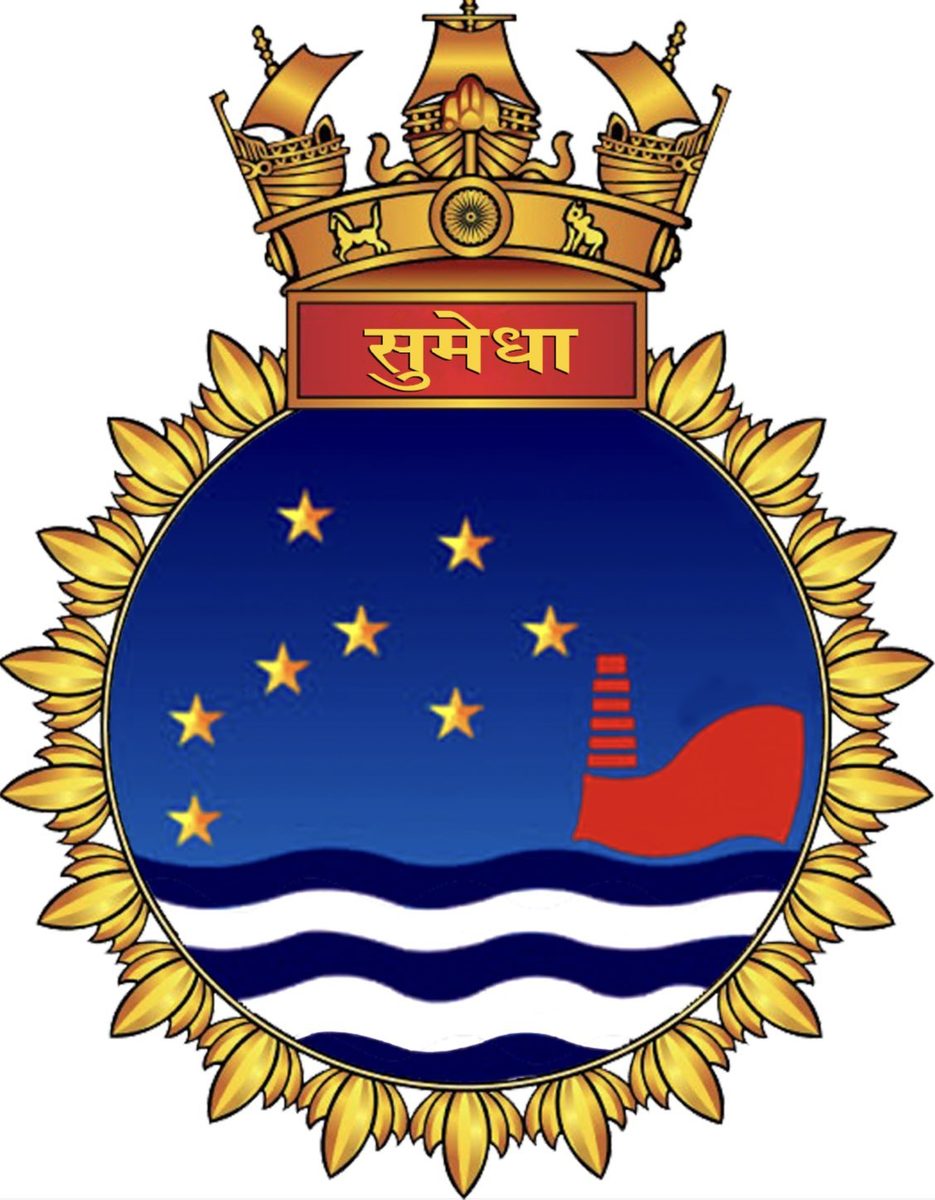
これは説明用の例です。実際の結果はご自身の画像でアップスケーラーをお試しください。
logosをアップスケールする理由
Recover clean edges on a small PNG or JPG logo you no longer have the source file for
Enlarge graphics for banners, signage and large-format print
Make icons and badges crisp on Retina and 4K screens
Avoid blocky, pixelated edges when scaling a logo up for a new use
最良の結果を得るためのヒント
If you have a vector (SVG) source, scale that instead — vectors are infinitely sharp
For raster-only logos, upscale 4x to give yourself the most clean detail
Upscale before placing the logo on a colored background or banner layout
A logo on a flat background upscales cleanest — busy backgrounds add noise
logosをアップスケールする準備はできましたか?
Upload your photo, choose 2x or 4x, and download the full-resolution result. Free, private, no signup.
画像アップスケーラーを開くFrequently Asked Questions
Can I turn a small logo into a high-resolution one?
Should I upscale a logo or convert it to SVG?
Is the logo upscaler watermark-free?
関連ガイド
その他の用途
フル編集に取り組んでいますか?アップスケーラーを背景除去ツール、シャープ化ツール、画像圧縮ツール、画像リサイズツールと組み合わせましょう。
今すぐLogosをアップスケール
無料・プライベートで、ブラウザ上で完結。登録は不要です。
Open Image Upscaler