Free, full-resolution, no watermark, no login, unlimited
Remove the Background From Product Photos
Cut clean product shots out of any background for ecommerce listings, catalogues, and ads. The AI isolates the product, then you keep it transparent or set a marketplace-ready white field — free, full-resolution, no watermark, no login.
Open Background RemoverSee the difference
Drag the slider to compare. This is an illustrative sample — run the tool on your own image for a real result.
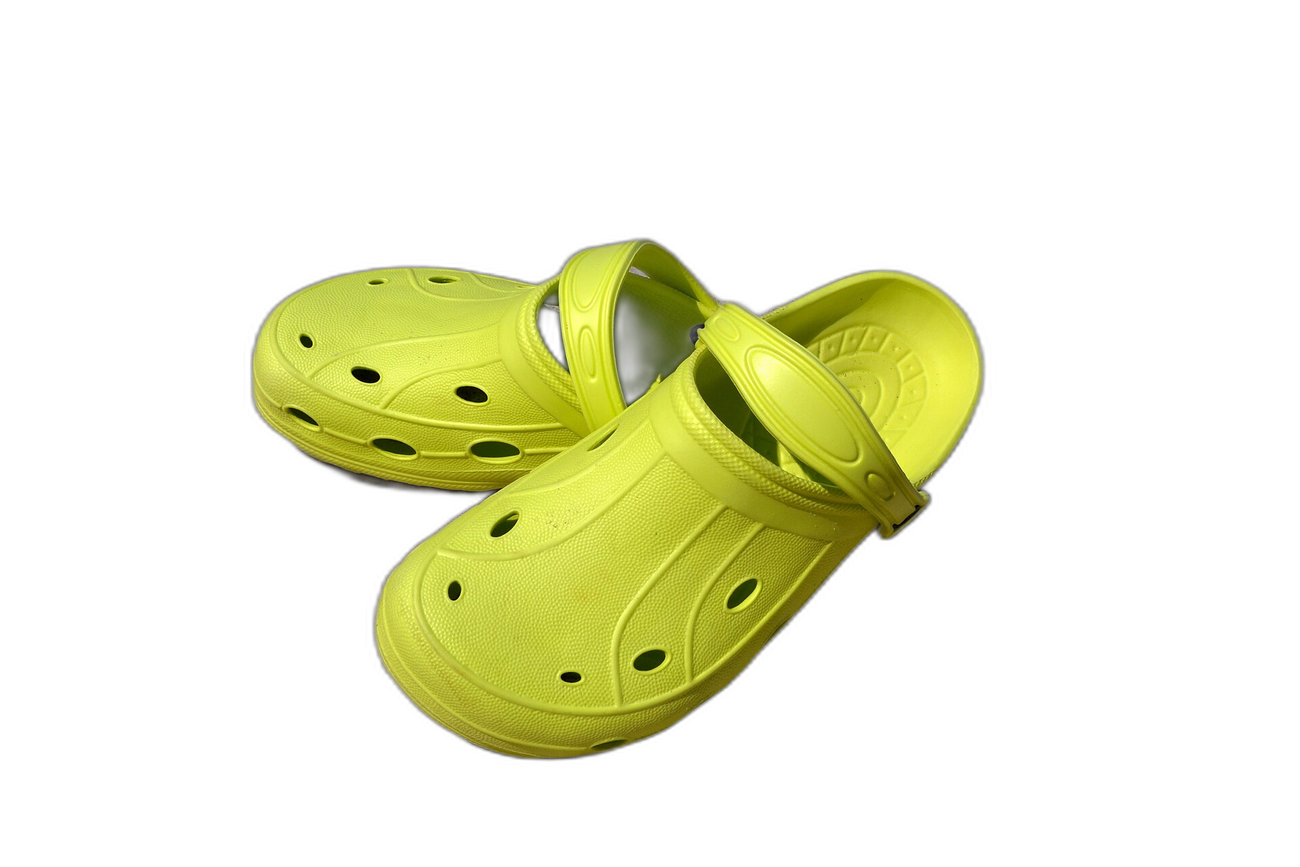
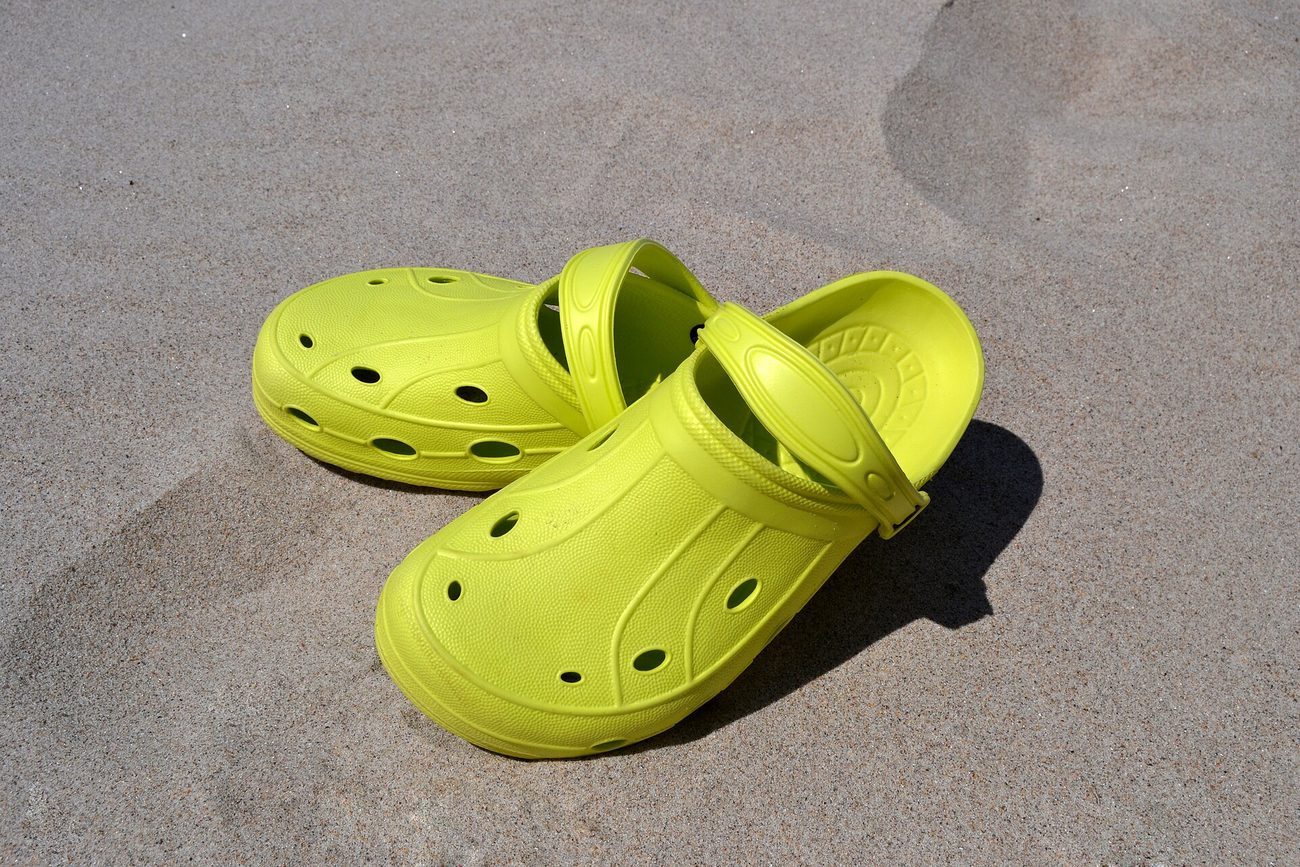
Pre-baked example — this page makes no AI call on load.
Why use it
Meet Amazon and marketplace pure-white main-image requirements
Build a consistent, professional catalogue where every product matches
Reuse one transparent cutout across listings, ads, and banners
Download full-resolution product shots with no watermark, no account, and no credits
Tips for the cleanest result
Shoot the product against a contrasting surface so the AI separates it cleanly
Set the background to white for marketplace listings, or keep it transparent for design reuse
Add a soft drop shadow so the product grounds naturally instead of floating
Export as JPG (white) for listings, or PNG to keep a transparent edge for later compositing
Ready to swap the background?
Upload your image, let the AI cut out the subject, then pick your background and download the full-resolution result. Free, unlimited, no signup, no watermark.
Open Background RemoverFrequently Asked Questions
How do I remove the background from a product photo?
Does this meet Amazon white-background rules?
Can I make all my product photos consistent?
Is the product background remover free for commercial use?
Related guides
Merge Product Photos for E-commerce: Boost Sales with Better Images
Learn how to combine multiple product photos into compelling images that increase conversions on Amazon, Etsy, Shopify, and more.
Read articleAmazon Product Image Requirements 2026: Sizes, Rules, and How to Fix Low-Res Supplier Photos
Amazon's image requirements are strict — wrong size or quality means suppressed listings. Here's every rule and how to fix common issues.
Read articleEtsy Product Photos: Master the 10-Image Listing for Conversions
Learn the lighting, composition, and file-size tricks that turn a ten-photo Etsy listing into a high-click, high-conversion showcase, using free tools to.
Read articleExplore background remover
Every background type, marketplace, and use case. All free, full-resolution, no login.
Marketplace presets (spec applied)
Background colors & types
By marketplace
For your work
Want a different edit? The full background remover cuts out any subject and lets you pick any background. To erase just one object instead of the whole background, use the object remover, and to enlarge the cleaned image try the image upscaler.
Remove the Background From Product Photos — free
No signup, no credits, no watermark. Cut out the subject, pick your background, and download the full-resolution result.
Open Background Remover