Free, full-resolution, no watermark, no login, unlimited
Clean Up Poshmark Listing Photo Backgrounds
Cut your item out of a cluttered background for cleaner Poshmark covers and a consistent closet. The AI isolates the piece, then you drop in a solid colour or keep it transparent — ideal for a tidy, professional-looking grid. Free, full-resolution, no watermark, no login.
Poshmark does not require a white background — bright, clear, well-lit photos and a square cover shot are what matter. A clean background is a best practice for a consistent closet, not a platform rule.
See the difference
Drag the slider to compare. This is an illustrative sample — run the tool on your own image for a real result.
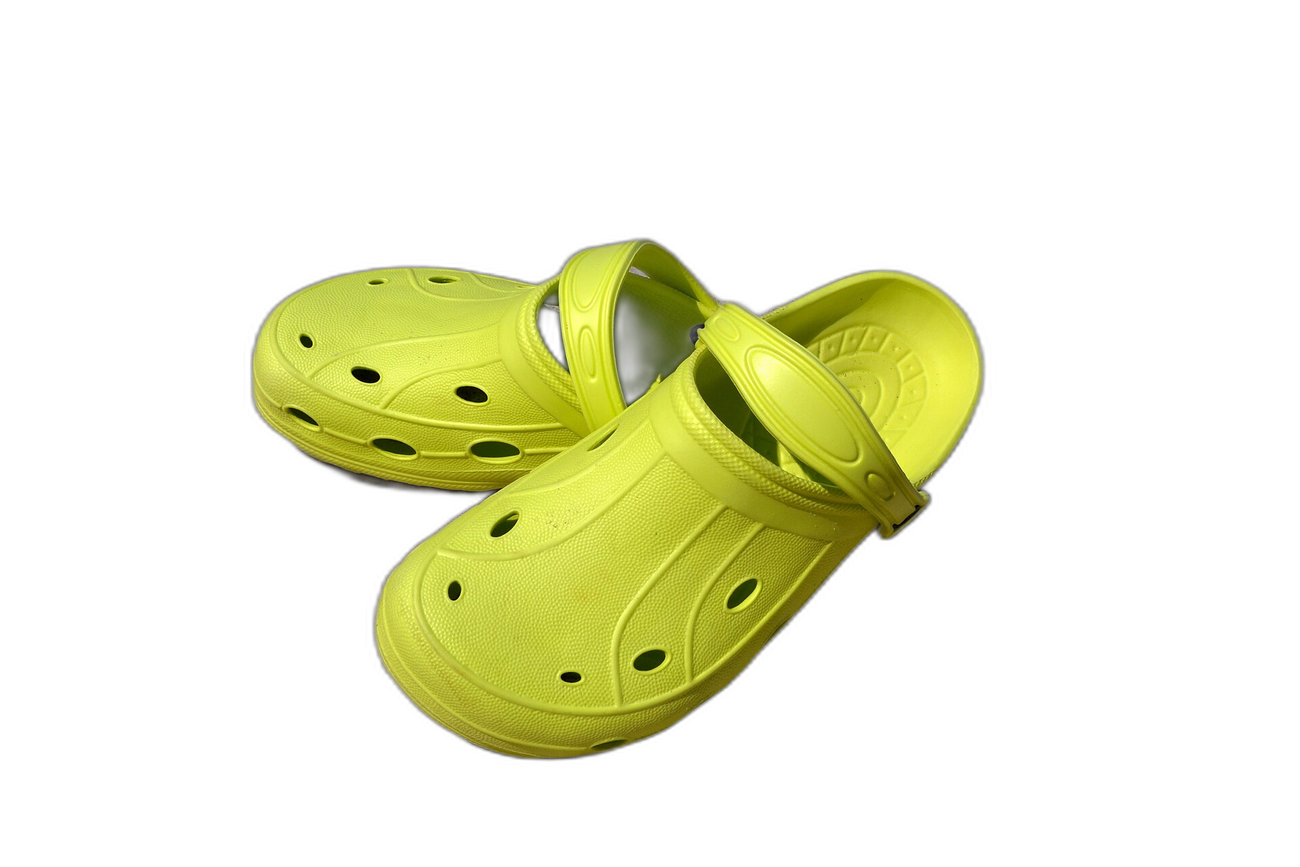
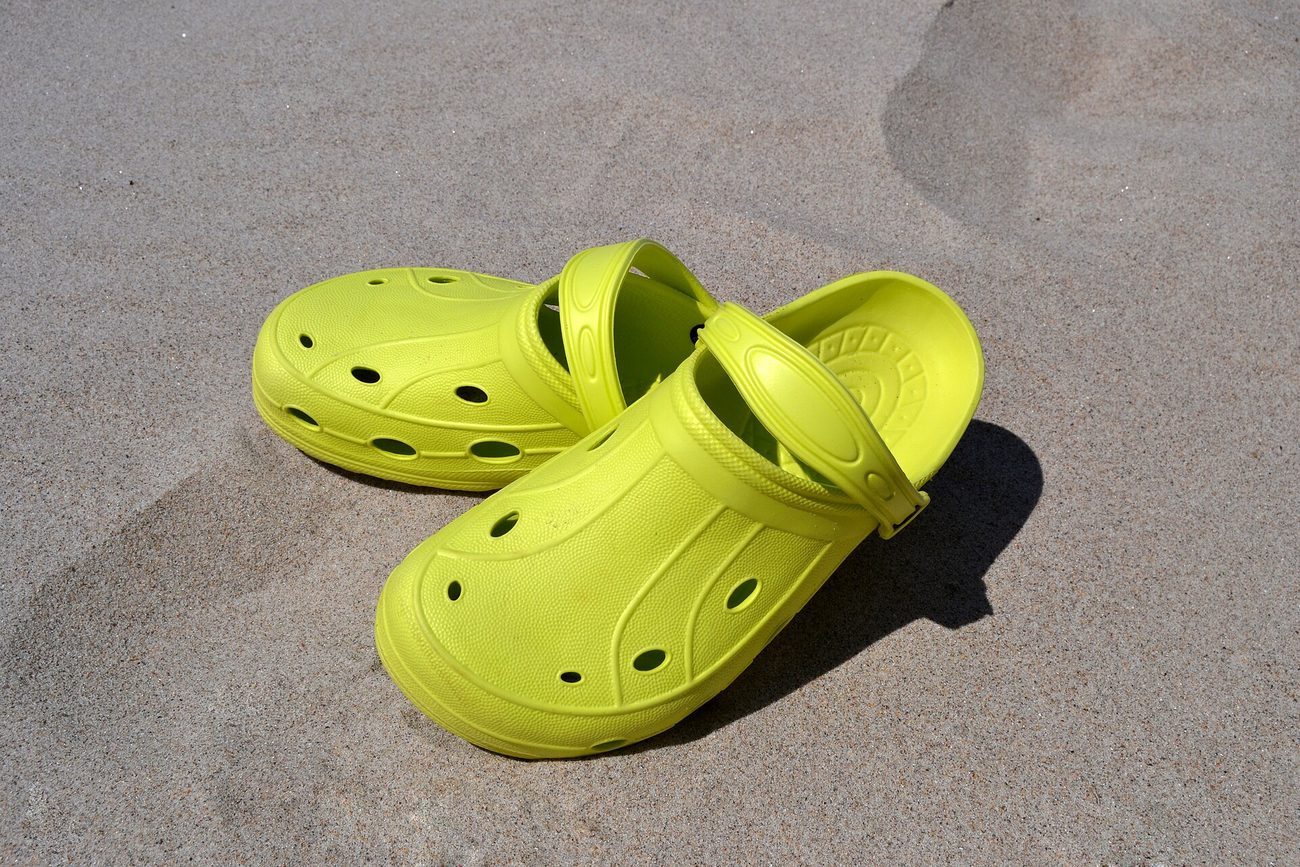
Pre-baked example — this page makes no AI call on load.
Why use it
Make a clean, scroll-stopping square cover shot for each listing
Keep your closet consistent with one solid background colour
Remove a distracting room so buyers focus on the item
Edit your whole closet free at full resolution — no watermark, no credits
Tips for the cleanest result
Poshmark covers are square — crop to a square in the editor so nothing is cut off
Bright, well-lit photos give the AI the cleanest cutout
A soft neutral or solid colour keeps the focus on the item
Keep extra photos showing real condition, tags, and any flaws
Ready to swap the background?
Upload your image, let the AI cut out the subject, then pick your background and download the full-resolution result. Free, unlimited, no signup, no watermark.
Open Background RemoverFrequently Asked Questions
Does Poshmark require a white background?
How do I make a clean Poshmark cover shot?
How do I keep my Poshmark closet consistent?
Is the Poshmark background remover free?
Related guides
Social Media Image Sizes 2025: Complete Guide for Merged Images
Stay updated with the latest image size requirements for all major social platforms when creating merged photos and collages.
Read articleProduct Photography Background Ideas for Better E-commerce Sales
Explore 10 product photography background ideas — white seamless, lifestyle scenes, textured surfaces, and more — plus how to digitally swap backgrounds for any platform.
Read articleExplore background remover
Every background type, marketplace, and use case. All free, full-resolution, no login.
Marketplace presets (spec applied)
Background colors & types
By marketplace
For your work
Want a different edit? The full background remover cuts out any subject and lets you pick any background. To erase just one object instead of the whole background, use the object remover, and to enlarge the cleaned image try the image upscaler.
Clean Up Poshmark Listing Photo Backgrounds — free
No signup, no credits, no watermark. Cut out the subject, pick your background, and download the full-resolution result.
Open Background Remover