Free, full-resolution, no watermark, no login, unlimited
Add a Pink Background to Any Photo
Remove the background and drop in a clean, solid pink field — soft and playful for beauty, lifestyle, and social content. The AI cuts out your subject, then you set the background to any pink you like — free, full-resolution, no watermark, no login.
Open Background RemoverSee the difference
Drag the slider to compare. This is an illustrative sample — run the tool on your own image for a real result.
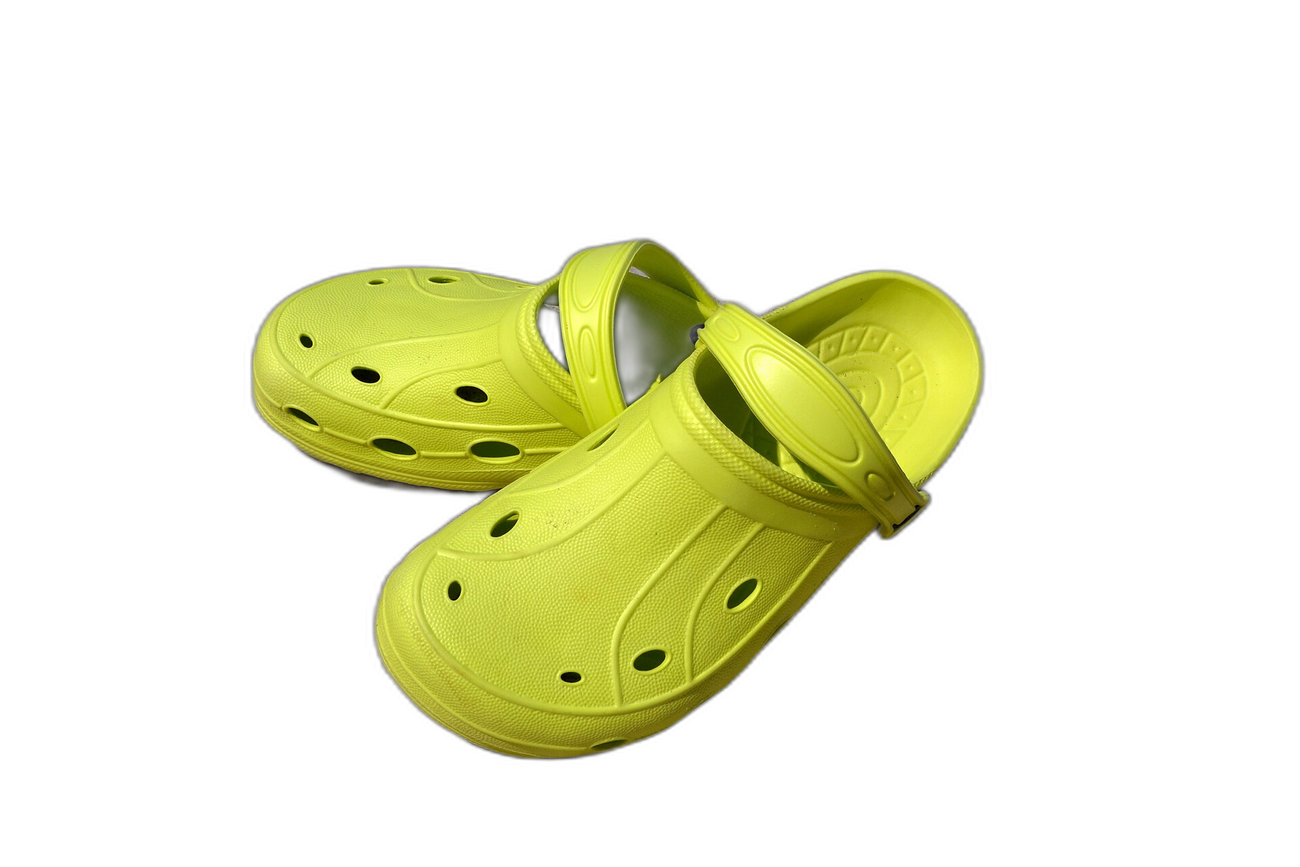
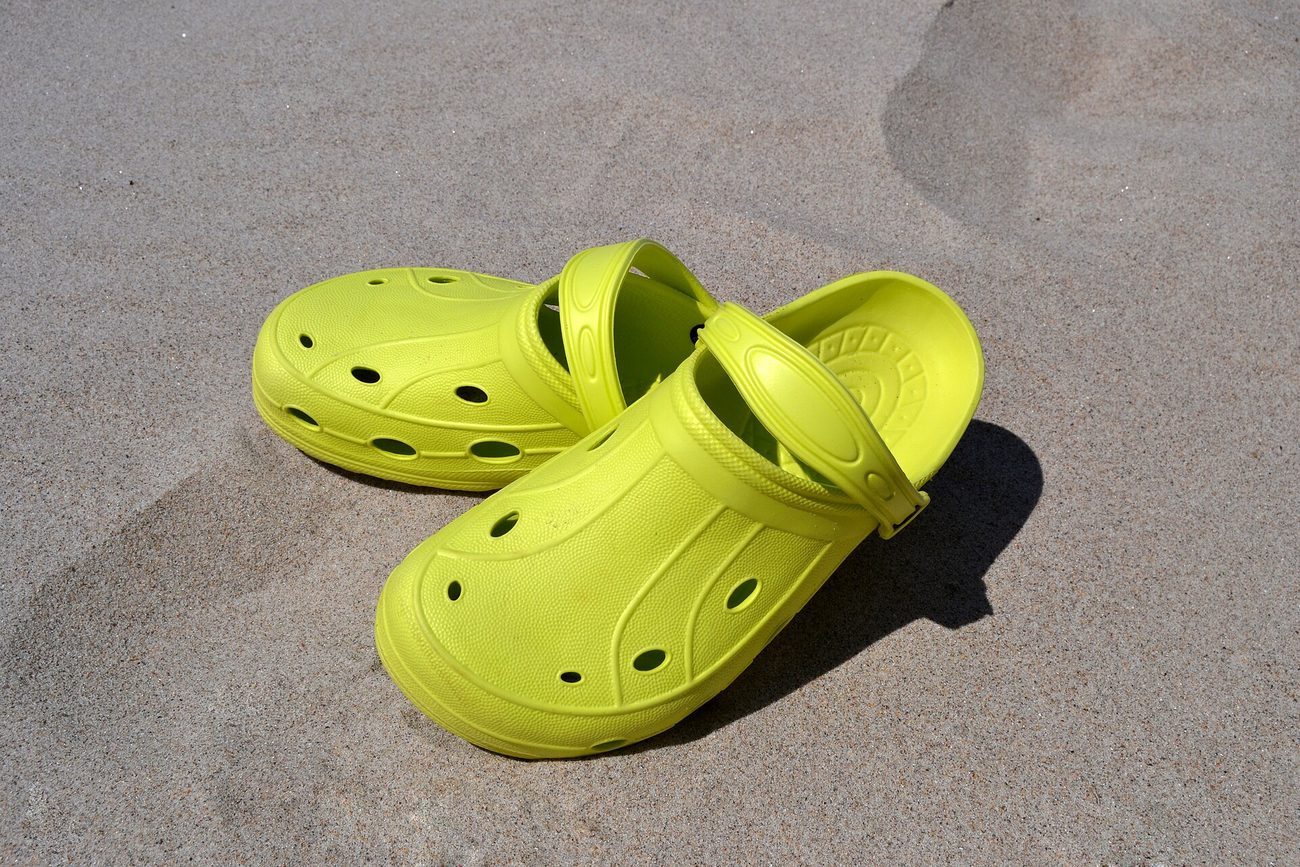
Pre-baked example — this page makes no AI call on load.
Why use it
Give beauty, cosmetics, and lifestyle shots a soft, on-brand pink field
Build playful, cohesive social feeds and story graphics
Create Valentine, baby-shower, and celebration cards in one click
Download a full-resolution result with no watermark, no account, and no credits
Tips for the cleanest result
Upload a photo where the subject contrasts with its current background for the cleanest cutout
After the cutout, type a pink hex such as #ec4899 for a vivid pink or #fbcfe8 for a soft pastel
Pastel pinks read as gentle and premium; bright pinks pop on social feeds
Use the erase/restore brush to refine any soft edge before downloading
Ready to swap the background?
Upload your image, let the AI cut out the subject, then pick your background and download the full-resolution result. Free, unlimited, no signup, no watermark.
Open Background RemoverFrequently Asked Questions
How do I add a pink background to a photo?
Can I choose a pastel or a bright pink?
What is a pink background good for?
Is the pink background tool free?
Related guides
Product Photography Background Ideas for Better E-commerce Sales
Explore 10 product photography background ideas — white seamless, lifestyle scenes, textured surfaces, and more — plus how to digitally swap backgrounds for any platform.
Read articleColor Theory for Photographers: Editing with Purpose
Discover how classic color theory drives practical edits, using complementary, analogous and split-complementary schemes, temperature tweaks, and selective.
Read articleExplore background remover
Every background type, marketplace, and use case. All free, full-resolution, no login.
Marketplace presets (spec applied)
Background colors & types
By marketplace
For your work
Want a different edit? The full background remover cuts out any subject and lets you pick any background. To erase just one object instead of the whole background, use the object remover, and to enlarge the cleaned image try the image upscaler.
Add a Pink Background to Any Photo — free
No signup, no credits, no watermark. Cut out the subject, pick your background, and download the full-resolution result.
Open Background Remover