
Summarise this article with:
A memorial tribute photo collage compresses 20 to 50 meaningful images into one dignified layout. You print it at 24 × 36 in or share it digitally. Grab a free browser tool, select and restore your photos, arrange them, and export a high-resolution file ready for any funeral setting.
Gather every picture of the departed you can find. Physical albums, scanned slides, and social media uploads hide gems. Sort them into three chronological buckets. Think childhood, middle years, and recent life. This guarantees a balanced story. Label folders "01-Childhood," "02-Adulthood," and "03-Now" on your computer. Ordering becomes automatic.
Address aging and damage next. Older scans show grain, fading, or scratches. I uploaded a faded 1970 portrait to the old photo restoration tool. Within seconds the grain softened, the contrast lifted, and the face regained its warmth. Restored files keep original dimensions, avoiding unnecessary up-scaling later. Extreme damage may require a professional retoucher. The online tool cannot reconstruct missing facial features.
Decide on a layout that respects the occasion. A classic 3 × 3 grid showcases nine standout moments. A 4 × 4 grid offers a fuller panorama of the life lived. For a narrative feel, place a central portrait surrounded by four supporting images. Highlight hobbies, family, and achievements. Our photo collage maker provides these templates with one click. You drag and drop images into the chosen pattern. Need a specific ratio the tool lacks? Export a blank canvas at the target size and import it back into the maker as a background layer.
Color treatment follows the layout. Warm sepia tones lend a nostalgic air that works well with vintage photos. Black and white adds timeless gravitas. If most images are already in color, apply a subtle uniform filter. Perhaps a gentle pastel wash. This ties the pieces together without imposing a trend. Avoid heavy Instagram style effects. They distract from the solemn purpose and reduce print quality. Some filters add noise that the printer cannot compensate.
Keep typography minimal but purposeful. The name of the departed appears in a large, elegant serif typeface centered beneath the collage. Birth and passing dates sit directly below the name in a slightly smaller size. If a short quote feels appropriate, place it in the lower right corner. Use the same font family to maintain cohesion. Skip decorative scripts. They become illegible at a distance. Guests standing several feet away need legibility.
Print specifications dictate the final impact. A 24 × 36 in board printed at 300 dpi on matte cardstock offers a sturdy display. Lean it against an easel. For smaller program inserts, a 5 × 7 in fold printed on glossy photo paper works well. Save all files in CMYK mode with a 3 mm bleed. This avoids white edges after trimming. If your printer only accepts PDF/X-1a, export using that preset. It prevents color-shift surprises.
Position the collage where guests naturally gather during the service. An easel at the entrance invites visitors to pause, reflect, and share memories. If the venue supports projection, run a digital slideshow of the same images. Set it to a soft instrumental track. This provides an alternative that does not compete with live speakers. Test the projector a day before the ceremony. Prevent unexpected glitches. Verify that the HDMI cable reaches the source and that the aspect ratio matches the 24 × 36 in canvas.
Digital memorials extend the reach beyond the funeral day. Creating a private tribute webpage lets family and friends add comments, stories, and additional photos over time. Link a simple online album hosted on a cloud service from the page. You get a living archive that grows with each anniversary. Remember to set the folder permissions to "view-only" for the public. Grant "edit" access only to designated family members to avoid accidental deletions.
Coordination among relatives can overwhelm without a clear plan. Appoint one person as the photo curator. Set a clear deadline for submissions and use a shared folder on a cloud drive. Confirm usage rights with each contributor. Most families appreciate a quick email confirming that images will only appear in the memorial context. If a contributor requests a photo be omitted, honor that request immediately. Preserve trust.
Handle photos sensitively to preserve dignity. Choose images that capture joy, achievement, and personality. Exclude pictures that show illness, hospitalization, or any moment the deceased might have found private. If the person expressed a wish to limit public exposure, honor that. Limit the collage to close family members only. Ask a sibling or spouse for guidance before finalizing the selection if you feel doubt.
Printed funeral programs often feature a small version of the collage on the back cover. Overlay text with the overlay-images tool. You can place the name, dates, and a brief tribute without compromising visual balance. Send the resulting PDF to the printer directly from the browser. Verify that the final PDF embeds all fonts. Otherwise the printer may substitute a default font that alters the design.
If you create a video tribute, aim for 50 to 100 photos over three to five minutes. The "Fit to Music" feature in many slideshow apps automatically adjusts slide length to match a chosen hymn or favorite song. You can also set each slide to four seconds for a steady rhythm. Export the video in 1080p to ensure clarity on large screens. Test the audio level on the venue's sound system. Avoid overpowering speakers or being drowned out by ambient noise.
Consider a hardcover photo book for a lasting keepsake. The cover should display a hero portrait. Interior chapters follow life stages. Think childhood, career, hobbies, and recent years. Each chapter contains six to twelve images with brief captions. These add context without overwhelming the page. Use a legible sans-serif for captions. Keep them under 15 words. Place longer text on a separate dedication page.
Distribution of the final book varies by relationship. Immediate family often receives a deluxe hardcover. Extended relatives may prefer a softcover. Give close friends a digital PDF version. Budget early to avoid last-minute surprises. Many online printers offer bulk discounts for orders over 20 copies. Ask the printer whether they provide a proof copy before the full run. Catch any color or layout errors this way.
Memorial collages are not static. On anniversaries, birthdays, or holidays, replace a few images with newer photos of family gatherings that include the tribute. Print the updated collage again or display it digitally. This reinforces the ongoing celebration of life. Keep the original high-resolution master file archived in a secure cloud folder. Future updates will not require re-scanning older pictures.
Take time to reflect on each choice.
Frequently Asked Questions
How many photos should I include?
A funeral-room collage works well with 20 to 50 images. A full-size photo book typically contains 50 to 100.
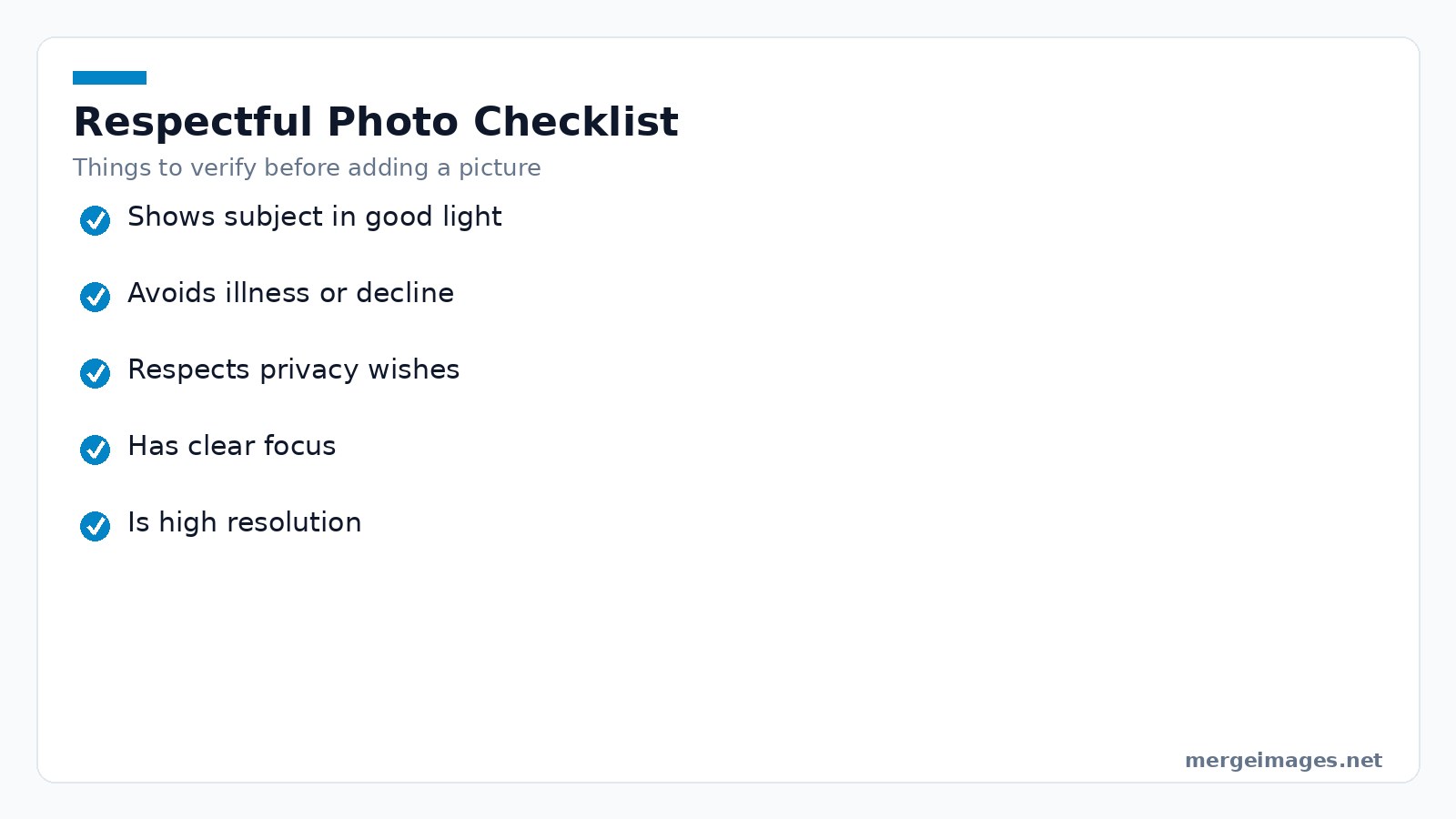
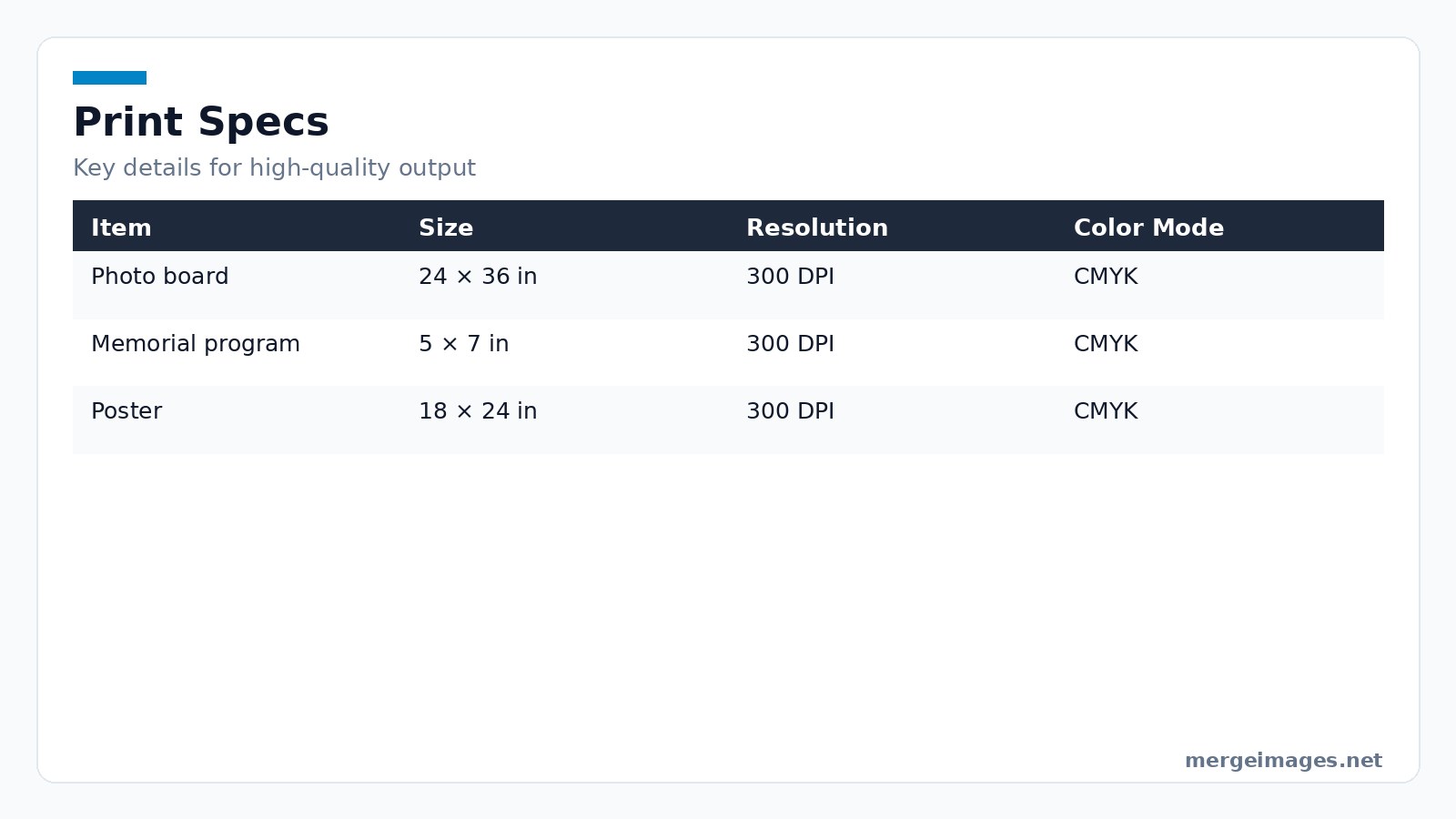
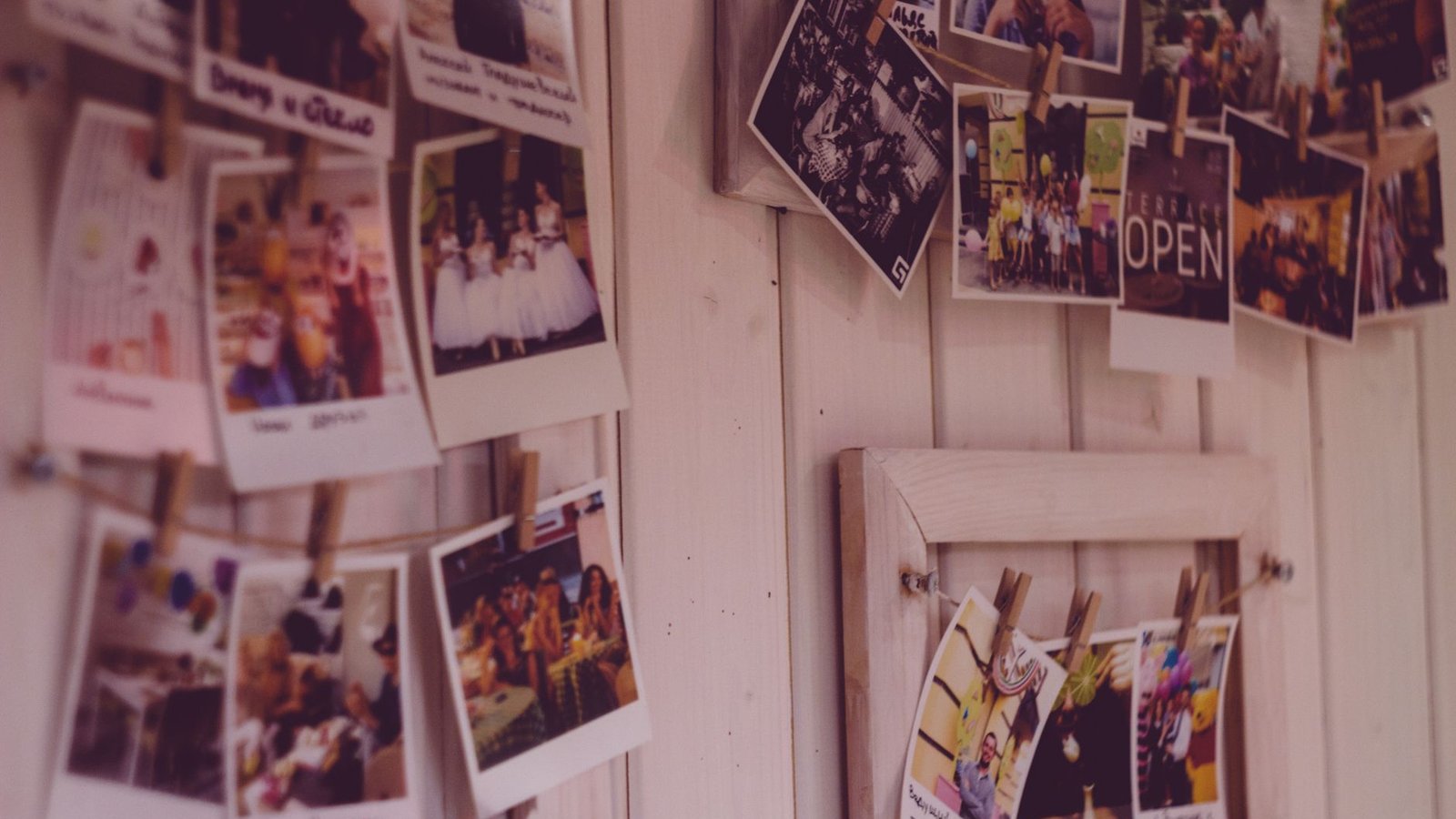
Photo: Vladyslav Dukhin via Pexels
Should I include photos of family members?
Yes. The deceased remains the focal point. Relatives appear in supporting positions.
What about age inclusivity?
Select pictures from childhood, adulthood, and recent years. This illustrates the complete journey.
Can I use stock photos?
No. Authentic images of the person are essential for a meaningful tribute.
Should I edit photos for memorial purposes?
Light adjustments are appropriate. Think sharpening, brightness, and subtle color balance. Avoid heavy filters or trendy overlays.

Bello builds useful software and writes thoughtful content to make sense of it all. He tests the tools himself and checks the facts before any of it goes in a guide.


