Three free tools, no signup, no watermark
Old Photo Restoration
Bring an old, damaged photo back to life with three free MergeImages tools. Brush out scratches and tears, restore clarity and contrast, then upscale the scan to a print-ready size — step by step, in your browser, with no signup and no watermark.
This is a manual, three-step workflow you run yourself — not a single automatic button. For fully automatic AI restoration of damaged photos and for colourizing a black-and-white photo, see the PhotoFlip section below.
See the difference
Drag the slider to compare. This is an illustrative sample — run the free tools on your own scan for a real result.
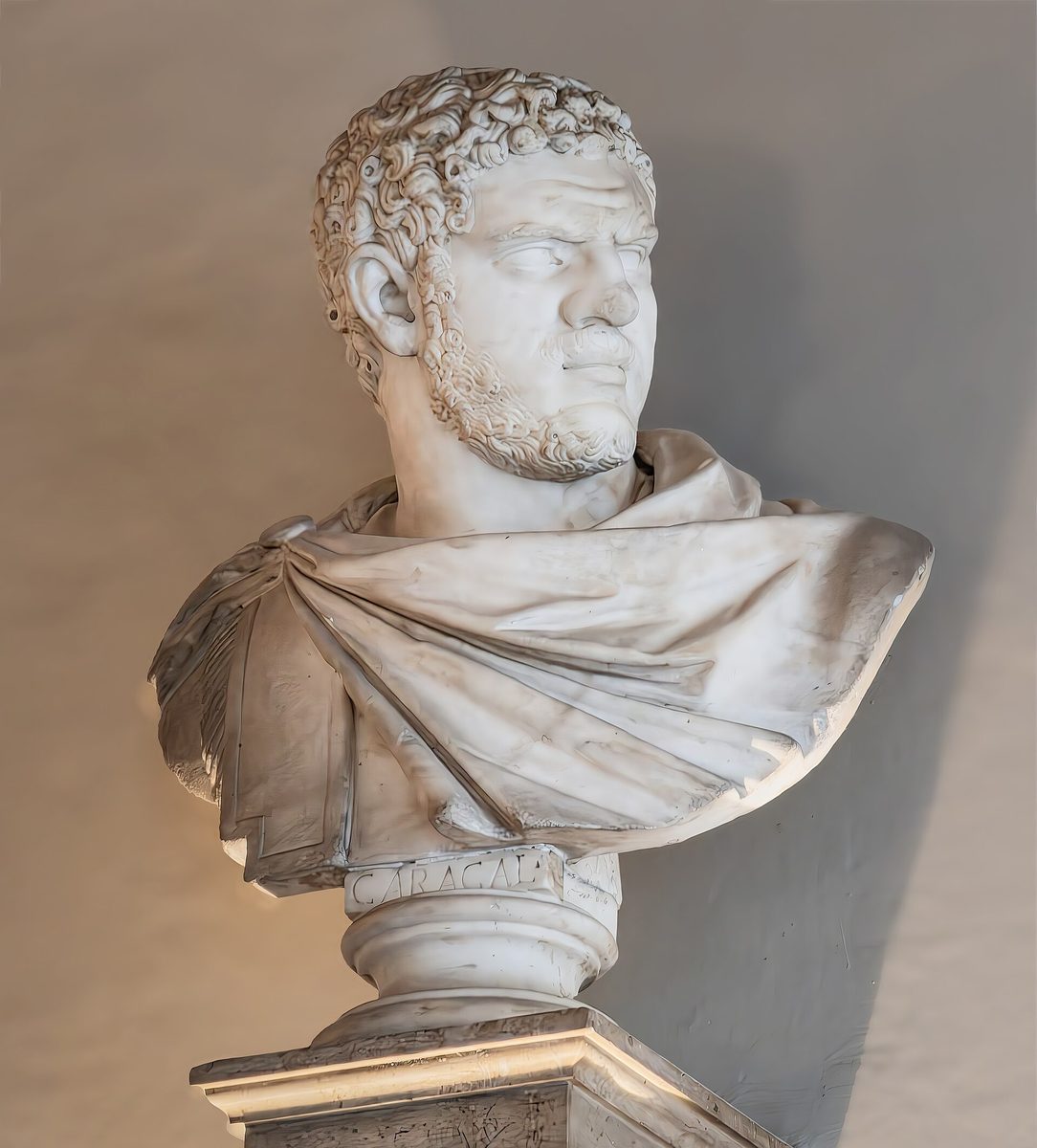
Pre-baked example — this page makes no AI call on load.
Restore an old photo in 3 steps
Each step is a separate free MergeImages tool. Run them in order — repair, clarity, then resolution — for the cleanest restoration.
Scratches, tears, spots & creases
Brush out scratches, tears, and spots
Old prints pick up scratches, tears, fold lines, dust spots, and foxing over the years. Open the free object remover, brush over each blemish, and the AI inpainting model rebuilds the area behind it with matching texture. Work on one mark at a time for the cleanest fill. It is free, full-resolution, and adds no watermark.
Open Object RemoverFaded, flat, and soft detail
Bring back clarity, contrast, and detail
Decades of fading leave a scan looking flat, dull, and a little soft. Run the one-click enhance photo tool for an automatic contrast, brightness, sharpen, and denoise pass, or reach for the dedicated sharpen image tool to push edge detail further by hand. Both run free in your browser and never upload your photo.
Open Enhance PhotoSmall, low-resolution scans
Enlarge the scan to a print-ready size
A small print or a low-DPI scan does not hold up when you want to reprint, frame, or share it large. The free AI image upscaler reconstructs detail and enlarges your cleaned-up photo 2x or 4x, so the final restored image stays crisp at a bigger size. No signup, no watermark.
Open Image UpscalerPrefer a single automatic clarity pass? The enhance photo tool runs contrast, brightness, sharpen, and a light denoise in one click. For finer control, the sharpen image tool lets you dial in edge detail by hand.
Want it automatic?
For automatic AI restoration and colorization of damaged photos, try PhotoFlip
MergeImages gives you free tools to repair, sharpen, and upscale a photo by hand. PhotoFlip is a separate product built to restore badly damaged photos and add realistic colour to black-and-white pictures automatically — the AI work MergeImages does not do.
Why restore your photos here
Every step uses a free MergeImages tool — no signup, no credits, no watermark, and no daily cap
Your photo is processed in your browser for the canvas tools — it never leaves your device
Repair, clarity, and resolution are handled by three focused tools you control, not a black box
Download a full-resolution restored image you can reprint, frame, or share
Tips for the cleanest restoration
Scan the original at the highest resolution your scanner allows before you start — more detail in means more detail out
Do the repair pass (object remover) first, then clarity, then upscale last, so each step works on a cleaner image
Brush over scratches and tears in small sections; a mark over a simple background like a wall or sky fills most seamlessly
For colour restoration or automatic damage repair, use PhotoFlip — these free MergeImages tools handle repair, clarity, and resolution, not automatic AI restoration or colourization
Frequently Asked Questions
How do I restore an old photo for free?
Can MergeImages restore my photo automatically with one click?
How do I remove scratches and tears from an old photo?
Will the restored photo look fake or over-processed?
Can I colourize a black-and-white photo here?
Related guides
How to Restore Old Photos with AI: Upscale, Sharpen, and Repair Vintage Images
Breathe new life into old family photos. Learn how AI upscaling recovers lost detail from faded, low-resolution vintage images.
Read articleHow to Colorize Old Black and White Photos Online for Free
Bring family history to life by colorizing black and white photos online. Learn which AI colorization tools work best, how to improve quality before colorizing, and tips for realistic results.
Read articleThe tools in this workflow: object remover for scratches and tears, enhance photo and sharpen image for clarity, and the image upscaler for resolution. Browse all free tools.
Restore your old photo — free
No signup, no credits, no watermark. Start with the object remover, then bring back clarity, then upscale.