Free, in your browser, no watermark, no login
Denoise Old & Scanned Photos
Reduce the speckle and film grain that shows up when you scan old prints and negatives. A gentle denoise pass smooths the noise so faces and backgrounds read cleaner — free, in your browser, no watermark.
Open Denoise ToolSee the difference
Drag the slider to compare. This is an illustrative sample — run the tool on your own image for a real result.

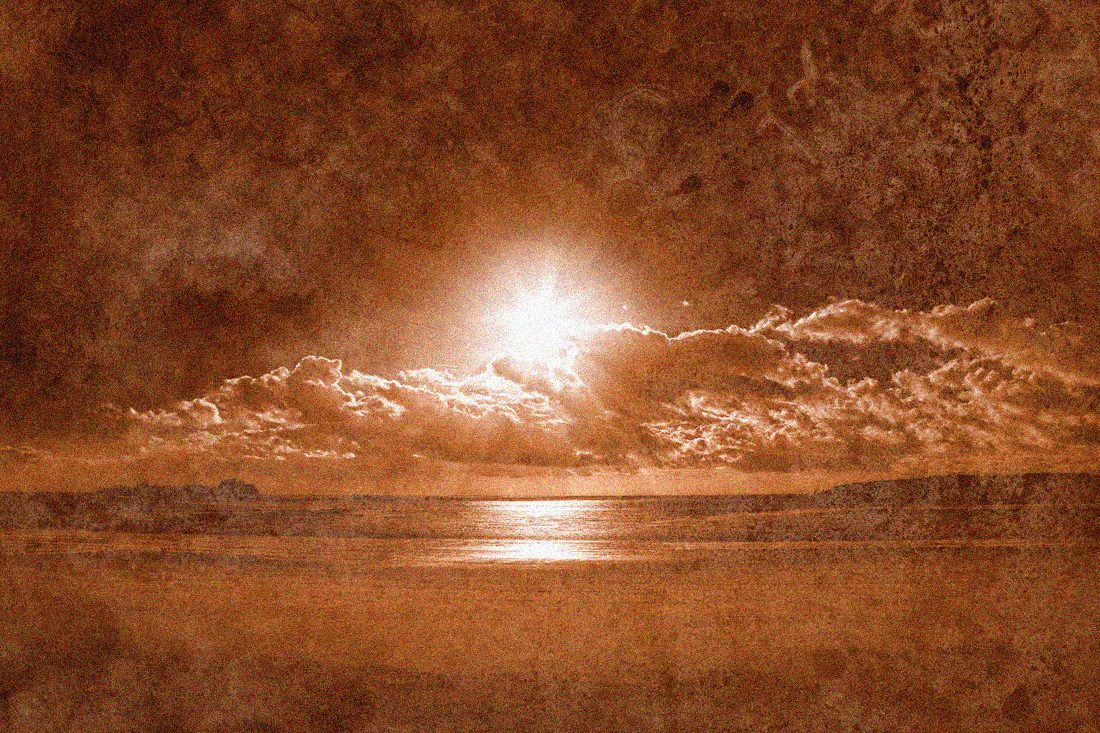
Pre-baked example — this page makes no AI call on load.
Why denoise old scans
Smooth out the speckle a flatbed scanner adds to old prints
Reduce visible film grain so scanned negatives look cleaner
Prepare heirloom scans for reprinting or sharing without a noisy look
Denoise in the browser with no install, no watermark, and full resolution
Tips for the cleanest result
Scan at the highest DPI your scanner offers first, then denoise the result
Use a light setting on portraits so skin keeps its natural texture
Denoise before colorizing or sharpening so those steps work on a clean image
For very small scans, upscale first, then denoise the larger version
Ready to clean up your old scans?
Upload your photo, adjust the amount with a slider, and download the full-resolution result. Free, private, no signup.
Open Denoise ToolFrequently Asked Questions
Can the denoiser fix dust and scratches on a scan?
Will denoising lose detail in old photos?
Are my scanned family photos uploaded anywhere?
Related guides
How to Restore Old Photos with AI: Upscale, Sharpen, and Repair Vintage Images
Breathe new life into old family photos. Learn how AI upscaling recovers lost detail from faded, low-resolution vintage images.
Read articleHow to Organize Digital Photos for Easy Sharing, Collages & Printing
A practical system for organizing your digital photo library: folder structure, naming conventions, storage options, and how to prep photos for sharing, collages, and printing.
Read articleHow to Colorize Old Black and White Photos Online for Free
Bring family history to life by colorizing black and white photos online. Learn which AI colorization tools work best, how to improve quality before colorizing, and tips for realistic results.
Read articleMore denoise use cases
After denoising, crisp up edges with the photo sharpener, auto-balance the whole photo in one click with the photo enhancer, or enlarge a small image with the image upscaler.
Denoise Old & Scanned Photos — free
No signup, no credits, no watermark. Adjust the amount and download the full-resolution result.
Open Denoise Tool