Free, in your browser, no watermark, no login
Denoise Low-Light Photos Online
Smooth out the speckly grain that shows up in photos shot indoors, at dusk, or by candlelight. The denoiser averages out color noise so dim shots look cleaner — free, in your browser, no watermark, no login.
Open Denoise ToolSee the difference
Drag the slider to compare. This is an illustrative sample — run the tool on your own image for a real result.
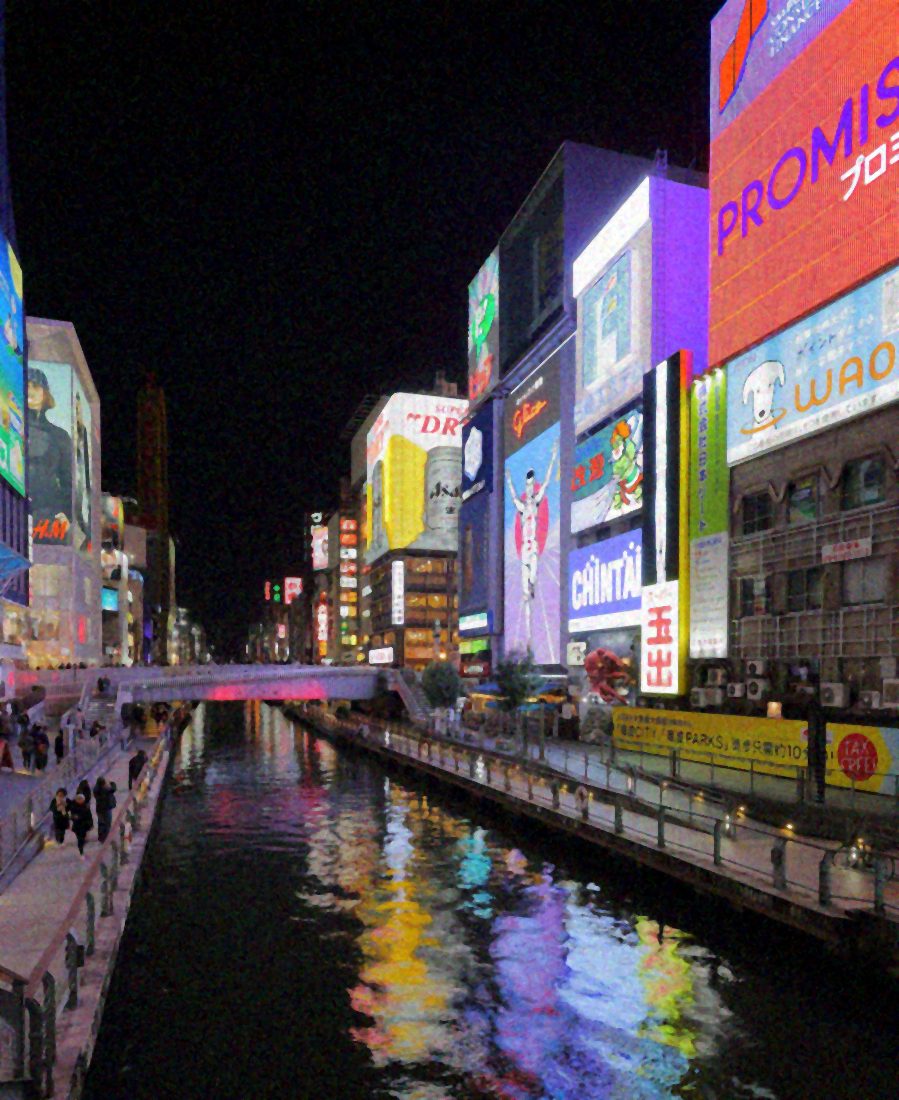
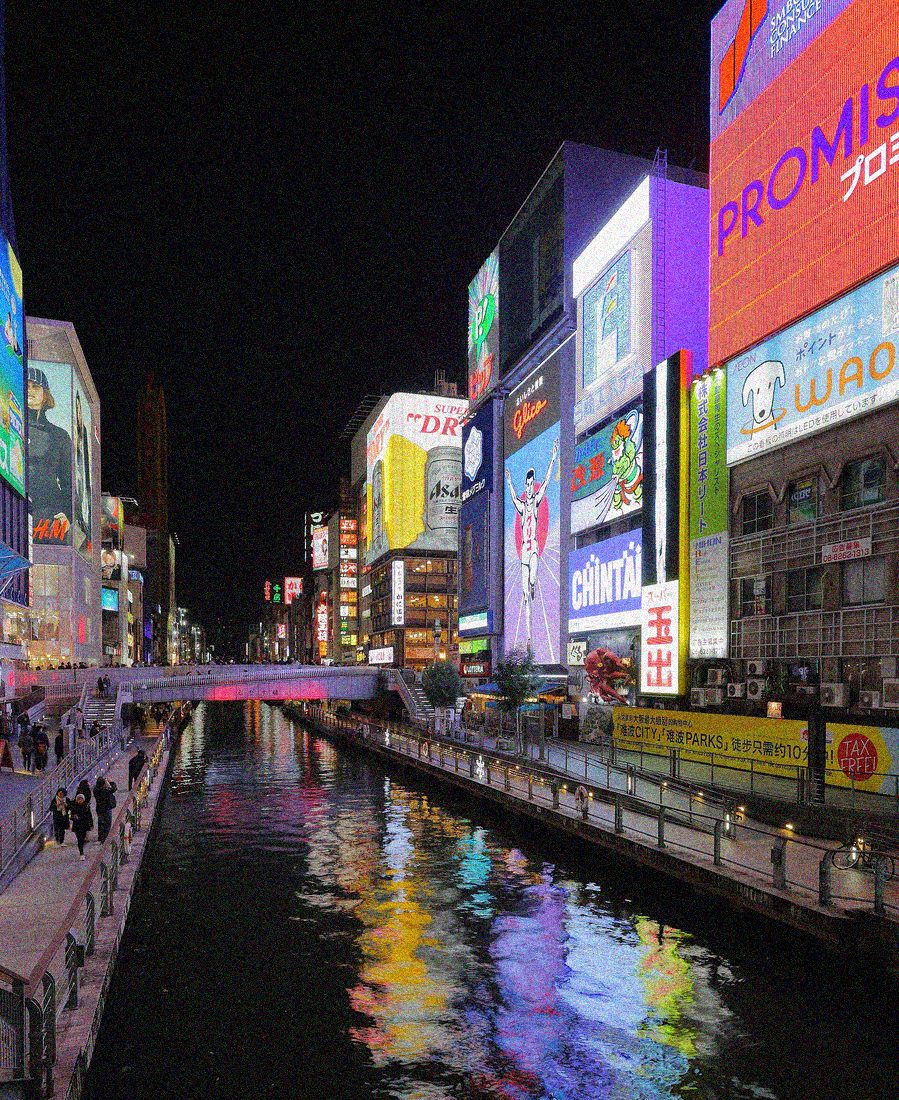
Pre-baked example — this page makes no AI call on load.
Why denoise low-light photos
Smooth out the colored speckle that dim and indoor shots pick up
Make handheld evening and candlelit photos look cleaner before sharing
Reduce distracting grain in flat shadow areas without re-shooting
Denoise in the browser with no install, no watermark, and full resolution
Tips for the cleanest result
Start with a light setting — strong denoising softens fine detail along with the grain
Denoise before sharpening, so you do not crisp up the noise first
For very dark frames, brighten with the exposure tool first, then denoise
Crop to the part you actually need before denoising to keep the rest crisp
Ready to clean up your low-light photos?
Upload your photo, adjust the amount with a slider, and download the full-resolution result. Free, private, no signup.
Open Denoise ToolFrequently Asked Questions
Will denoising blur my low-light photo?
Does the denoiser use AI?
Is the low-light denoiser free?
Related guides
Golden Hour Photography: Capture and Edit Warm Light
Master golden hour photography with practical shooting, composition, and editing techniques that preserve the warm directional glow that makes sunset shots exceptional.
Read articleNight Photography Guide: Master Low-Light Shooting and Editing
Learn the camera settings, composition approaches, and editing techniques that turn difficult nighttime shots into clean, compelling photographs worth sharing.
Read articleMore denoise use cases
After denoising, crisp up edges with the photo sharpener, auto-balance the whole photo in one click with the photo enhancer, or enlarge a small image with the image upscaler.
Denoise Low-Light Photos Online — free
No signup, no credits, no watermark. Adjust the amount and download the full-resolution result.
Open Denoise Tool