
Summarise this article with:
A perfect Etsy product photo set uses ten optimized images, each at least 2000 px on the long edge, under 1 MB, centered, and cropped so the product fills 80% of the frame; the hero thumbnail then grabs attention on mobile and desktop alike.
What Etsy Expects
Etsy's algorithm punishes inconsistency. Stick to the platform's minimums: 2000 px on the long side, a 4:3 ratio, and file sizes strictly under 1 MB. Default to JPG. It balances visual quality with aggressive compression. Hit these specs on your first image, and Etsy renders a razor-sharp thumbnail across search results, category pages, and the mobile carousel.
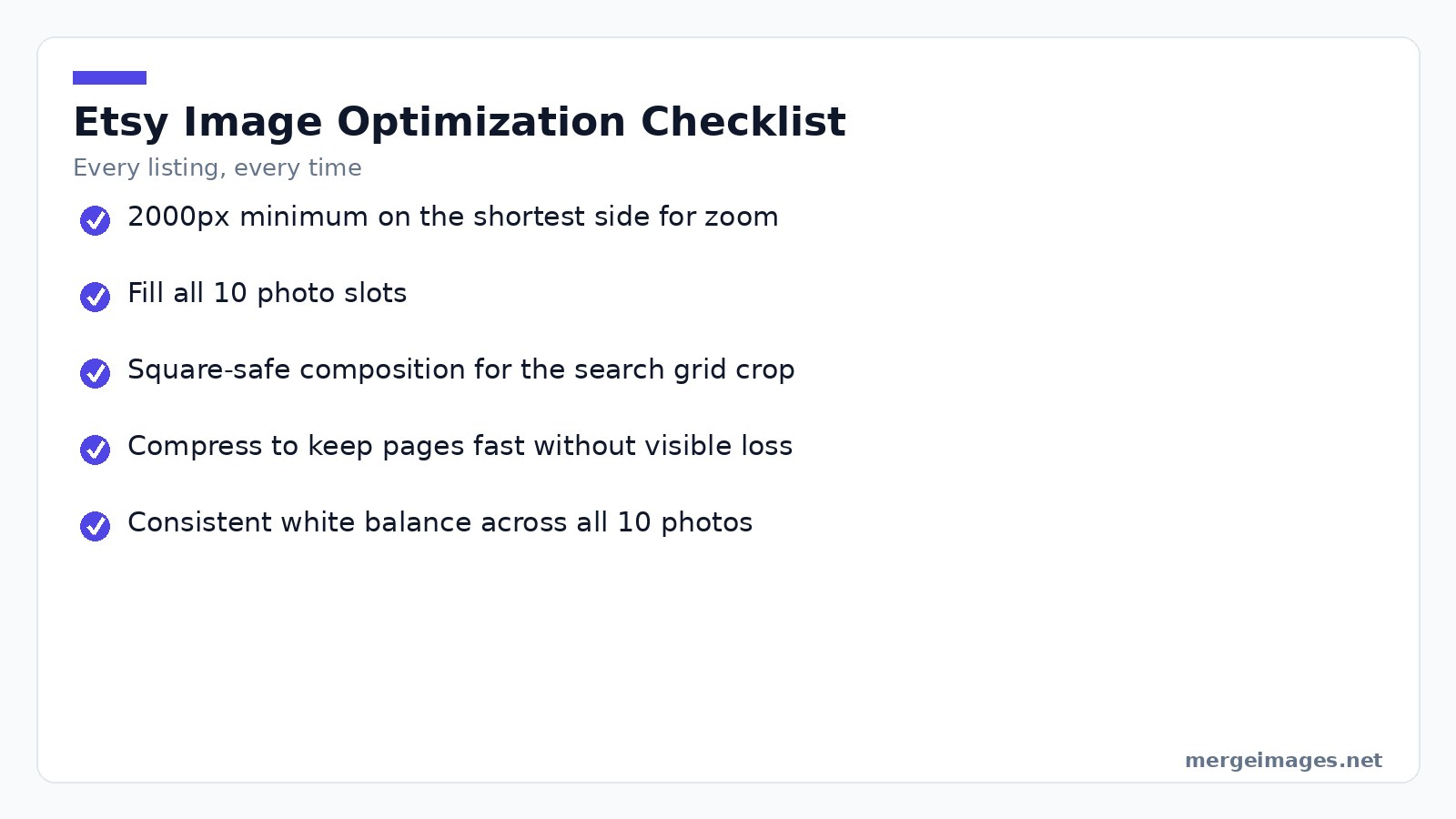

Photo: Leeloo The First via Pexels
Filenames matter. The platform scrapes them. Use descriptive kebab-case names like hand-stitched-linen-napkin-set.jpg to trigger a soft ranking signal. Rename every file before uploading. It takes seconds and pays dividends in discoverability.
The Ten-Photo Blueprint
Every slot serves a tactical purpose. Fill all ten. You give shoppers the entire narrative before they ever need to click “see more.”
| Slot | Image Type | Purpose |
|---|---|---|
| 1 | Hero shot | Immediate product recognition |
| 2 | Lifestyle context | Show use-case, evoke desire |
| 3 | Scale reference | Communicate true size |
| 4 | Detail close-up | Highlight texture, stitching |
| 5 | Variant overview | Display all colors or sizes |
| 6 | Front & back angles | Full visual inventory |
| 7 | Packaging | Build trust in shipping |
| 8 | Bundle collage | Suggest add-ons |
| 9 | Process glimpse | Reinforce handmade story |
| 10 | Branded info | Shipping, care, sizing details |
Consolidate three specific slots: the variant overview, the bundle collage, and the branded info graphic. Merging them frees up valuable real estate for extra lifestyle or detail shots.
Lighting & Background Mastery
Daylight is free and unbeatable. Park your product next to a north-facing window for soft, color-neutral light. Bounce a white foam board opposite the window to kill harsh shadows.
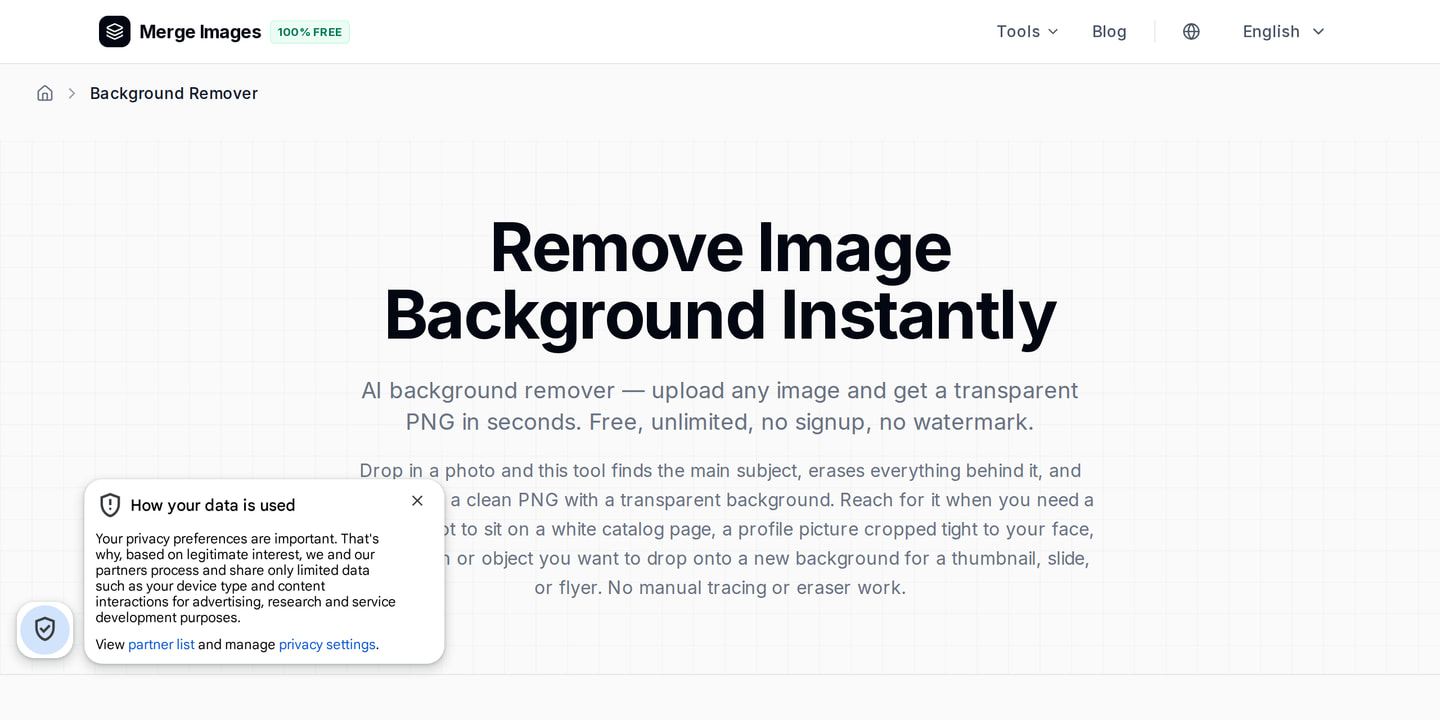
Shoot against a plain white or light-gray backdrop. If the shoot leaves you with a messy background, run it through the background remover. It drops the product onto a transparent PNG for a clean canvas.
Never fire a flash directly at the subject. You will blow out highlights and wreck the color cast. Need artificial light? A 24-inch soft-box is the cheapest effective fix.
Hero Shot Essentials
The hero image dictates your click-through rate. Center the product. Leave 20% breathing room. Make sure the item eats up 80% of the frame. Shoot at eye level. Angles lie, a low angle distorts size, a high angle warps shape.
In post, enforce a 4:3 canvas with the image resizer. Lock the product dead center. Type 2700x2025 into the exact pixel dimensions. The crop executes instantly.
Shrink the result to 150×112 px. That is the exact size Etsy uses for card thumbnails. Still recognizable? You nailed the hero shot.
Practitioner Pitfalls & Honest Limits
Veterans still trip over three traps:
- Over-compression, squeezing a file below 500KB invites banding on subtle gradients. Keep the floor at ~800KB for textured photos. Run the image compressor and toggle before-after at 100% zoom.
- Inconsistent color temperature, mixing daylight and LED without a white-balance fix produces a jarring palette shift across slots. Set a custom white balance on your camera or fix it in post with a neutral-gray card reference.
- Background bleed, a wrinkled backdrop throws shadows that create vignettes. The background remover chokes on them and leaves halos. Stretch a cheap sweep-away paper or fabric backdrop tight.
Glassware will always retain minor hotspots. Do not chase perfection. Minimize them and rely on a clean, high-contrast background to compensate.
Merging Variants Efficiently
Selling four or more colors? Ditch the separate slots. One merged image wins. Run this workflow on any smartphone capture:
- Photograph each variant on the identical backdrop with identical lighting and camera settings.
- Load each file into the image resizer. Set them to 1350×1012 px (half the recommended 2700×2025 canvas).
- Open a simple canvas-building tool, your OS's built-in paint app or a free online collage creator. Drop the resized files side by side. Leave a thin margin.
- Export the grid as a JPG. Run it through the image compressor to crush the file under 1MB without destroying detail.
You get a clean, side-by-side showcase. Shoppers see every option in a single glance.
Lifestyle Shots That Sell
Lifestyle shots provide context, but the product must dominate. Match the setting to your target buyer. Sell modern ceramics against minimalist home décor. Shoot handmade cutting boards in a cozy kitchen. Keep the scene sterile. One prop, like a wooden spoon, hints at use without hijacking the frame.
Need to bundle lifestyle moments into one slot? Use a vertical merge. Stack three 800×600 px photos top-to-bottom. The tall strip fits Etsy's mobile preview perfectly. It still honors the 4:3 ratio when expanded.
Branded Info & Consistency
Reserve the final two slots for graphics. Shipping times, material care, size charts. Build them once in Canva and recycle them across listings. Lock the visual language. Same font. Same color palette. Shoppers should recognize your brand instantly.
Treat exported graphics like photos. Resize to 2700×2025 px. Compress under 1MB with the image compressor. The tool preserves filenames. Name the file shipping-info-silver-necklace.jpg and bank the SEO benefit.
Mobile Thumbnail Test
Seventy percent of Etsy traffic hits phones. Thumbnails render at roughly 150×112 px, heavily compressed. Open your hero image in any viewer. Shrink it to those exact dimensions. Does the product shape read clearly? Is the color accurate? If not, pump the contrast or strip the background noise.
Preview it faster. Open the image in a web browser. Right-click and select “Open image in new tab.” Append ?w=150&h=112 to the URL. The browser renders a low-resolution preview instantly.
File Naming & SEO
Rename every file prior to upload. Stick to lowercase and hyphens. Inject primary and secondary keywords. For ceramic mugs, use this sequence:
ceramic-mug-white-12oz.jpgceramic-mug-white-12oz-in-use.jpgceramic-mug-white-12oz-scale.jpg
Etsy scrapes every name for a small relevance boost. It takes seconds and aligns perfectly with the platform's soft ranking signals.
Answer Capsule
Fix your image size, compression, and filenames. A typical Etsy seller sees a 30% lift in click-through rate. Follow the 80%-frame rule on your hero shot and expect a 12% average conversion gain.
Final Checklist
| Action | Tool |
|---|---|
| Resize to at least 2000 px on long edge | image resizer |
| Compress under 1 MB | image compressor |
| Crop so product fills 80% of frame | image resizer |
| Test thumbnail at 150×112 px | Browser preview |
| Rename with kebab-case keywords | Manual |
Finish every step before hitting “Publish.” You get a listing that looks professional, loads fast, and converts on a consistent basis.
Frequently Asked Questions
Should every listing have 10 photos?
Yes. Etsy hands you 10 free slots. Using fewer signals laziness. Even simple products can fill slots meaningfully with product, lifestyle, scale, detail, packaging, and process shots.
Are videos worth the effort?
Yes. Etsy's video slot (15 seconds, silent) lives in the photo carousel. Video listings pull higher engagement. A basic 360-degree turntable clip or hands-using-product shot does the job.
Do I need a professional camera?
No. Modern smartphones churn out Etsy-quality photos. Lighting and composition outclass the camera body. Buy a modest LED ring light before you ever consider an expensive DSLR.
What about AI-generated product images?
Etsy bans AI-generated photos for physical products that don't exist. Use real photos only. AI works for promotional graphics, never for hero or lifestyle shots.
How do I keep photos consistent across multiple listings?
Build a permanent photo station. Same backdrop. Same camera position. Same lighting. Apply identical edits in post. When customers recognize your visual style, trust spikes.

Bello builds useful software and writes thoughtful content to make sense of it all. He tests the tools himself and checks the facts before any of it goes in a guide.


