Kostenlos · Ohne Anmeldung
AI Image Upscaler for Ecommerce Product Photos
Upscale product shots to meet Amazon, Shopify, and Etsy resolution rules and enable hover-zoom. Enlarge phone photos 2x or 4x so listings look sharp on every device — free, no watermark.
Hochskalierer öffnenSehen Sie den Unterschied
Ziehen Sie den Regler, um das niedrig aufgelöste Original mit dem hochskalierten Ergebnis zu vergleichen.
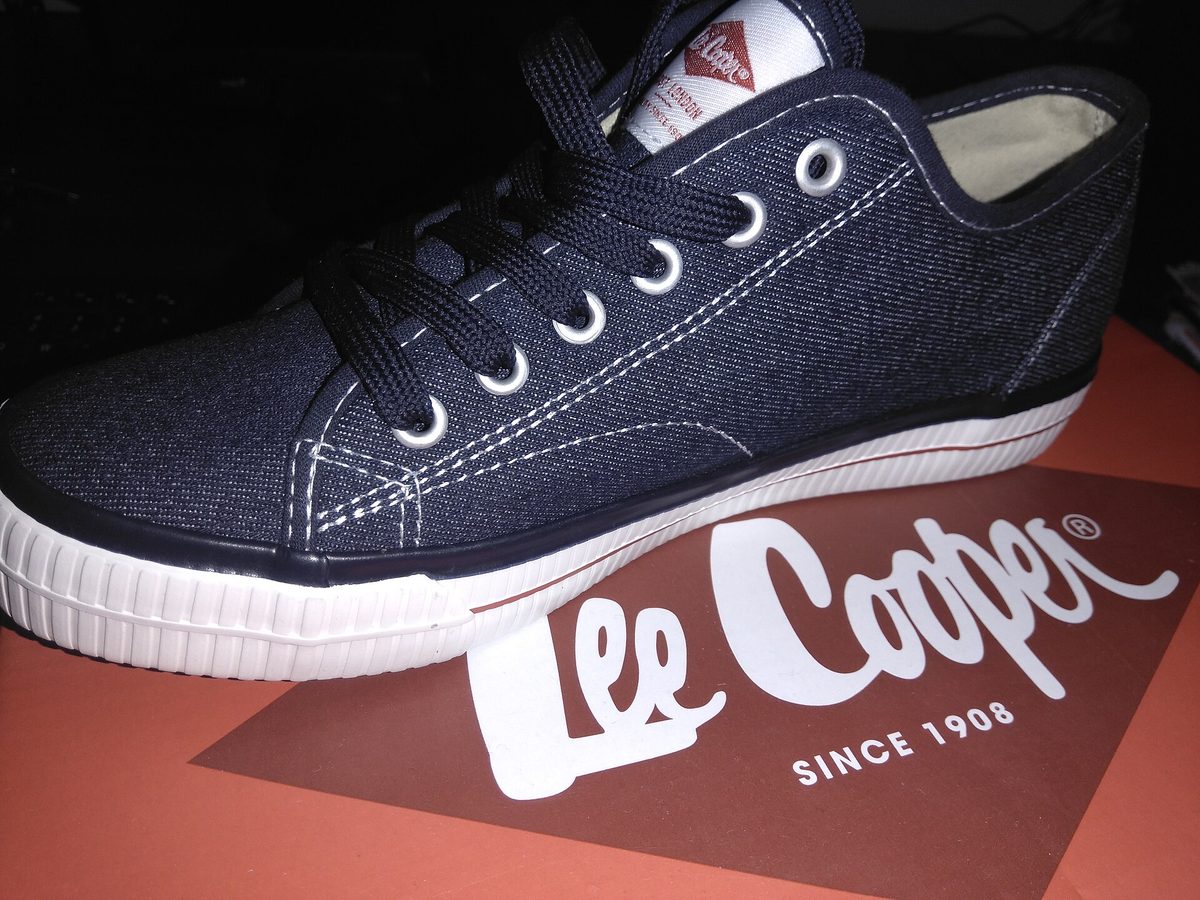
Veranschaulichendes Beispiel — wenden Sie den Hochskalierer auf Ihr eigenes Bild an, um ein echtes Ergebnis zu erhalten.
Warum ecommerce product hochskalieren
Hit Amazon’s 1600px minimum so the hover-to-zoom feature turns on
Make phone-shot product photos look sharp enough for the main listing image
Upscale flat-lay and detail shots for Shopify and Etsy galleries
Avoid re-shooting a whole catalog just because the originals were too small
Tipps für die besten Ergebnisse
Amazon enables zoom at 1600px on the longest side — upscale to clear that bar
Use a clean, evenly lit background so the upscaler has crisp edges to enhance
Upscale first, then remove the background for a clean white product cutout
Run a compress pass after upscaling to keep files under each platform’s size cap
Bereit, ecommerce product hochzuskalieren?
Upload your photo, choose 2x or 4x, and download the full-resolution result. Free, private, no signup.
Bild-Hochskalierer öffnenFrequently Asked Questions
What image size does Amazon require for zoom?
Can I upscale a whole product catalog?
Will upscaling change my product’s colors?
Verwandte Anleitungen
How to Upscale Product Photos for Amazon, Etsy, and Shopify
Supplier images too small? Learn how to AI-upscale product photos to meet marketplace requirements without losing quality.
Read articleAmazon Product Image Requirements 2026: Sizes, Rules, and How to Fix Low-Res Supplier Photos
Amazon's image requirements are strict — wrong size or quality means suppressed listings. Here's every rule and how to fix common issues.
Read articleShopify Product Images: The 8-Photo Formula That Converts
Products with 8+ images convert 30% better on Shopify. Learn the exact specs, shot types, and compression settings that turn browsers into buyers.
Read articleWeitere Anwendungsfälle
Arbeiten Sie an einer kompletten Bearbeitung? Kombinieren Sie den Hochskalierer mit unserem Hintergrund-Entferner, dem Schärfewerkzeug, dem Bildkompressor und dem Bildgrößen-Tool.
Ecommerce Product jetzt hochskalieren
Kostenlos, privat und direkt im Browser — ohne Anmeldung.
Open Image Upscaler