Grátis · Sem cadastro
AI Upscaler for Screenshots
Enlarge small or compressed screenshots so text and UI stay readable in slides, docs, and tutorials. Upscale 2x or 4x for crisp presentations and Retina displays — free, no watermark.
Abrir o ampliadorVeja a diferença
Arraste o controle deslizante para comparar o original de baixa resolução com o resultado ampliado.
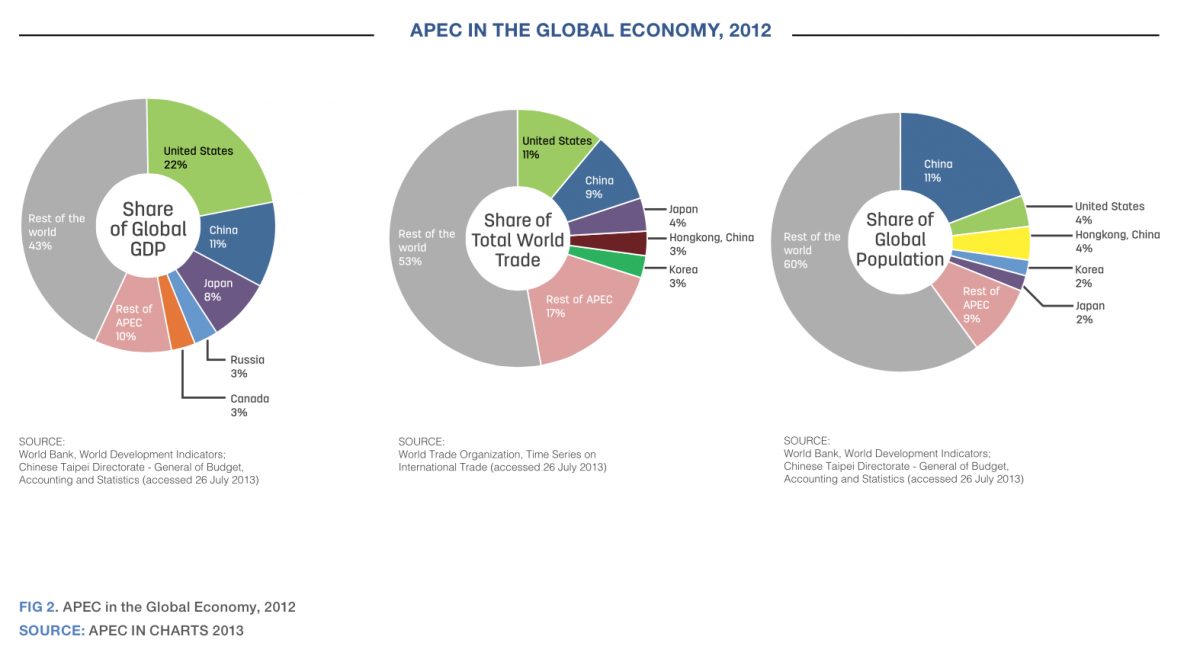
Exemplo ilustrativo — use o ampliador na sua própria imagem para um resultado real.
Por que ampliar screenshots
Keep UI text legible when a screenshot is blown up on a projector or 4K display
Fix small or compressed captures pulled from chat apps and PDFs
Make tutorial and documentation images sharp at full-page width
Upscale app-store and demo screenshots to the required resolutions
Dicas para os melhores resultados
Capture at the highest resolution your screen allows before upscaling
Use 2x for slide decks and 4x for large print or Retina exports
Upscale before adding annotations so callout text stays crisp
For UI with fine text, pair the upscaler with a light sharpen pass
Pronto para ampliar screenshots?
Upload your photo, choose 2x or 4x, and download the full-resolution result. Free, private, no signup.
Abrir o ampliador de imagensFrequently Asked Questions
Why do my screenshots look blurry in presentations?
Can the upscaler sharpen tiny UI text?
Is upscaling screenshots free?
Guias relacionados
How to Combine Screenshots for Documentation and Tutorials
Merge screenshots into one clear image for docs, tickets and tutorials: fixed capture widths, safe redaction, and file sizes a wiki can carry.
Read articleMobile App Screenshots: Creating App Store Ready Images
Combine mobile app screenshots into compelling presentations for App Store and Google Play listings.
Read articleUpscale Screenshots for Presentations: 4-Step Workflow
An 800px screenshot stretches 2.4x on a 1920px slide and goes blurry. Learn the 4-step workflow to capture, crop, AI-upscale, and insert screenshots projector-ready.
Read articleOutros casos de uso
Trabalhando em uma edição completa? Combine o ampliador com nosso removedor de fundo, a ferramenta de nitidez, o compressor de imagens e o redimensionador de imagens.
Amplie Screenshots agora
Grátis, privado e direto no seu navegador — sem necessidade de cadastro.
Open Image Upscaler