Free, full-resolution, no watermark, no login, unlimited
Clean Up AliExpress Product Photo Backgrounds
Cut your product out of any background for AliExpress listings. The AI isolates the item, then you set a clean white main-image field — the plain background AliExpress recommends for the primary photo — or keep it transparent for variation and detail shots. Free, full-resolution, no watermark, no login.
AliExpress recommends a clean white background for the main product image and publishes a minimum image size. Use this tool for the cutout; resize to the platform’s published minimum with the image resizer.
See the difference
Drag the slider to compare. This is an illustrative sample — run the tool on your own image for a real result.
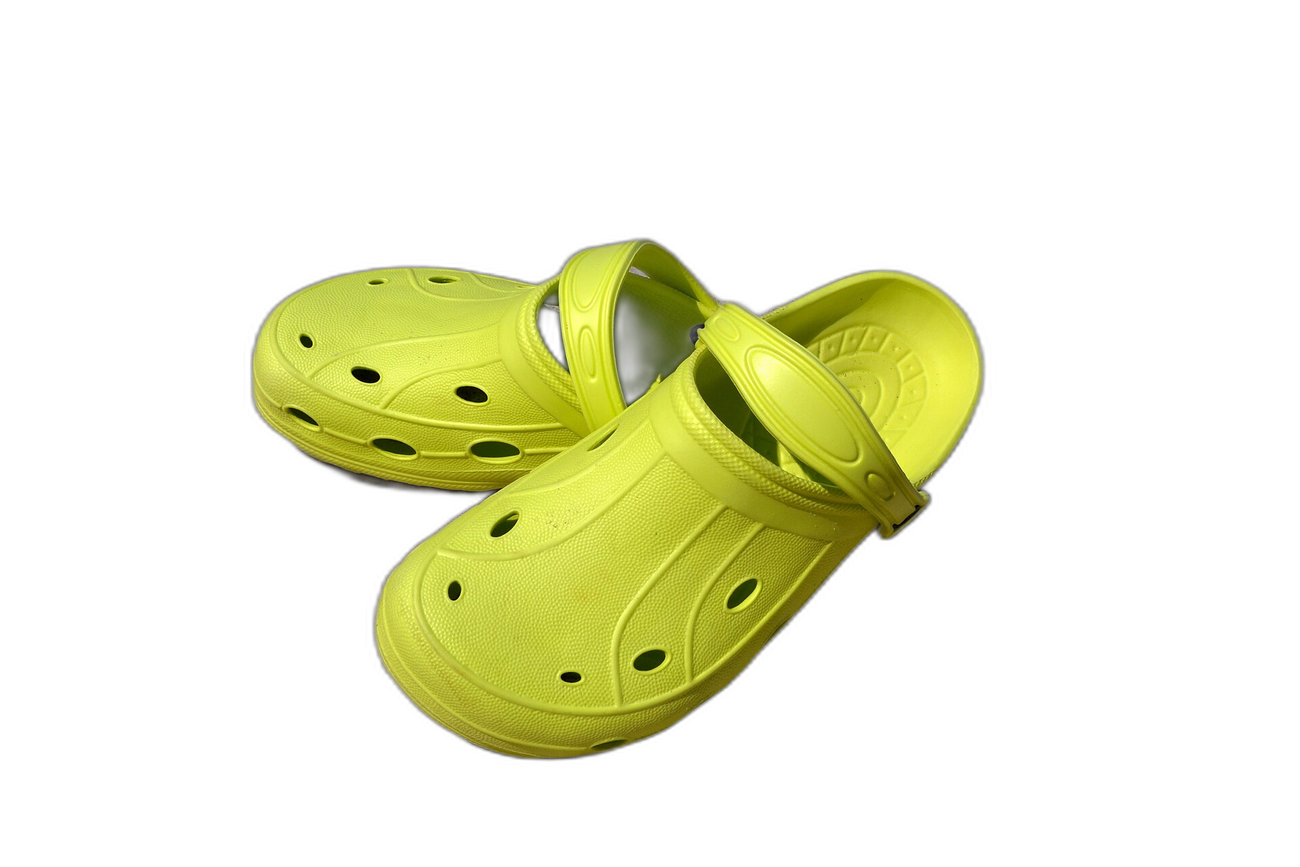
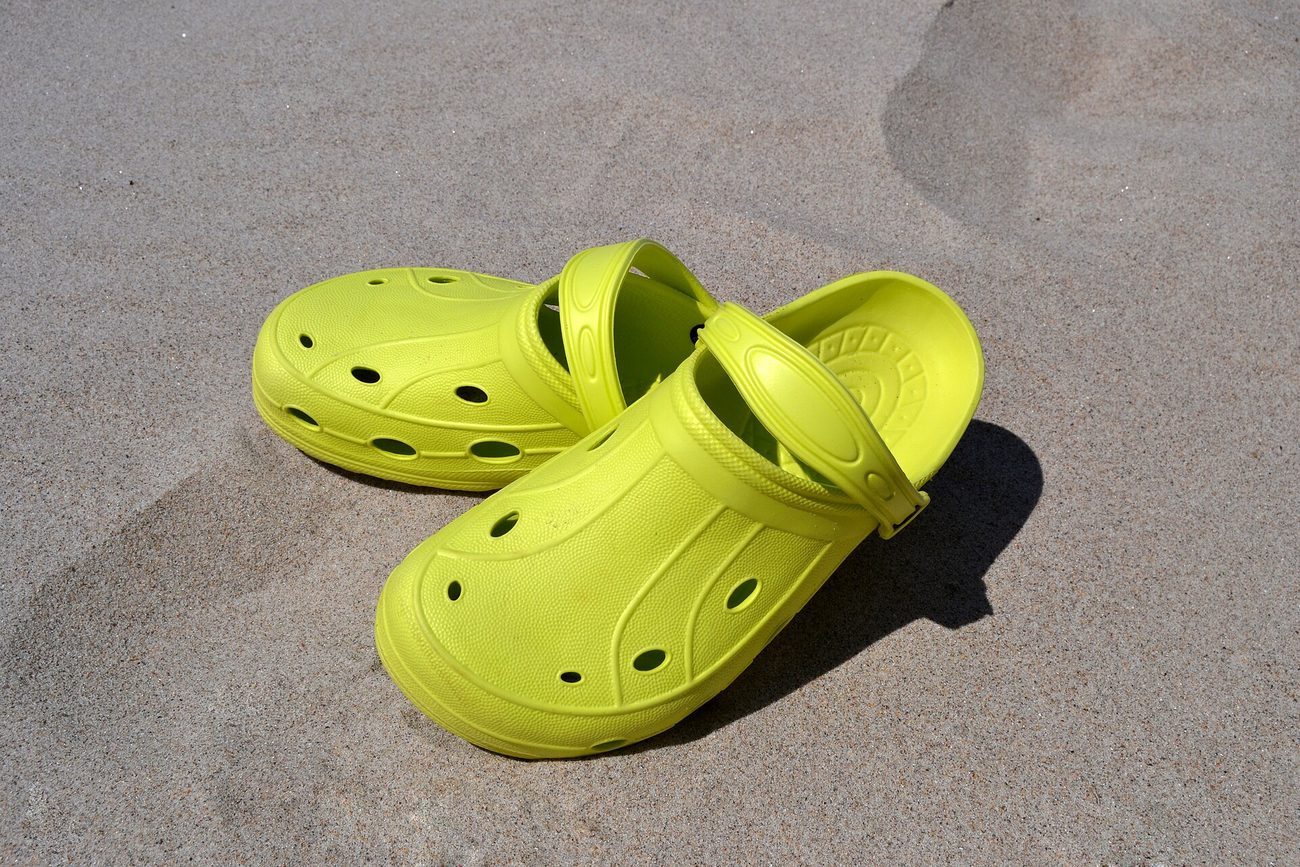
Pre-baked example — this page makes no AI call on load.
Why use it
Match AliExpress’s recommended clean white main-image background
Keep transparent PNGs to reuse across variations, detail, and SKU photos
Build a uniform gallery so your storefront reads as professional
Cut your whole catalogue free at full resolution — no watermark, no credits
Tips for the cleanest result
Use a contrasting surface when shooting so the AI cutout is clean
Set the main image to white (#ffffff); keep secondary shots transparent or lifestyle
Add a subtle drop shadow so the product sits naturally on the white field
Resize each cutout to AliExpress’s published minimum image size for zoom
Ready to swap the background?
Upload your image, let the AI cut out the subject, then pick your background and download the full-resolution result. Free, unlimited, no signup, no watermark.
Open Background RemoverFrequently Asked Questions
Does AliExpress need a white background?
How do I make an AliExpress main image white?
Can I reuse one cutout for variations?
Is the AliExpress background remover free?
Related guides
Merge Product Photos for E-commerce: Boost Sales with Better Images
Learn how to combine multiple product photos into compelling images that increase conversions on Amazon, Etsy, Shopify, and more.
Read articleProduct Photography Background Ideas for Better E-commerce Sales
Explore 10 product photography background ideas — white seamless, lifestyle scenes, textured surfaces, and more — plus how to digitally swap backgrounds for any platform.
Read articleExplore background remover
Every background type, marketplace, and use case. All free, full-resolution, no login.
Marketplace presets (spec applied)
Background colors & types
By marketplace
For your work
Want a different edit? The full background remover cuts out any subject and lets you pick any background. To erase just one object instead of the whole background, use the object remover, and to enlarge the cleaned image try the image upscaler.
Clean Up AliExpress Product Photo Backgrounds — free
No signup, no credits, no watermark. Cut out the subject, pick your background, and download the full-resolution result.
Open Background Remover