
Summarise this article with:
Etsy gives every listing 20 photo slots and 2 video slots, so a merged composite earns its place in slots 2 through 20 and almost never in slot 1. Etsy's own help pages say a main image that is part of a photo collage can push your listing lower in search results. Upload at least 2000 pixels wide.
I rebuilt the photo set for a friend's ceramics shop last spring and got this backwards. I led with a tidy four-up grid because it looked organised in the listing editor, then watched it shrink into an unreadable postage stamp in search. The grid was a good third image and a bad first one.
Etsy Image Requirements
The numbers below come from Etsy's own image requirements page and its listing-creation help, checked in July 2026. Specs move, so re-check them before you rebuild a whole shop.
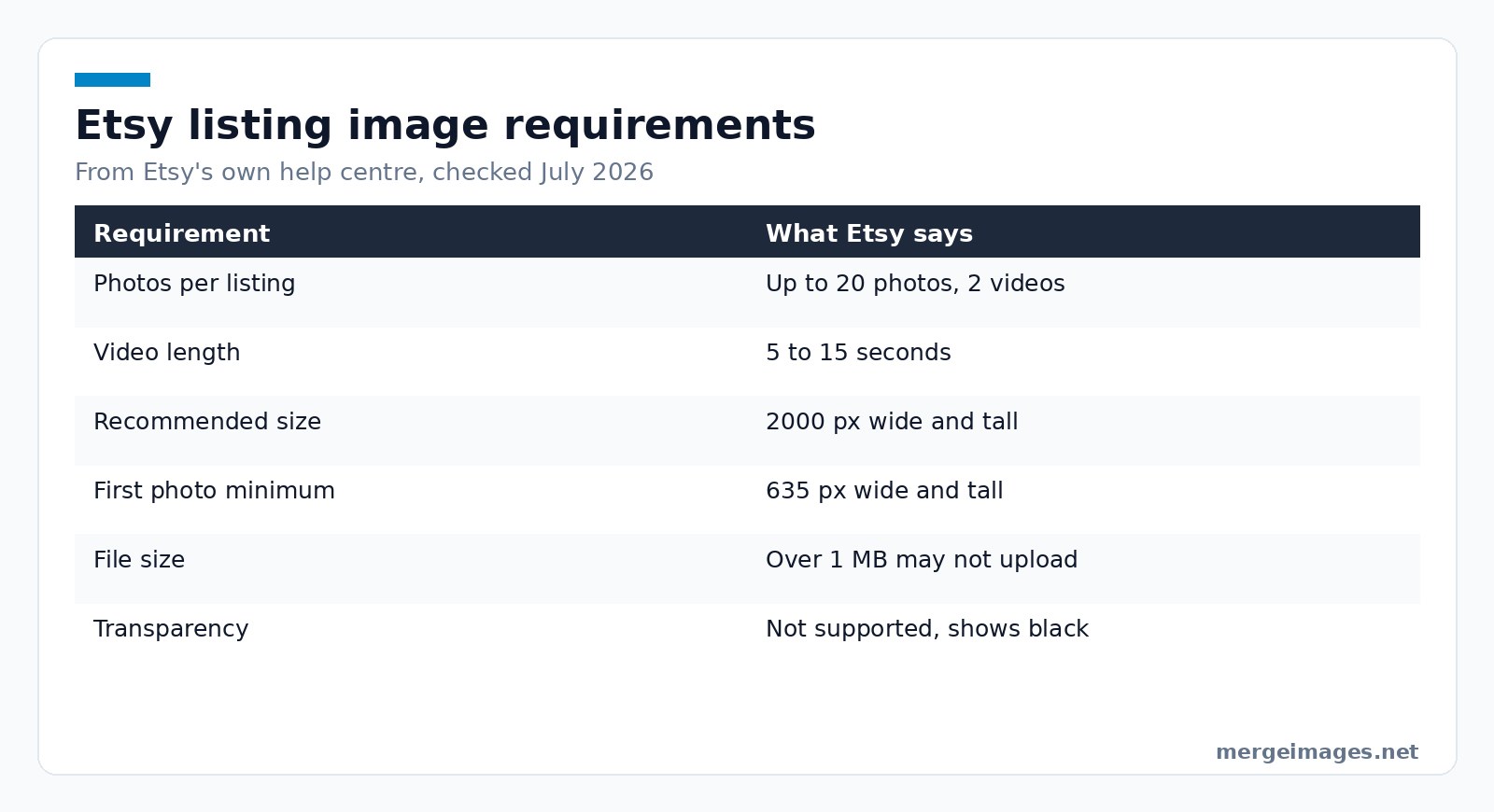
| Requirement | What Etsy says |
|---|---|
| Photos per listing | Up to 20 photos and 2 videos |
| Video length | 5 to 15 seconds |
| Recommended photo size | At least 2000 px wide and tall |
| First photo minimum | 635 px wide and tall |
| File size | Over 1 MB may not finish uploading |
| File types | .jpg, .gif, .png, .svg, .heic |
Three details in that list catch sellers out. Transparent PNGs are not supported, and Etsy renders the transparent area black, so a cutout has to be flattened onto a solid background before it goes up. Etsy converts everything to sRGB, so a file saved in CMYK or Adobe RGB shifts colour on the page. And Etsy compresses what you upload, which is why a merged image carrying fine text or thin dividing rules can look softer live than it did on your desktop.
Etsy also asks that the first photo be horizontal or square, because the thumbnail gets cropped into square, portrait and landscape versions in different places on the site. Leave a margin around the product so none of those three crops bites into it.
Where Merged Product Photos Help on Etsy Listings
A merged image earns a slot when one frame answers a question faster than two would:
- Several angles at once, so a shopper sees front, back and clasp without paging through the gallery
- Scale, with the product beside a hand, a coin or a ruler
- Colour or size variants in a single row, so nobody has to guess how many options exist
- A styled shot next to a plain one, giving both the mood and the honest look of the thing
What a merge cannot do is make a weak photo strong. Two shots with mismatched white balance placed side by side make the mismatch louder, not quieter. Fix the exposure first, then combine.
When Etsy's Gallery Beats a Merged Image
This is the part most guides skip, so here it is plainly. Etsy's help centre says a main image that is too dark, blurry, or part of a photo collage may result in your listing appearing lower in Etsy search results. The 20-slot gallery is not an obstacle you are working around. It is the feature, and Etsy is telling you it would rather you used it.
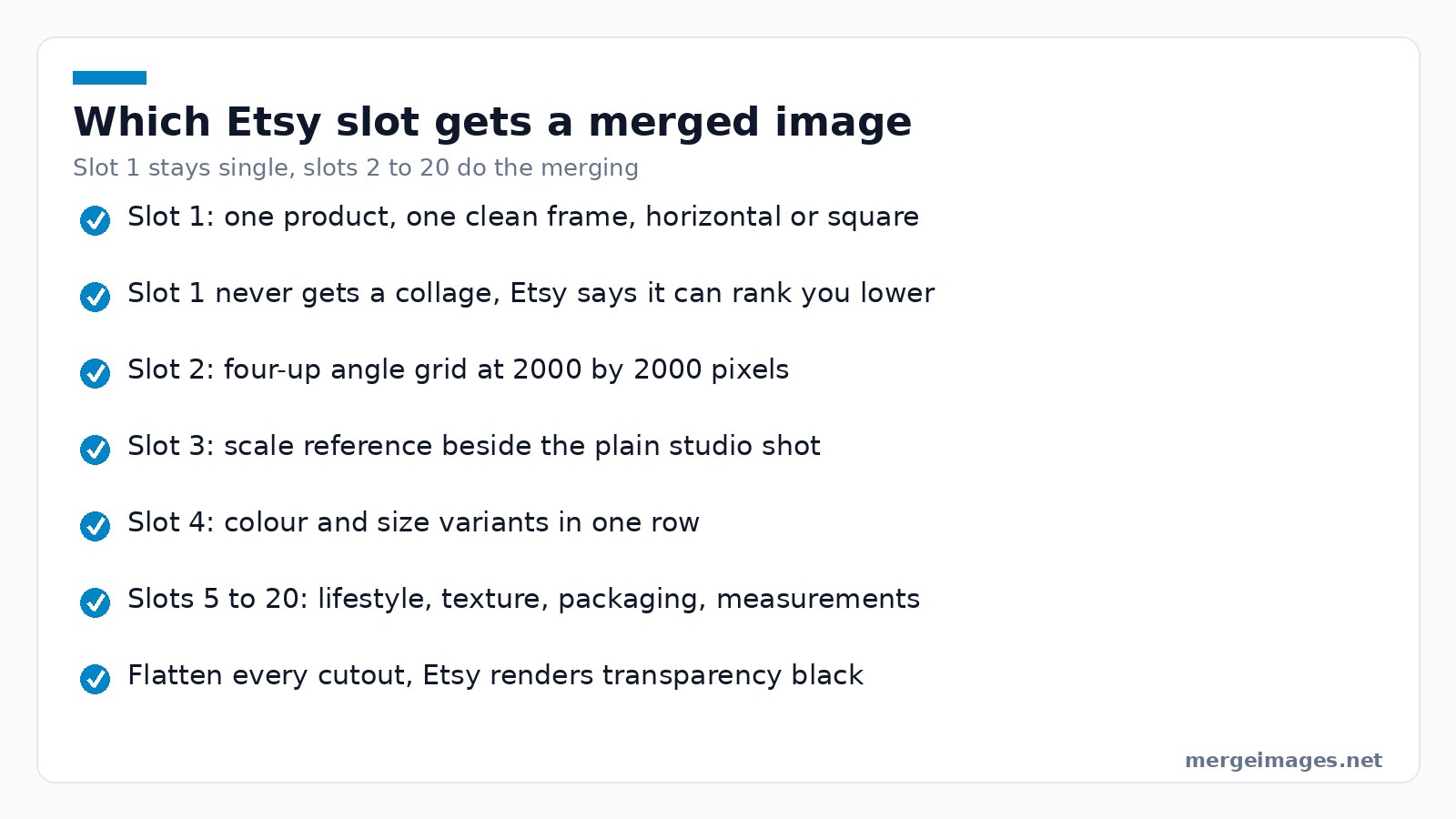
The rule I follow now: slot 1 is one product in one clean frame, filling most of the image, cropped so it survives a square thumbnail. Slots 2 onward are where merging pays, in angle grids, variant rows, scale references and size charts.
Merging also loses on any listing a buyer will pinch and zoom. A four-up grid exported at 2000 by 2000 pixels gives each panel about 1000 by 1000 pixels, so someone inspecting stitching gets a quarter of the detail four full-size photos would have given them. For jewellery, fabric and anything sold on texture, spend the slots.
Creating Your Listing Images
Image 1: the hero shot
One product, neutral background, sharp, filling most of the frame. Clean up a patchy DIY backdrop with the background remover, then flatten the result onto white before export so Etsy does not render the transparency black.
Image 2: the multi-angle merge
Shoot front, back, side and a detail with the camera in the same place each time. Build a two by two grid from the four shots in the photo collage maker and export at 2000 by 2000 pixels or larger. This is the single most useful merged image most shops can add.
Image 3: scale reference
Put the product next to something everyone owns, then use the horizontal merge to sit that frame beside the plain studio shot. For earrings, rings and small prints this removes the most common reason for a return.
Image 4: colour and size variants
Photograph each variant with identical lighting and camera position, then arrange them in one row. Trim them to matching dimensions with the image cropper first, or the row will look ragged.
Images 5 to 20
A lifestyle frame merged with a plain one, close-up texture, packaging, a measurements panel, process shots for handmade work, and customer photos where you have permission to use them.
Layouts That Work Best on Etsy
Side by side, via the horizontal merge, suits before and after work and a detail beside the full product. Top to bottom, via the vertical merge, suits size ladders and step sequences, though remember Etsy prefers a landscape or square first image. Grids, via the photo collage maker, suit angle sets and variant displays.
Whatever you pick, keep the gutter consistent. A 20 pixel gutter on a 2000 pixel canvas reads as deliberate. A different gap between every panel reads as an accident.
Photography Tips for Etsy Products
Natural window light on an overcast day is the cheapest good light there is, and a sheet of white card opposite the window fills the shadow side for nothing. Avoid mixing daylight with a warm bulb, because the colour cast lands differently on each shot and no merge hides it.
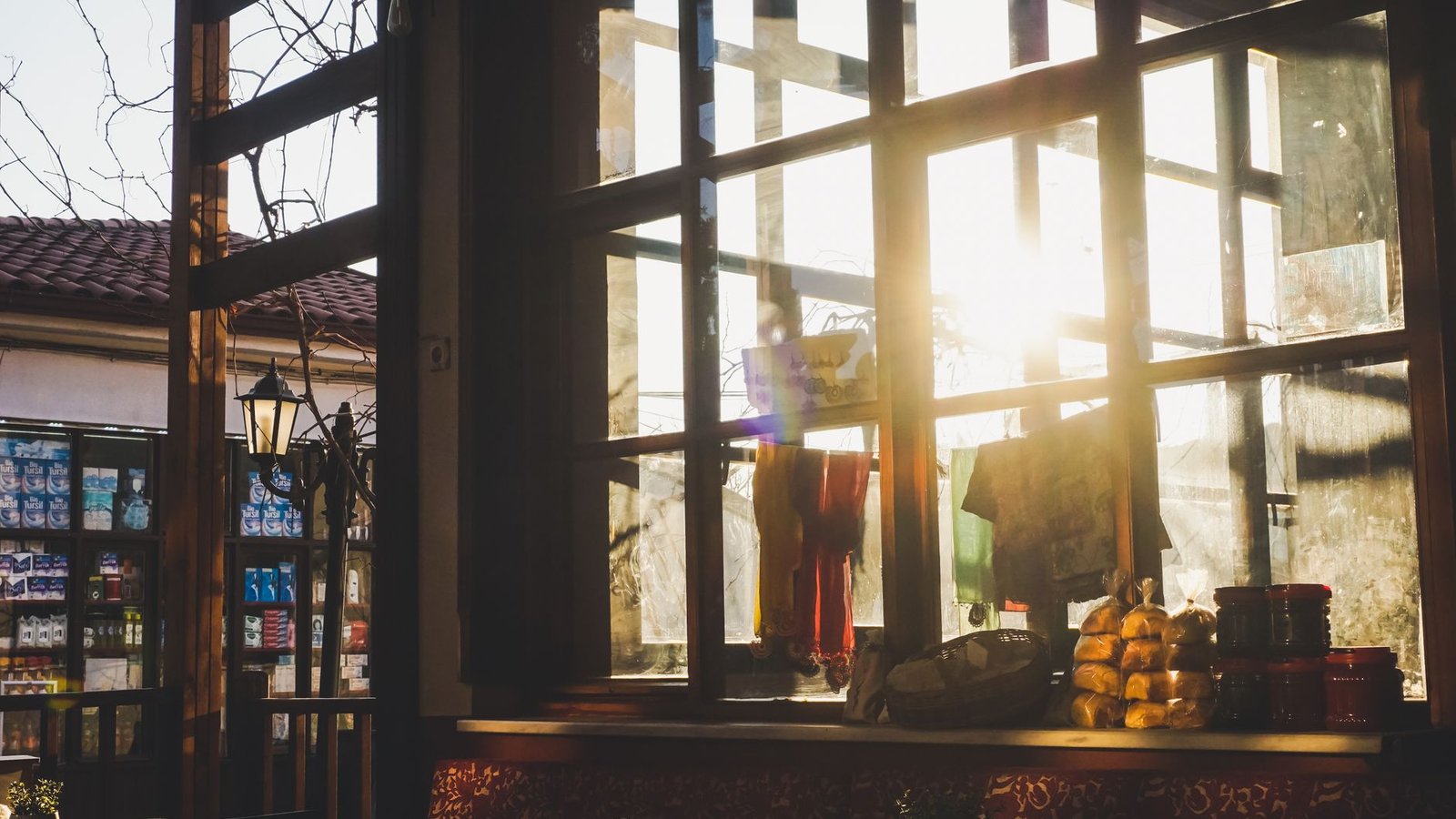
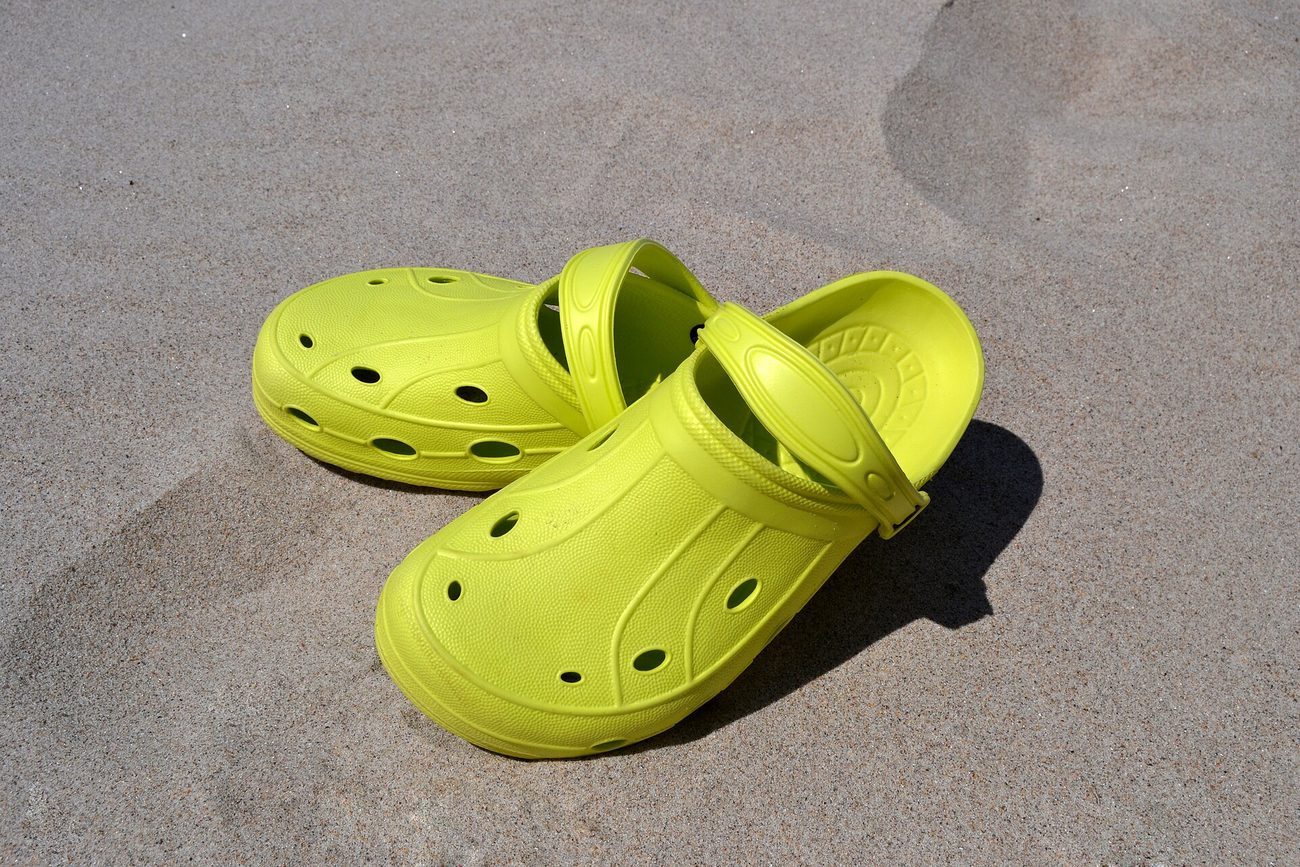
Photo: Bluemorphotos Experimental via Pexels
Shoot the whole listing in one session so exposure matches across all 20 slots, and shoot wider than you think you need. Etsy advises the same thing, and the extra margin is what lets you crop later without losing the product.
Common Mistakes Etsy Sellers Make with Photos
- A collage in slot 1, which Etsy explicitly warns can cost you search position
- Uploading a transparent PNG and getting a black background
- Files over 1 MB that stall on a slow connection
- No scale reference anywhere in the listing
- Heavy filters that misrepresent colour, which turns into returns
- Leaving slots empty when you have 20 of them
The 2400 by 2400 pixel version of that ceramics grid came out at 1.9 MB, well over Etsy's 1 MB warning line, so I ran it through the image compressor and landed at 610 KB with no difference I could see at 100 percent zoom.
Optimizing for Etsy Search
Etsy states that a dark, blurry or collaged main image may push a listing down in results, which makes image quality one of the few ranking inputs you control completely. Fill the slots, keep the first frame clean, and name files descriptively before upload.
Etsy also gives every listing image its own alt text field, capped at 250 characters and separate from your description. Etsy may add alt text automatically for US sellers, and anything you wrote yourself is left alone. Describe the object, its texture and its scale rather than repeating keywords.
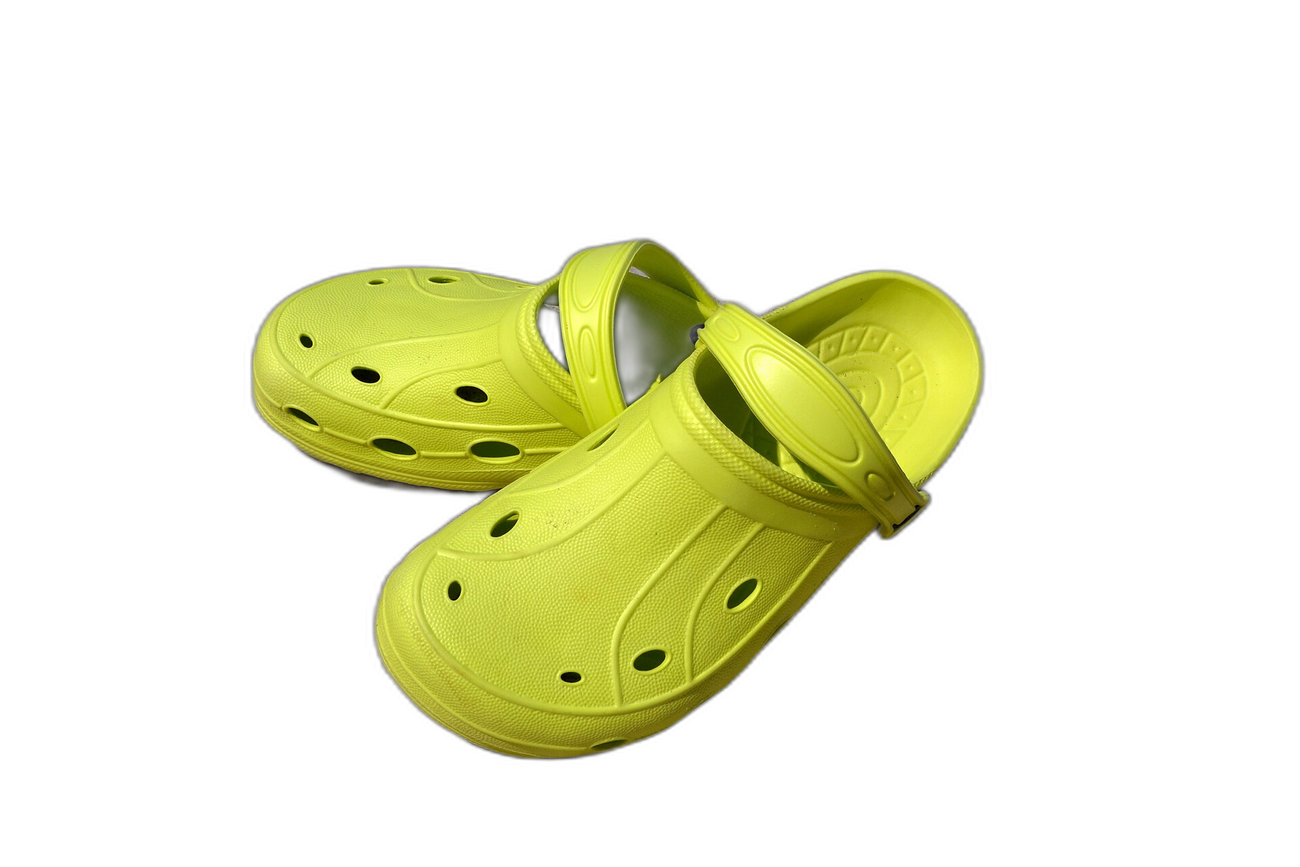
Try it hereOriginalBackground removedDrag the handle. This is the exact cutout you get, full resolution, no login.
Open the background remover
Frequently Asked Questions
How many photos can an Etsy listing have?
Etsy's listing help says you can add up to 20 photos and 2 videos of 5 to 15 seconds to each listing. Older guides still quote 10, which is out of date. Twenty slots is enough that you rarely need to compress several views into one merged image, so treat merging as a way to answer a question faster rather than a way to save space.
Should my first Etsy photo be a collage?
No. Etsy's help centre says a main image that is too dark, blurry, or part of a photo collage may result in the listing appearing lower in search results. Use one clear product shot in slot 1, horizontal or square, with margin around the product so the square, portrait and landscape thumbnail crops all work. Put your merged grid in slot 2 or 3.
Why does my transparent PNG look black on Etsy?
Etsy does not support transparency. Any transparent area of a PNG is rendered black on the site. After you cut a product out, flatten the image onto a solid background colour, usually white, and export it as a JPEG or a fully opaque PNG. This catches out a lot of sellers who use a background remover and upload the cutout straight from the download folder.
What size should Etsy listing photos be?
Etsy recommends a width and height of at least 2000 pixels, and says the first listing photo should be at least 635 pixels wide and tall or it may show up lower in search. Keep the file under 1 MB, because Etsy warns that larger files may not finish uploading on a slow connection. Save in sRGB, since Etsy converts to it anyway.
Do Etsy listing images need alt text?
Yes, and it lives in its own field on each image rather than in your description. Etsy caps it at 250 characters and suggests describing the item's look, texture and scale in relation to other things in the shot. Etsy may generate alt text automatically for US sellers, but anything you have written yourself is left alone, so write it yourself.
What I Would Do With Twenty Slots
One honest hero, a four-up angle grid, a scale shot, then variants, and keep going until the gallery answers every question a shopper would otherwise message you about. The background remover, and the optional Remove background button in the collage maker, send that image to our servers and to the AI provider that runs the model. We keep no copy, and it is never sold or used to train models. The image cropper and image resizer work differently again, staying entirely inside your browser.

Bello builds useful software and writes thoughtful content to make sense of it all. He tests the tools himself and checks the facts before any of it goes in a guide.
Prueba Nuestras Herramientas de Imagen Gratuitas
¿Listo para Probarlo?
Pon estos consejos en práctica con nuestro editor de imágenes online gratuito. Sin registro.
Clean up your images, free


