Free, full-resolution, no watermark, no login, unlimited
Add a Halloween Background to Any Photo
Turn any photo into a spooky Halloween scene. The AI removes the original background, then you drop your subject onto your own eerie backdrop — a moonlit sky, fog, pumpkins — or a moody solid colour like black or deep purple. Free, full-resolution, no watermark, no login. Great for costume photos, pet pics, and Halloween social posts.
MergeImages has no preset scene library. It removes the background and lets you set a solid colour or upload your own image — so for a themed look like the sample, remove the original first, then upload a spooky backdrop. The cutout stays full-resolution.
See the difference
Drag the slider to compare. This is an illustrative sample — run the tool on your own image for a real result.
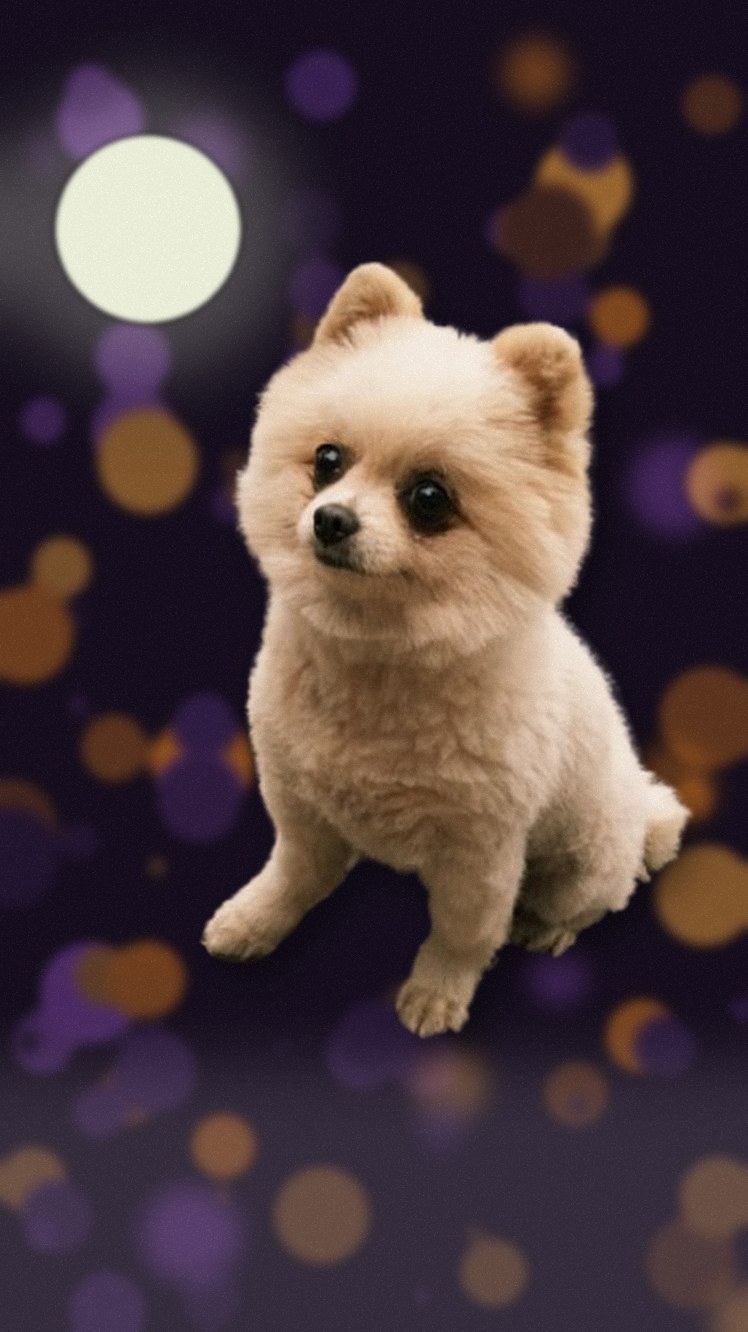
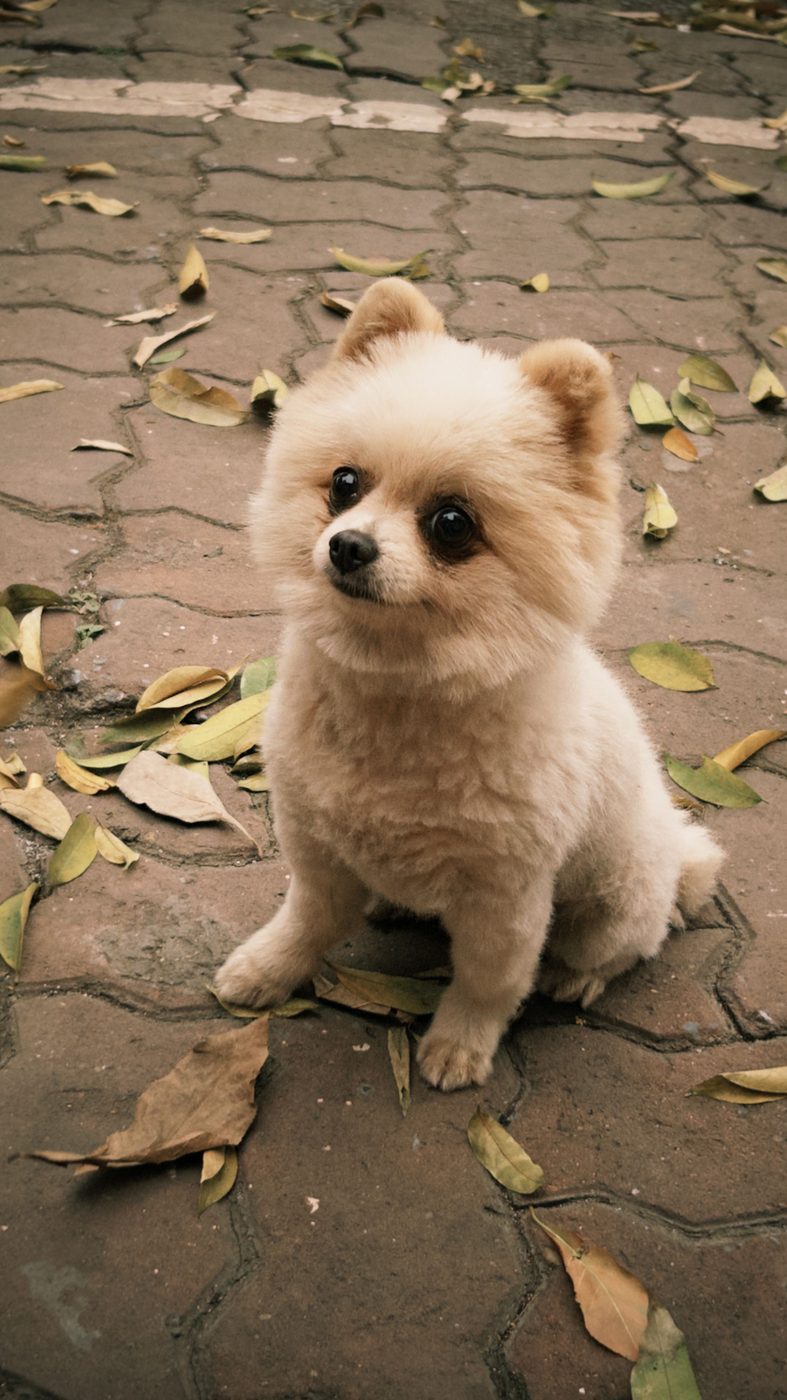
Pre-baked example — this page makes no AI call on load.
Why use it
Drop costume, pet, or portrait shots onto a spooky scene in minutes
Use your own Halloween backdrop (moon, fog, pumpkins) for full control
Pick a moody solid colour like black or deep purple when you want it simple
Full-resolution result with no watermark, no account, and no credits
Tips for the cleanest result
Remove the background first, then upload your own spooky image (moonlit sky, fog, graveyard) as the new background
For a quick moody look, set a solid colour like #0B0B1A black-purple instead of a photo
Darker backdrops hide soft edges well — Halloween scenes are forgiving for tricky hair or fur
Use the erase/restore brush to refine any stray edges before downloading
Ready to swap the background?
Upload your image, let the AI cut out the subject, then pick your background and download the full-resolution result. Free, unlimited, no signup, no watermark.
Open Background RemoverFrequently Asked Questions
How do I add a Halloween background to a photo for free?
Does MergeImages include Halloween background scenes?
Is this good for costume or pet Halloween photos?
Why do dark Halloween backgrounds look so clean?
Explore background remover
Every background type, marketplace, and use case. All free, full-resolution, no login.
Marketplace presets (spec applied)
Background colors & types
By marketplace
For your work
Want a different edit? The full background remover cuts out any subject and lets you pick any background. To erase just one object instead of the whole background, use the object remover, and to enlarge the cleaned image try the image upscaler.
Add a Halloween Background to Any Photo — free
No signup, no credits, no watermark. Cut out the subject, pick your background, and download the full-resolution result.
Open Background Remover