Free, in your browser, no watermark, no login
Enhance Photos for Social Media
Give flat phone photos a quick lift before they hit Instagram, TikTok, or your story. One click auto-balances contrast, brightness, and crispness so posts pop in the feed — free, in your browser, no watermark, no login.
Open Photo EnhancerSee the difference
Drag the slider to compare. This is an illustrative sample — run the tool on your own image for a real result.
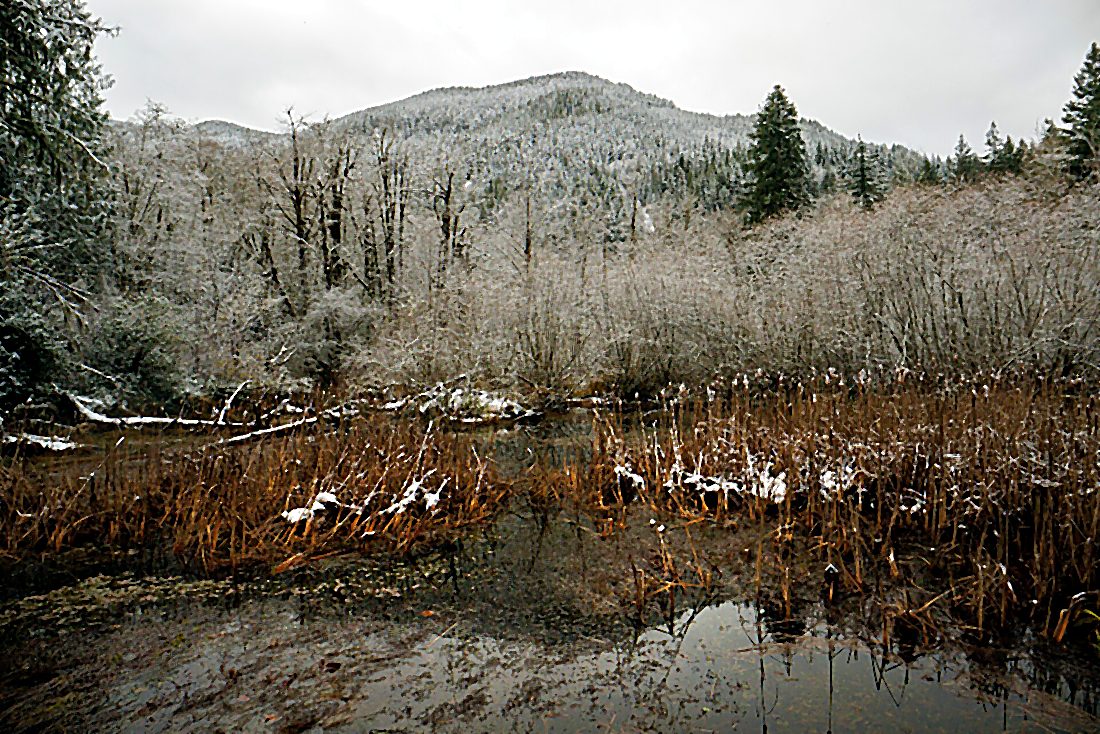
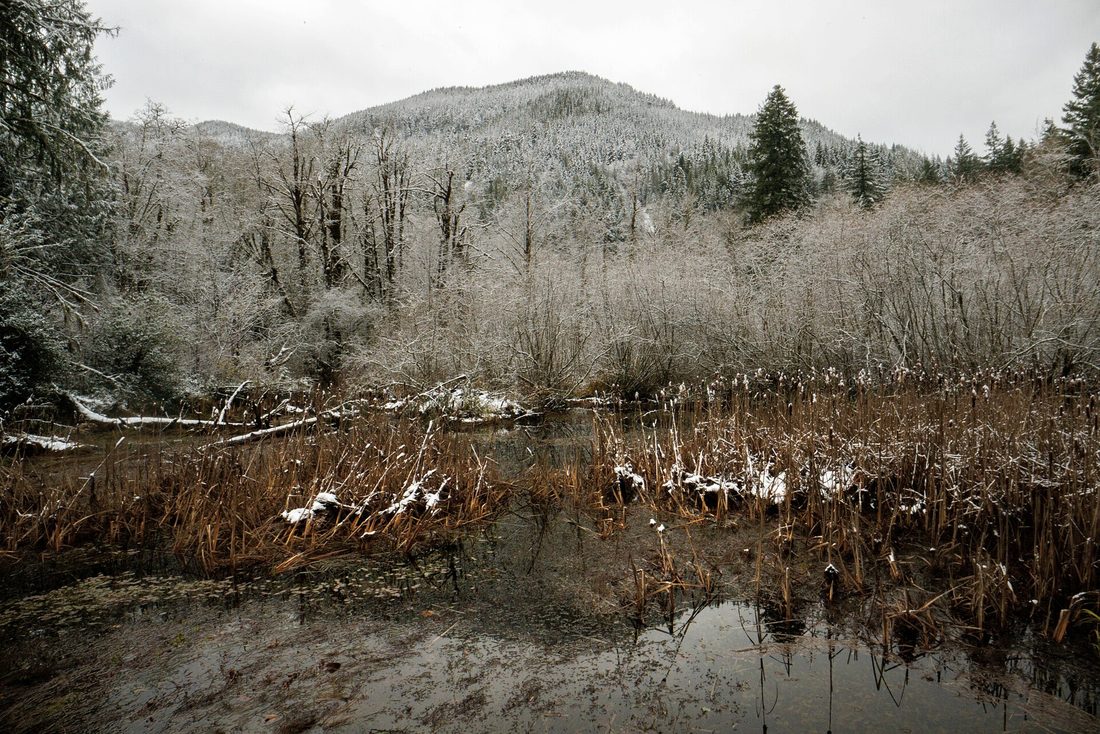
Pre-baked example — this page makes no AI call on load.
Why enhance social media photos
Auto-balance dull contrast and brightness so posts stand out in the feed
Give a batch of phone photos a consistent, polished look in one click each
Skip manual sliders when you just need a quick, clean lift before posting
Enhance in the browser with no install, no watermark, and full resolution
Tips for the best result
Enhance before cropping to your platform’s aspect ratio so nothing important is cut
Start with the one-click enhance, then fine-tune brightness or saturation if needed
Keep it subtle for a natural feed — over-processed photos read as fake
Export at full resolution; platforms re-compress, so give them clean pixels to start
Ready to enhance your social media photos?
Upload your photo, click Enhance, and download the full-resolution result. Free, private, no signup.
Open Photo EnhancerFrequently Asked Questions
Does the enhancer use AI to change my photo?
Will enhanced photos look over-processed?
Is the photo enhancer free for social media?
Related guides
One-Size-Fits-All: Best Social Media Image Size for Every Platform
Learn the single optimal image dimension for each major social network in 2026, why it works, and how MergeImages’ free tools make resizing and cropping a.
Read articlePhoto Editing Workflow for Beginners: From Upload to Final Output
A step-by-step workflow for editing, enhancing, and exporting photos using free online tools — no software installation required.
Read articleBest Free Online Photo Editors in 2026: 10 Tools Compared
A hands-on comparison of the best free online photo editors in 2026. From quick edits to AI-powered enhancements, find the right tool for every task.
Read articleMore enhance use cases
Want finer control? Crisp up edges with the photo sharpener, smooth out grain with the photo denoiser, or enlarge a small image with the image upscaler.
Enhance Photos for Social Media — free
No signup, no credits, no watermark. Click Enhance and download the full-resolution result.
Open Photo Enhancer