
Summarise this article with:
A sharp dating app profile photo can boost your match rate by up to 80 %. Swipes are visual. Grab natural light, pick a clean background, and crop a square headshot to make an authentic impression that stops the thumb in seconds.
Visuals Beat Words Every Time
Pictures dictate first impressions. Studies prove 80 to 90 % of match decisions happen before anyone reads your bio. Users glance at a profile for mere seconds. The image dictates whether they stay or move on. One well crafted picture outweighs dozens of witty lines.
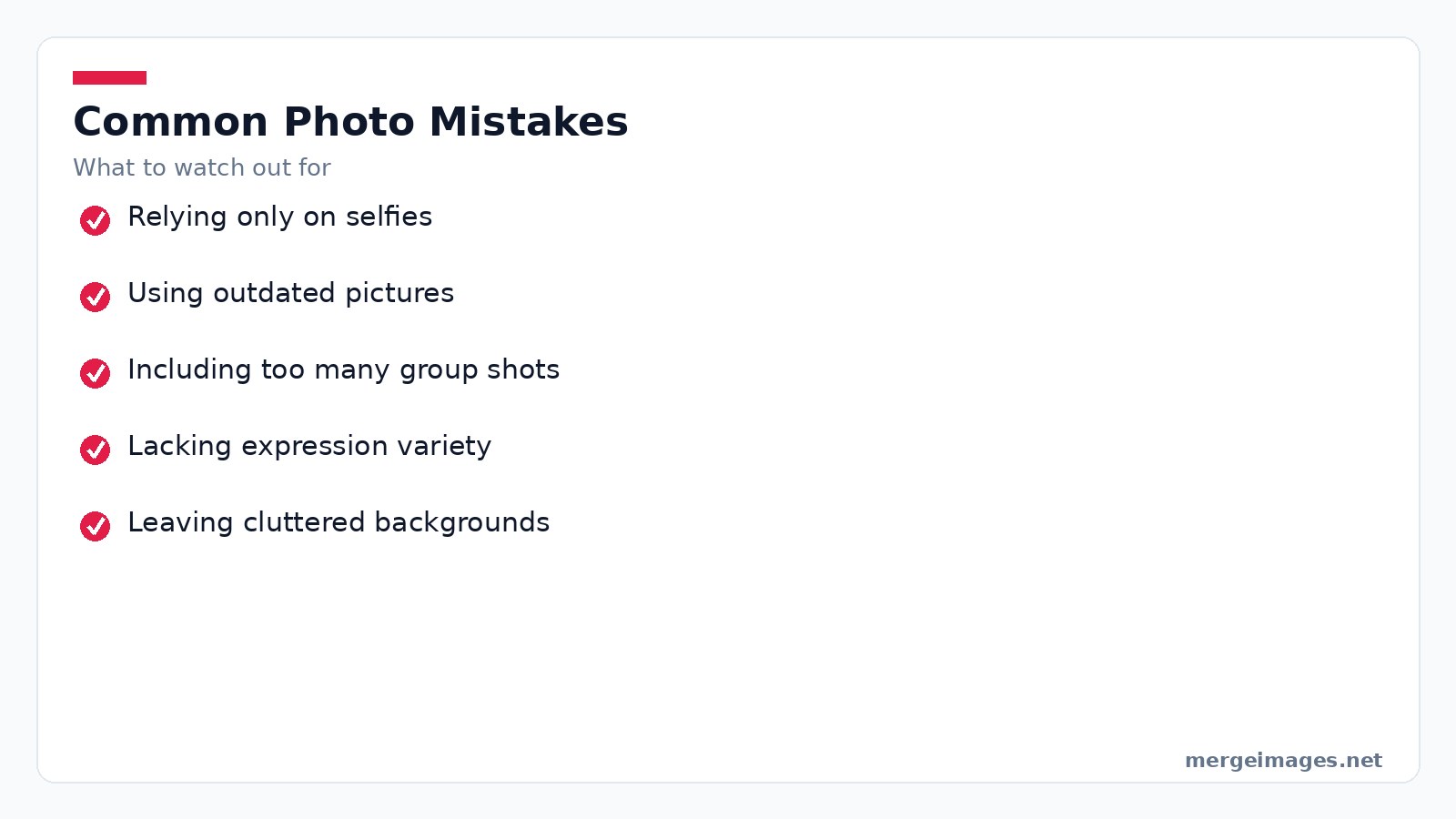
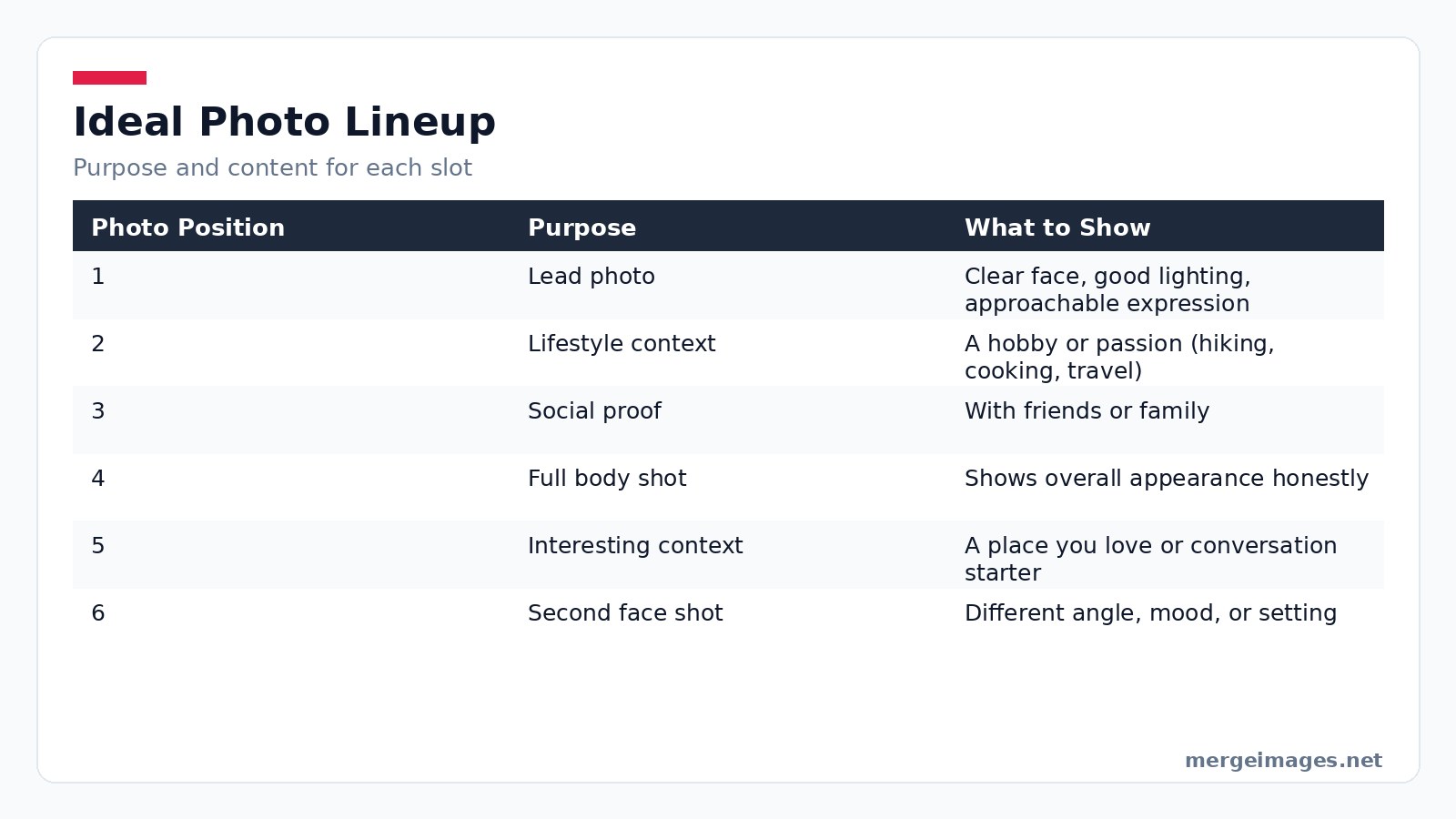
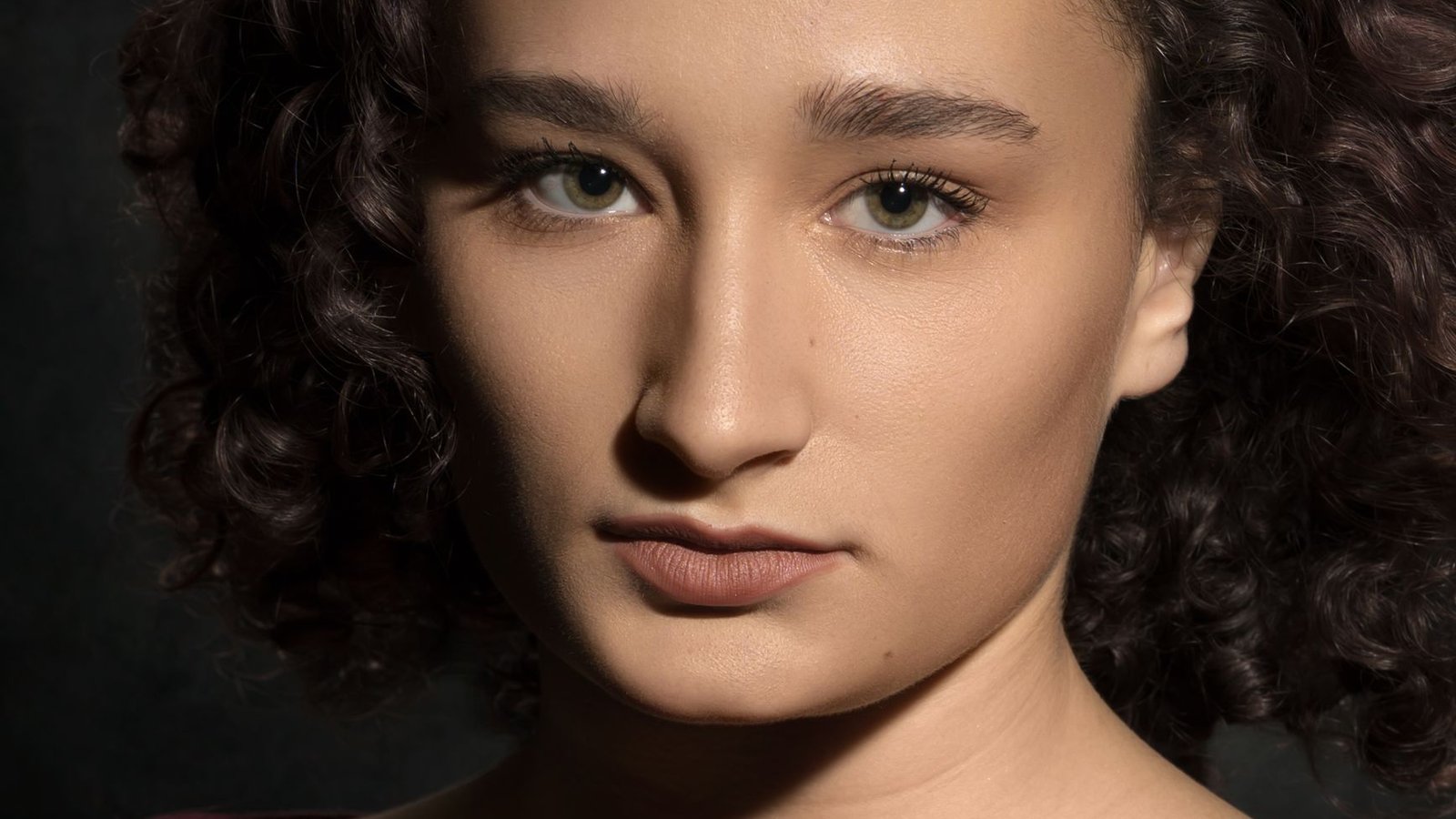
Photo: Eric QUINONES via Pexels
Lead Image Rules
Your lead image serves as the thumbnail in every card stack. It gets the most clicks so it must instantly convey who you are. Crop the picture at the chest or waist. Keep the face in clear focus. Let a genuine smile do the talking. Front facing natural light eliminates shadows and highlights facial features.
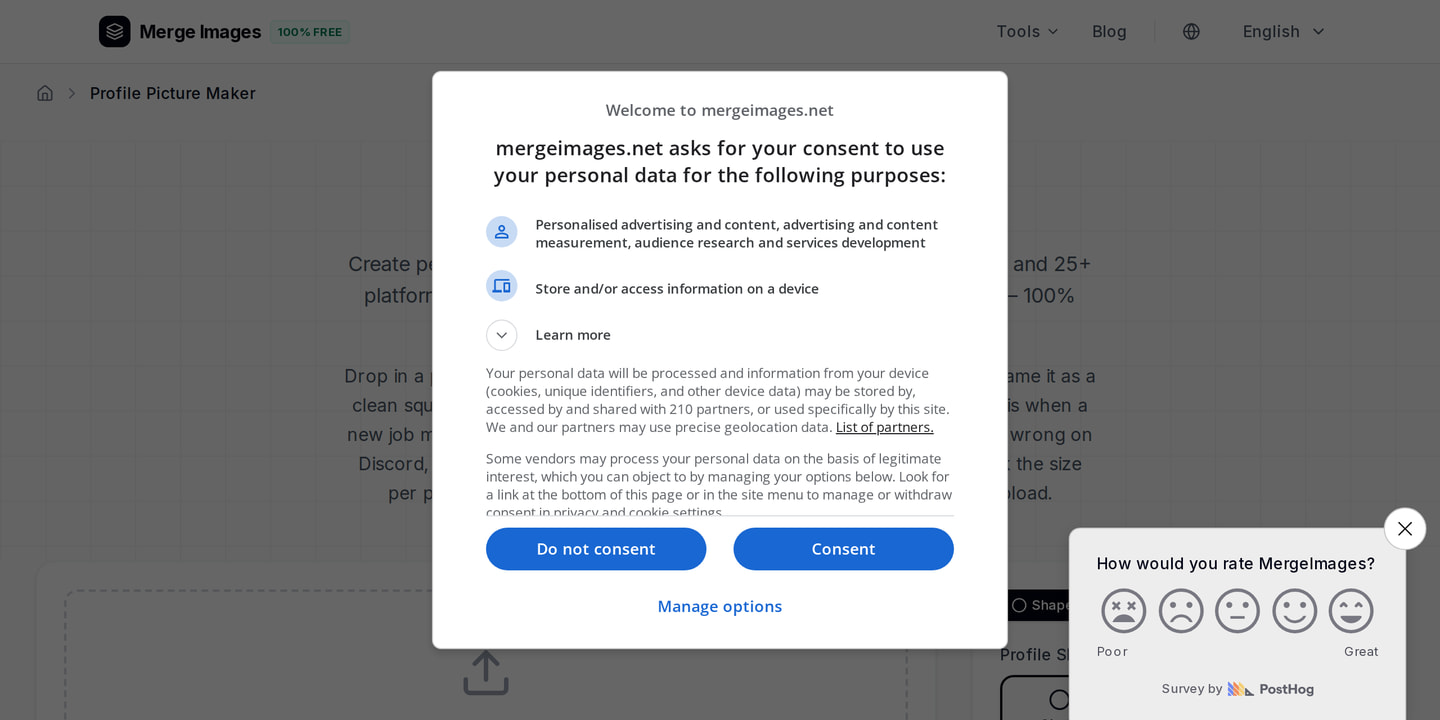
When I opened the Profile Picture Maker, I dropped my favorite shot, selected the square preset, and the tool instantly gave me a perfectly centered crop that matched Tinder’s thumbnail requirements. One click later the image was ready for upload.
Skip sunglasses that hide the eyes. Avoid group shots where you blend into the crowd. Drop heavy filters that mask your true appearance. Simplicity wins.
Building Your Photo Lineup
Most apps let you add six to nine images. Treat each slot as a chapter in a short visual story. The first picture introduces you. The next few reveal hobbies, social circles, and personality. The final frames round out the picture with variety.
A balanced lineup looks like this:
| Photo Position | Purpose | What to Show |
|---|---|---|
| 1 | Lead photo | Clear face, good lighting, approachable expression |
| 2 | Lifestyle context | A hobby or passion (hiking, cooking, travel) |
| 3 | Social proof | With friends or family |
| 4 | Full body shot | Shows your overall appearance honestly |
| 5 | Interesting context | A place you love or something that sparks conversation |
| 6 | Second face shot | A different angle, mood, or setting |
Variety tells a richer story than six identical selfies. Each image must add a new detail about who you are.
Lighting Drives Quality
Good lighting turns an average snap into a professional looking portrait. Natural window light is the easiest solution. Position yourself facing a window. The diffused glow flattens skin and eliminates harsh shadows. Overcast days act like a giant softbox while direct sunlight through a pane can create unwanted glare.
If you shoot outdoors aim for the golden hour. That is the hour after sunrise or before sunset. The warm tones add a subtle glow that flatters most skin tones. Avoid overhead fluorescent lights. They cast unflattering shadows under the eyes. Steer clear of flash because it freezes expressions.
Background Control
A cluttered backdrop competes for attention. Choose a setting that tells a story. A bookshelf works for a reader. Or stay neutral with a plain wall or a patch of greenery. When you have a great portrait but a messy background, the Background Remover can isolate you and let you replace the scenery with something tidy.
Keep the replacement realistic. An obviously edited backdrop feels jarring and breaks authenticity.
Quality and Editing
High resolution originals give the algorithm more data to work with. Dating apps compress uploads. Starting with a crisp file preserves detail after compression. Adjust brightness and contrast only enough to correct lighting flaws. Over editing looks artificial.
When I needed a specific dimension for a platform, I turned to the Image Resizer. I entered 1080 px for width and height, hit resize, and the tool instantly delivered a perfectly square image without any distortion. The process took seconds and required no signup.
Use the Profile Picture Maker for the final square crop. Resist the urge to smooth skin to plastic levels or apply heavy color filters. Subtle enhancements keep the photo true to life.
Platform Nuances
Tinder
Cards appear in a 9:16 format with the face occupying the top 60 % of the frame. The lead photo is displayed as a square thumbnail in the grid view. You can upload up to nine images.
Bumble
Bumble uses a similar card layout to Tinder. The app adds a verification badge for users who complete a photo check. This can increase match rates. The maximum photo count is six.
Hinge
Photos sit between text prompts. This gives each image more narrative space. Minimum three photos. Maximum six. The extra context means each picture can convey a specific facet of your life.
Across all three services, the Profile Picture Maker handles the necessary square cropping automatically. This saves you the hassle of manual resizing.
Mistakes to Dodge
Only using selfies limits the natural quality you get from a third party perspective. Ask a friend to take photos. Even a short 20 minute session in good window light produces dramatically better results than a bathroom selfie marathon.
Posting images that are several years old creates a trust gap when you meet in person. Keep your visual representation current.
Group photos are valuable for social proof. More than one can dilute focus. Stick to a single well composed group shot.
Lack of expression variety makes you appear one dimensional. Mix a warm smile with a thoughtful look and an action oriented shot.
Cluttered backgrounds pull the eye away from you. Use a clean wall or the background remover to tidy the scene.
Tips and Limits
The golden hour adds warmth but also creates long shadows on the face if the sun is low. If shadows appear, diffuse the light with a thin curtain or move a few steps back. Modern smartphones capture enough detail for all major apps. A dedicated DSLR is unnecessary unless you plan to print the photos elsewhere. Apps often reject files larger than 5 MB. Resize with the Image Resizer before uploading to avoid rejection errors. Over editing can raise suspicion when you meet. Limit smoothing to a maximum of 10 % of the skin area and avoid hue shifts that change your eye color. Some regions prefer more modest attire in photos. Adjust clothing choices accordingly to avoid mismatched expectations.
Frequently Asked Questions
Do I need a professional photographer for dating app photos?
No. Good lighting and a friend with a decent phone are enough. Focus on natural light and genuine expressions rather than expensive gear.
Should I use a selfie as my lead photo?
A well lit selfie can work. A photo taken by someone else at arm’s length usually looks more natural and avoids distortion.
Should I smile in my dating app photos?
Yes. Genuine smiles boost match rates. Balance them with a few serious or candid shots to show depth.
What image size should I upload to dating apps?
Upload the highest quality version you have. Use the Image Resizer to check dimensions and adjust if needed. Ensure the file meets the platform’s size limits.
How many photos should I have?
Fill the maximum slots the app allows. More photos give potential matches confidence and conversation starters. A single image often underperforms.
Conclusion
Great dating app photos hinge on three fundamentals. Solid lighting. Authentic expression. A varied lineup that tells a real story. Schedule a short photo session with natural light. Enlist a friend to capture different angles. Use the Profile Picture Maker to perfect the square crop. Clean up distracting scenery with the Background Remover. Resize any image to the platform’s specifications with the Image Resizer. Your pictures are the first handshake. Make them firm, friendly, and unmistakably you.

Bello builds useful software and writes thoughtful content to make sense of it all. He tests the tools himself and checks the facts before any of it goes in a guide.
Essayez Nos Outils d'Image Gratuits
Prêt à Essayer ?
Mettez ces conseils en pratique avec notre outil de fusion d'images en ligne gratuit. Sans inscription.
Make your social images, free


